
Announcement banner ideas
Ready-to-use ideas for your cart's announcement banner - shipping news, promotions, countdowns and scheduled messages.
Last updated
Not sure what to put in your cart's announcement banner? Here are ideas that work well, grouped by goal. Set them up under Cart designerAnnouncement banner, as described in Announcement banner and countdown.
Inform
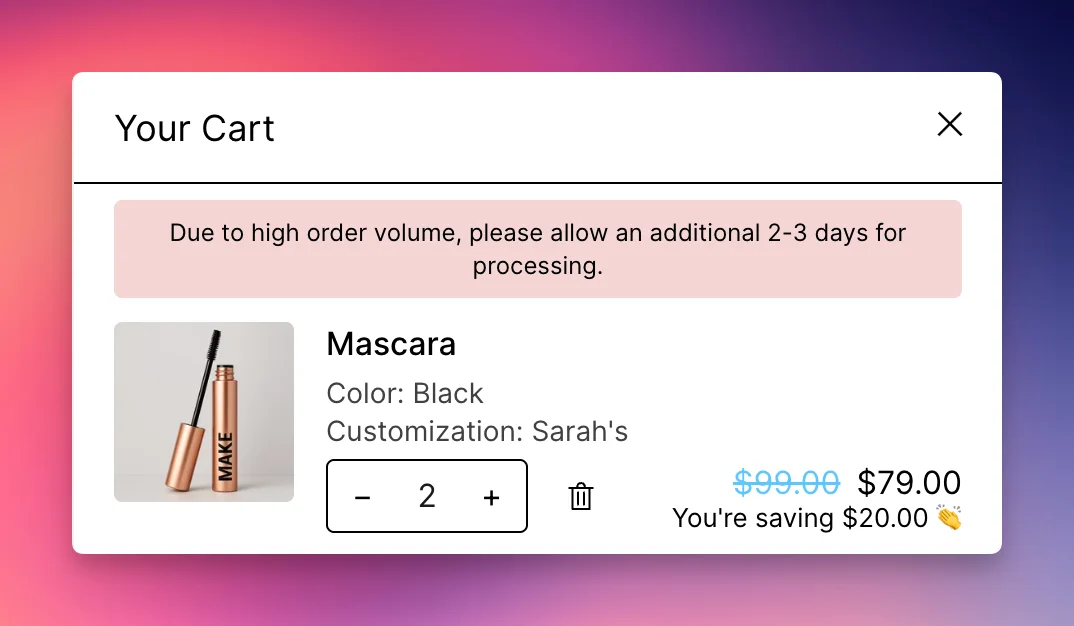
- Let customers know about shipping delays or changed delivery times.
- Give an update on a running sale or promotion.
- Announce holiday closing days and the last order date before the holidays.
Promote
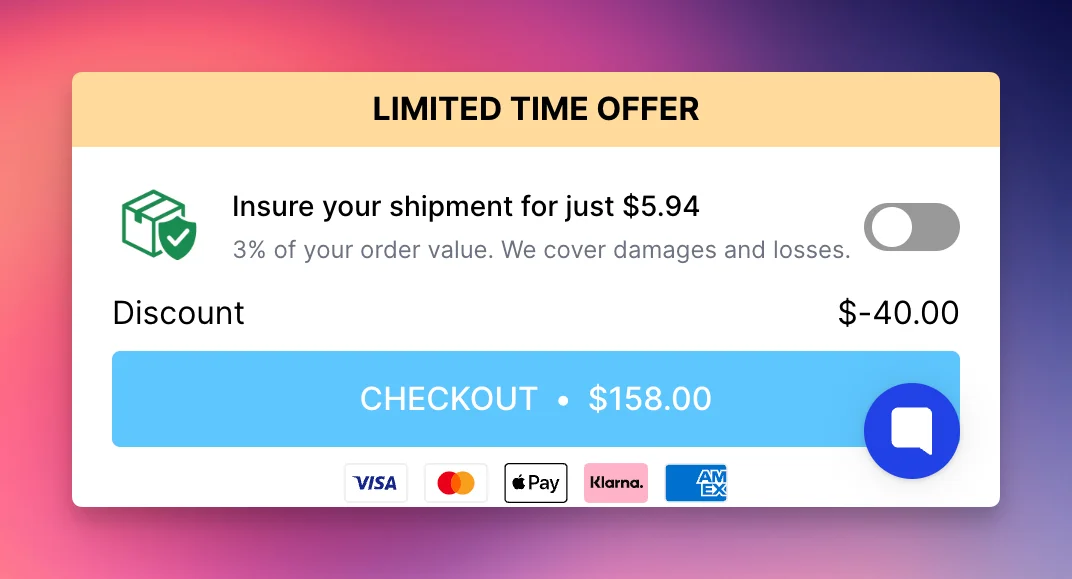
- Advertise a limited-time sale, discount or special offer. Shopify's automatic discounts apply without a code, so the banner can simply say what is on.
- Promote a new product launch or a popular product that is back in stock.
- Highlight seasonal or holiday promotions.
Create urgency
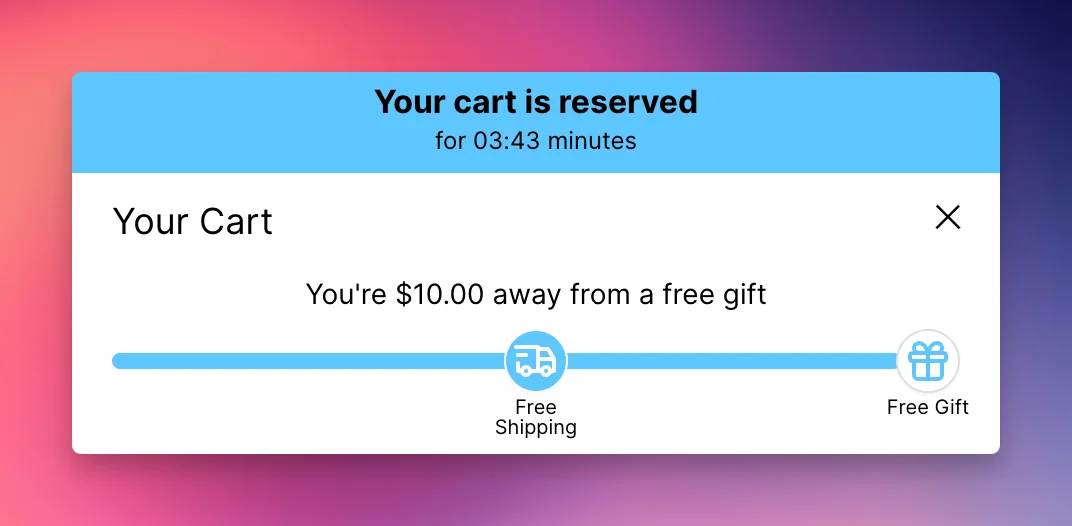
- Count down to the end of a flash sale: "Sale ends in
{countdown}". - Show how long the cart is reserved: "Your cart is reserved for
{countdown}minutes". Only use this if it is true for your store. - Remind customers that a deal expires soon.
Use formatting and scheduling
- Make the key words stand out with bold text or a different color. The banner texts support formatting.
- Show a shipping cut-off only on weekdays, for example "Order before 2 pm for same-day dispatch", with a schedule. Scheduling needs the Professional plan or higher.
- Run a different message per country with market-specific banners.
Still stuck?
Chat with us and we'll help you get your cart live. Or email contact@elitecart.app.