
Running Mixed DTC and B2B on One Shopify Store: A Cart Playbook
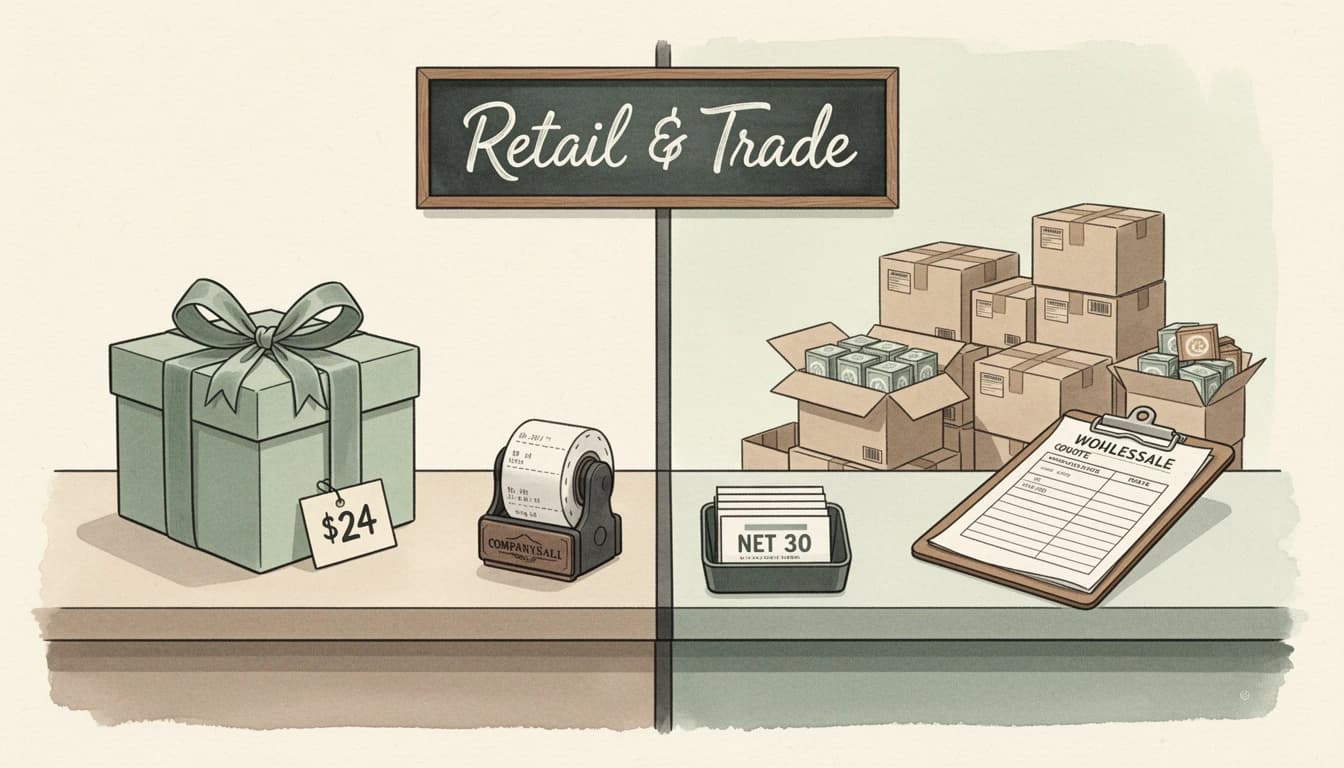
Most merchants who sell both direct-to-consumer and wholesale don't want two themes, two carts, and two reward systems. They want one storefront that recognizes who's shopping and adjusts. If you're running mixed DTC and B2B on one Shopify store, the cart drawer is where that experience either works or quietly bleeds margin.
Since Shopify rolled native B2B out to every paid plan in April 2026, the number of stores with company accounts has jumped sharply. With the global B2B ecommerce market projected at $36 trillion by 2026, a growing slice flows through merchants who also sell retail. This playbook covers the cart side - concrete configurations for one drawer that serves both audiences cleanly.
Where Shopify's Native B2B Stops
Shopify's native B2B features handle the pricing and account parts of wholesale:
- Catalogs assign different collections, prices, and availability to specific companies
- Price lists apply percentage or fixed adjustments per company or location
- Payment terms let buyers check out on net-30 or net-60 instead of paying upfront
- Company profiles group buyers under one account with role-based purchasing
What they don't handle is the cart's marketing layer. The free-shipping bar, gift-with-purchase offers, flash-sale messages, discount ladders, and announcement banners all load exactly the same for a wholesale buyer as for a guest. That mismatch is where double-discounts, oversized shipping subsidies, and gift-budget leaks come from. Native B2B sets the price; the cart still needs to know who it's talking to.
The One Signal Your Cart Needs

EliteCart reads Shopify's native B2B flag the moment a buyer signs in against a company account. In Cart Designer → Rewards, every V2 reward has a Conditions card with two relevant options:
- Customer is a B2B customer - matches buyers on a company account
- Customer is not a B2B customer - matches DTC customers and guests
That's the entire signal. No tag dictionary, no segment to document, no API call. The same condition is enforced in the storefront reward bar and at checkout, so a discount can't apply if the buyer doesn't match. The playbooks below all use this single signal as the audience switch - for the full set of signals available alongside it, see the complete guide to cart reward visibility conditions.
Playbook 1: Two Parallel Free-Shipping Bars
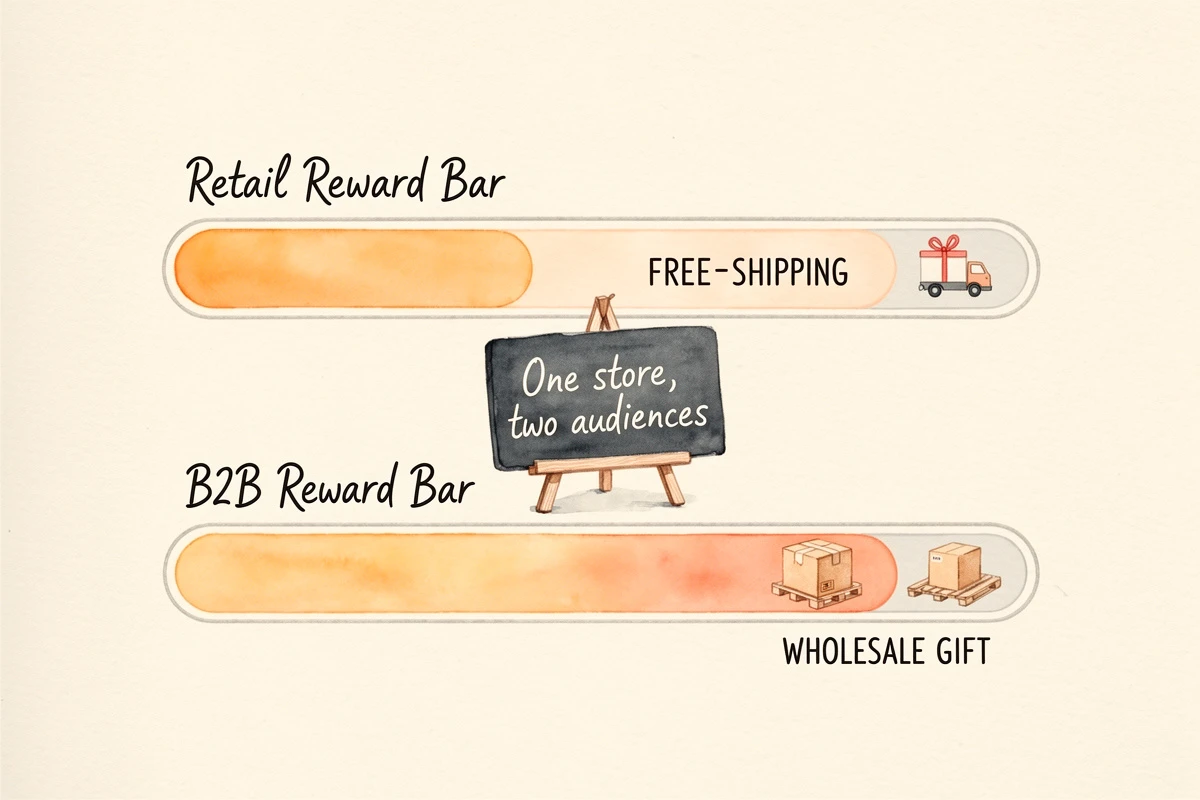
A $75 free-shipping threshold makes sense for DTC. A B2B order at $4,000 clears it without thinking, but pallet shipping costs far more than a retail box. Run two tiers in the same reward bar:
| Audience | Reward | Threshold | Condition |
|---|---|---|---|
| Retail / guest | Free shipping | $75 | Customer is not a B2B customer |
| Wholesale | Free shipping | $750 | Customer is a B2B customer |
Each buyer only sees their own tier, and you stop subsidizing pallet shipping with retail thresholds. See the free-shipping progress bar setup for the base configuration - the only difference is the per-reward condition on each tier. If wholesale customers in different countries should hit different thresholds, the country-specific free-shipping guide covers the market-aware version.
Playbook 2: Gift Offers That Respect Company Accounts
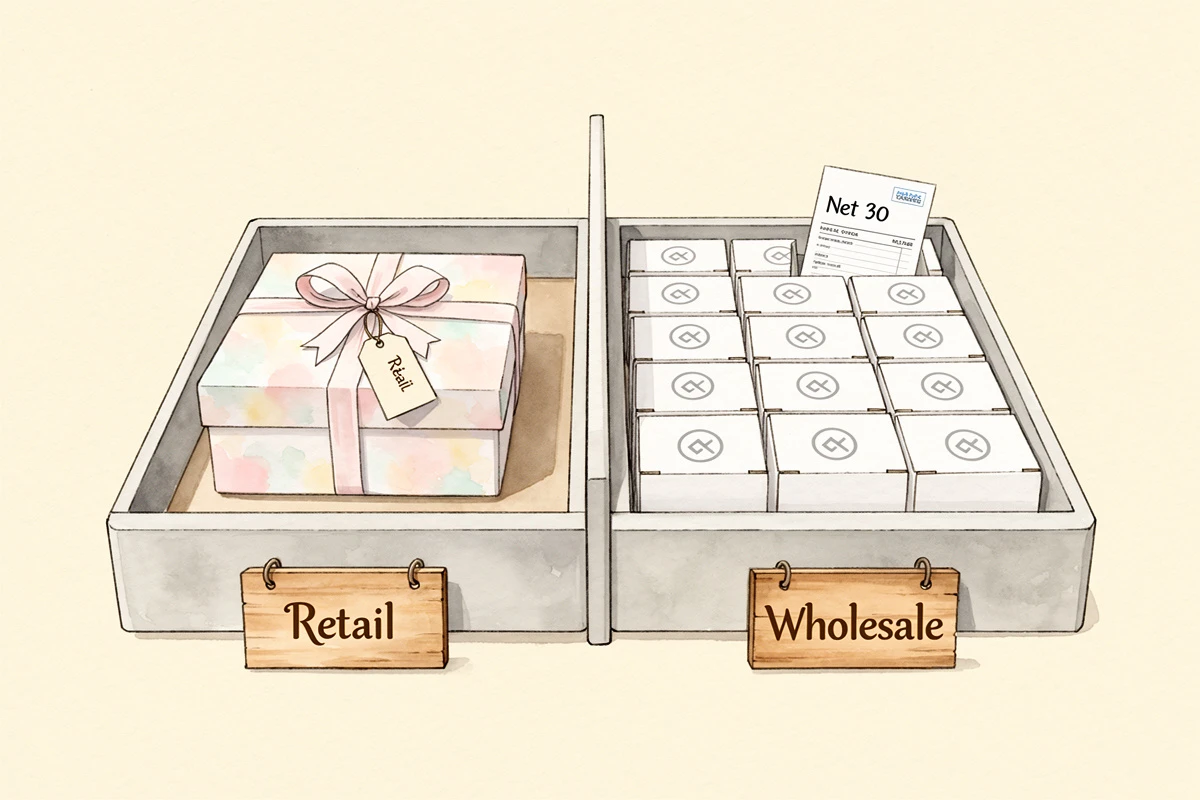
A gift-with-purchase at $150 is a retail tactic - the COGS is offset by conversion lift at that threshold. Those economics break if a wholesale buyer placing a $3,000 order walks away with it.
For each gift reward, decide the audience and gate accordingly:
- DTC welcome gift at $120 → Customer is not a B2B customer
- Wholesale quarterly thank-you at the B2B average order → Customer is a B2B customer
- Multi-gift picker for retail loyalty → Customer is not a B2B customer
A B2B-only gift can be a quiet relationship signal - a new SKU sample or branded item - that DTC traffic never sees. The same logic works for letting customers choose their own free gift on either side. For tagged wholesale tiers (Silver / Gold / Platinum), combine the B2B condition with Customer has tag: gold-tier.
Playbook 3: Flash Sales That Don't Double-Discount Wholesale
A sitewide "30% off everything" automatic discount is the highest-risk promotion on a mixed store. Without an audience filter, a B2B buyer already on a 30% wholesale rate stacks to a 51% effective discount the moment the flash sale fires. Over a quarter, that's real margin gone.
The fix is a negation condition on every retail-only promotion:
- Build the flash sale as a Discount (advanced) reward in the cart
- Set the percentage and threshold the same way you would for a DTC-only store
- Expand the Conditions card and add Customer is not a B2B customer
- Save
B2B buyers see no flash-sale tier, and the discount function refuses to attach it at checkout even if a stale page rendered it. Full walkthrough in the hide retail promotions from B2B buyers guide; the scheduled flash-sale setup covers timing once the filter is in place.
Playbook 4: A B2B Discount Ladder Layered Over Native Pricing
Catalogs and price lists handle the base wholesale rate. The cart can layer a volume-incentive ladder on top - a discount that rewards larger B2B orders without touching contract pricing.
A practical ladder for a wholesale account with a 30% baseline rate:
| Threshold | Reward | Condition |
|---|---|---|
| $500 | 5% off order | Customer is a B2B customer |
| $1,000 | 10% off order | Customer is a B2B customer |
| $2,500 | 15% off order | Customer is a B2B customer |
Each tier is a Discount (advanced) reward - EliteCart handles both the cart bar and the checkout-side discount, so there's no separate Shopify automatic discount to wire up. Only one advanced discount applies per cart, so the highest unlocked tier replaces lower ones as the buyer crosses each threshold.
This is a promotion, not a contract change. Catalogs still own the base rate; the cart adds an incentive to consolidate orders. See the tiered rewards guide for the underlying mechanics.
Playbook 5: Upsells That Surface the Right Products
AI recommendations work for both audiences, but you usually want different products surfaced for each. The audience switch here is a product-tagging exercise rather than a per-flow condition.
Tag wholesale-only SKUs (sample packs, bulk variants, MOQ items) with an exclusion tag and add it under Upsells → AI upsells → Exclude from AI. Those products will never be surfaced as AI suggestions, so DTC carts won't see case-pack SKUs.
For curated wholesale upsells, create a manual flow with a Collections trigger fired by any product in your wholesale catalog. Since Shopify catalogs already segregate which products a B2B buyer sees, that buyer's cart only ever contains wholesale SKUs - so a collection-triggered flow effectively becomes B2B-only. Use it to surface case packs, palletized SKUs, or minimum-order companions DTC traffic never encounters.
When You Still Need Customer Tags
Native B2B detection covers buyers Shopify itself knows are on a company account. Two situations still call for Customer has tag:
- Third-party B2B apps. If your wholesale book runs through SparkLayer, B2B Wholesale Club, or another app that doesn't use Shopify's native company accounts, those buyers don't carry the native flag. Tag them and gate with Customer has tag: wholesale instead. The SparkLayer integration guide covers that setup.
- Sub-tiers within B2B. Native detection tells you a buyer is wholesale, not whether they're Silver or Platinum. Combine the B2B condition with a tag condition for tier-specific rewards - the VIP customer tag rewards guide shows the tag-based pattern.
For the base wholesale-vs-retail gate on a native B2B store, the condition handles it cleanly on its own.
Mixed DTC and B2B Configuration Cheat Sheet
The whole playbook reduces to a few decisions per reward:
- Audience. DTC-only, B2B-only, or both?
- Condition. "Customer is not a B2B customer", "Customer is a B2B customer", or none for shared rewards.
- Threshold. Sized to retail order value for DTC, wholesale order value for B2B.
- Reward type. Shipping, Single gift, Multi gift, Discount (advanced), or Discount (legacy).
- Scheduling and market targeting if needed. Both compose with audience conditions.
Repeat for each reward and the same drawer serves both audiences - no second theme, app, or store.
Testing Both Sides
Before going live, test with one customer from each audience:
- B2B buyer - sign in as a customer attached to a company account in Shopify Admin → Customers → Companies. Confirm only B2B-conditioned rewards render, wholesale thresholds show, and any flash-sale or DTC-gift tiers are absent.
- DTC customer - sign in as a regular customer or browse as a guest. Confirm only DTC-conditioned rewards render. Guests never match a "Customer is a B2B customer" condition, so they always see the retail experience.
Per-reward conditions, scheduling, and market targeting are on the Professional plan. The full configuration walkthrough is in the Rewards V2 setup guide.
One cart, two audiences, no duplicated stack. Catalogs and price lists handle wholesale pricing; the cart handles wholesale messaging. A single condition on each reward decides who sees what, and the same drawer adapts to the buyer who opened it.