
How to Give VIP Customers Exclusive Rewards Using Shopify Customer Tags

Your best customers already spend more, buy more often, and refer more people. But if they open your cart and see the same free shipping bar and the same gift offer as a first-time visitor, there's no visible reward for their loyalty. Giving VIP customers exclusive rewards using Shopify customer tags changes that — tagged customers see offers that nobody else does, right inside the cart.
The math supports the investment. VIP customers generate 73% higher average order values and purchase over 3x more frequently than standard customers. Stores with tiered loyalty programs report 1.8x higher ROI than those with flat, one-size-fits-all programs. The top 5% of your customers can drive 30% or more of your total revenue — and they respond to recognition.
The good news: you don't need a complex loyalty platform to start. Shopify customer tags, combined with per-reward conditions, let you build VIP-tier pricing and exclusive offers without custom code.
How Shopify Customer Tags Power VIP Rewards

Shopify customer tags are free-form labels you assign to customer accounts. You can tag someone "VIP", "Gold", "Silver", or any label that fits your loyalty structure. Tags are managed in Shopify Admin → Customers → select a customer → Tags.
On their own, tags are just labels. They become powerful when you use them to control what each customer sees in the cart. A "VIP" customer can see a lower free shipping threshold, an exclusive gift tier, or a discount reward that regular shoppers never know about.
There are three common ways to tag customers:
- Manually in Shopify Admin. Best for small stores or hand-picked VIP lists. Select customers individually or use bulk actions to tag groups at once.
- Through a loyalty app. Apps like Smile.io, LoyaltyLion, or Stamped automatically tag customers based on points earned, tier status, or lifetime spend. The tags sync to Shopify and stay current as customers move between tiers.
- Through an email platform like Klaviyo. Klaviyo can tag customers based on engagement, purchase frequency, or segment membership using its Shopify integration. Set up a flow that adds a "VIP" tag when a customer crosses a spending threshold.
However you assign tags, the result is the same: each customer account carries a label that your cart can read and react to in real time.
Three VIP Reward Strategies Worth Implementing
1. Lower the free shipping threshold for VIPs
Free shipping is the single most effective cart motivator. Making it easier for VIP customers to earn sends a clear message: your loyalty has perks.
Set your standard free shipping threshold at $75 for all customers, then create a second shipping reward at $50 visible only to customers tagged "VIP." A VIP shopper at $42 sees "You're $8 away from free shipping" while a regular customer at the same cart value sees "You're $33 away." The VIP hits their goal faster and feels the difference.
This also creates a natural upgrade incentive. When customers learn that VIPs get free shipping at a lower threshold, they have a tangible reason to join your loyalty program or increase their spending to earn the tag.
2. Offer VIP-exclusive gifts
A free gift with purchase is already a proven AOV driver. Making certain gifts available only to tagged VIP customers adds exclusivity — and exclusivity drives both loyalty and spending.
Your standard reward ladder might offer free shipping at $50 and a sample gift at $80. But VIP customers also see a third tier: "Spend $100, get an exclusive full-size product." Regular shoppers see two rewards. VIPs see three. The extra tier is both a thank-you for loyalty and an incentive to spend more.
This approach works especially well for:
- Early access gifts during product launches — VIPs see the gift before anyone else
- Premium gift options like full-size products instead of samples
- Seasonal exclusives that create urgency and reward consistent buyers
3. Pair auto-applied discounts with VIP tag conditions
Shopify's automatic discounts can be limited to customer segments based on tags. Create an automatic discount — say, 10% off orders over $100 — limited to customers tagged "VIP." Shopify handles the actual discount at checkout.
The missing piece is making that discount visible in the cart before checkout. A discount reward tier with a customer tag condition solves this. VIP customers see "You're $18 away from 10% off your order" with a progress bar. Regular customers don't see the tier at all.
This is true loyalty-tier pricing — no codes to distribute, no workarounds, no confusion. The Shopify discount and the reward bar work together: the bar motivates, and Shopify applies the savings automatically.
Setting Up Tag-Based Rewards Step by Step
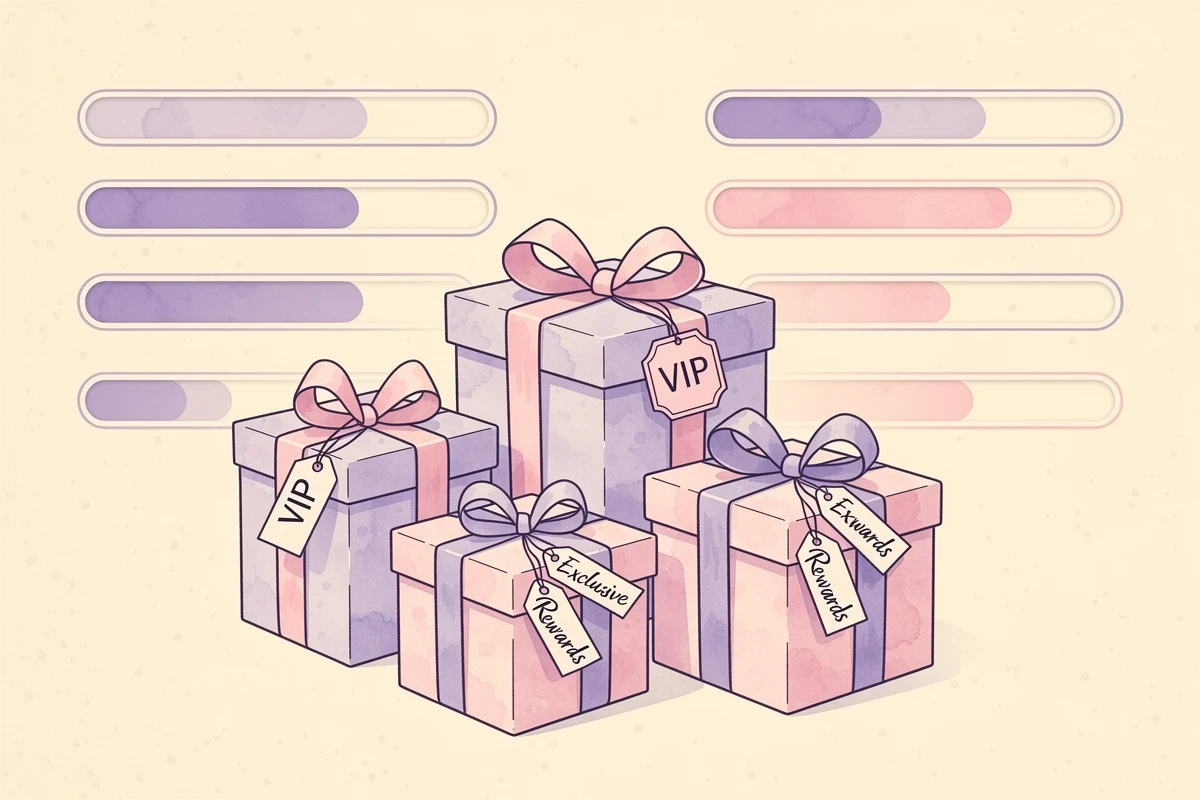
EliteCart's flexible rewards system lets you create up to 20 rewards with conditions, scheduling, and market targeting — everything you need to build tag-based VIP tiers. Here's how to create a VIP-exclusive reward using conditions:
- Go to Cart Designer → Rewards and open the Rewards tab
- Click Add reward and choose your reward type (shipping, discount, gift, or multi gift)
- Set the threshold — this is the VIP-specific threshold, which can be lower than your standard reward
- Click the reward in the list to open its settings panel
- Expand the Conditions card
- Click Add condition and select "Customer has tag"
- Enter your tag name exactly as it appears in Shopify (e.g., "VIP")
- Click Save
Now only customers with the "VIP" tag on their Shopify account see this reward. Everyone else sees your standard rewards as usual.
If you need a reward that VIPs should not see (for example, a lower-value guest offer), use the "Customer does not have tag" condition on that reward instead. This way you can run parallel reward tracks — one for tagged VIPs, one for everyone else.
You can combine multiple conditions with AND/OR logic. For example, "Customer has tag VIP AND Product from collection 'Premium' is in cart" creates a reward that only appears for VIP customers shopping in a specific collection.
Per-reward conditions are available on the Professional plan.
Building Multi-Tier VIP Ladders
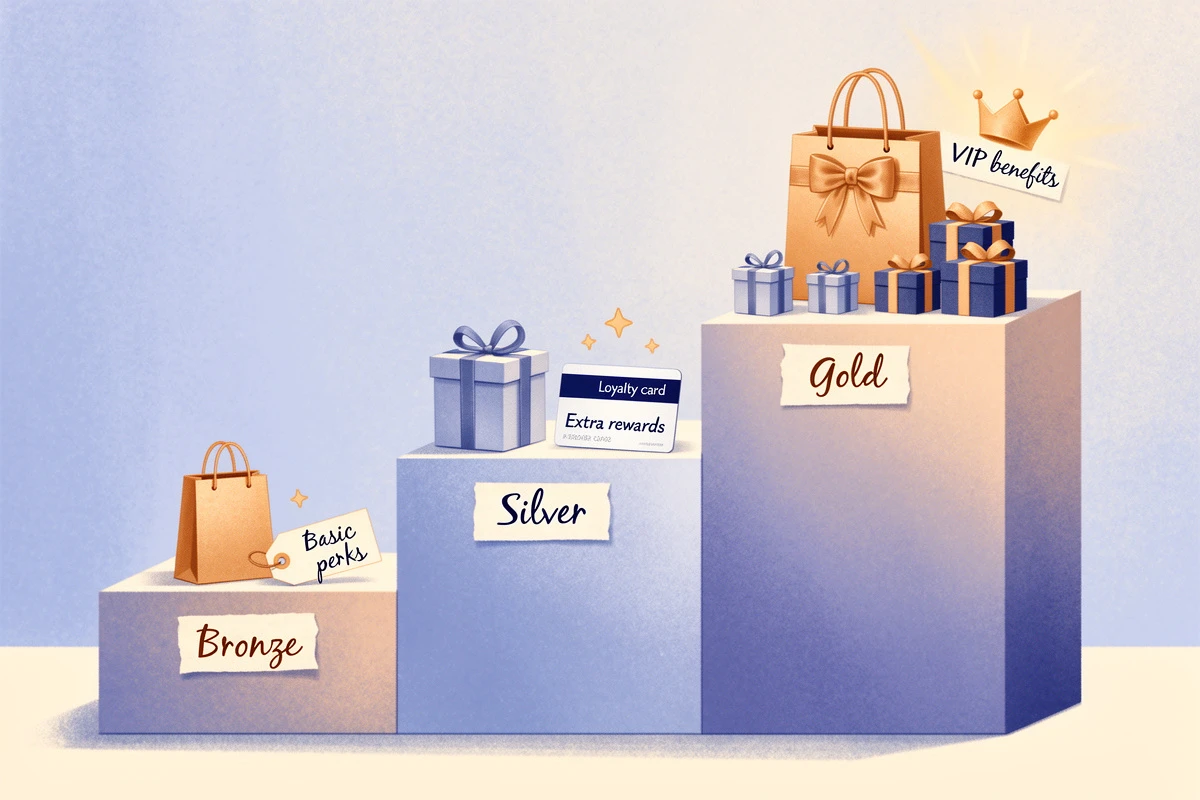
Single-tier VIP programs are a start, but tiered reward structures push customers to keep spending. 70% of consumers prefer tiered programs over flat ones, and half actively change their purchasing habits to reach a higher tier.
Here's a three-tier example using customer tags:
Bronze (tag: "bronze") — Free shipping at $60, standard gift at $80
Silver (tag: "silver") — Free shipping at $45, standard gift at $65, exclusive sample at $90
Gold (tag: "gold") — Free shipping at $30, premium gift at $60, 10% off at $100
Each tier gets its own set of rewards with the corresponding tag condition. A Gold customer sees four reward milestones in the progress bar — all with lower thresholds and better perks than Bronze. The visual difference between tiers reinforces the value of moving up.
To manage the tiers:
- Create separate rewards for each tier and tag combination
- Use conditions with the relevant tag on each reward
- Let your loyalty app handle tag assignment as customers cross spending thresholds
- Review tier thresholds quarterly to make sure they're driving the behavior you want
Making VIP Perks Visible
Tagged rewards only work if customers know they exist. A few ways to make sure VIPs — and aspiring VIPs — notice:
Use your announcement banner. A message like "VIP member: you get free shipping at $50" reinforces the perk every time they open the cart. Since VIP customers already see exclusive rewards in the progress bar, the banner serves as additional reinforcement of their status.
Promote tiers in email. When a customer earns a new tag through your loyalty program, send an email highlighting their new cart perks. "You've reached Gold status — here's what's waiting in your cart" is more compelling than a generic tier-upgrade notice.
Show guests what they're missing. A subtle note near the reward bar — "Join our loyalty program for exclusive cart rewards" — gives non-VIP visitors a reason to sign up. You can also show different rewards to logged-in customers as an added incentive to create an account. Keep it brief; the contrast between their visible rewards and the hint of better ones does the work.
Track the impact. Compare AOV and conversion rates between VIP-tagged customers and regular shoppers after launching exclusive rewards. If VIP sessions show higher metrics, expand the program. If not, adjust thresholds or swap in more compelling perks.
Your VIP customers already behave differently — they spend more, return more often, and tell more people about your store. Showing them exclusive rewards in the cart gives them a visible reason to keep that behavior going. Tag your top customers, set up their exclusive rewards, and let the cart reinforce why their loyalty matters.