
Complete Guide to Cart Reward Visibility Conditions in Shopify
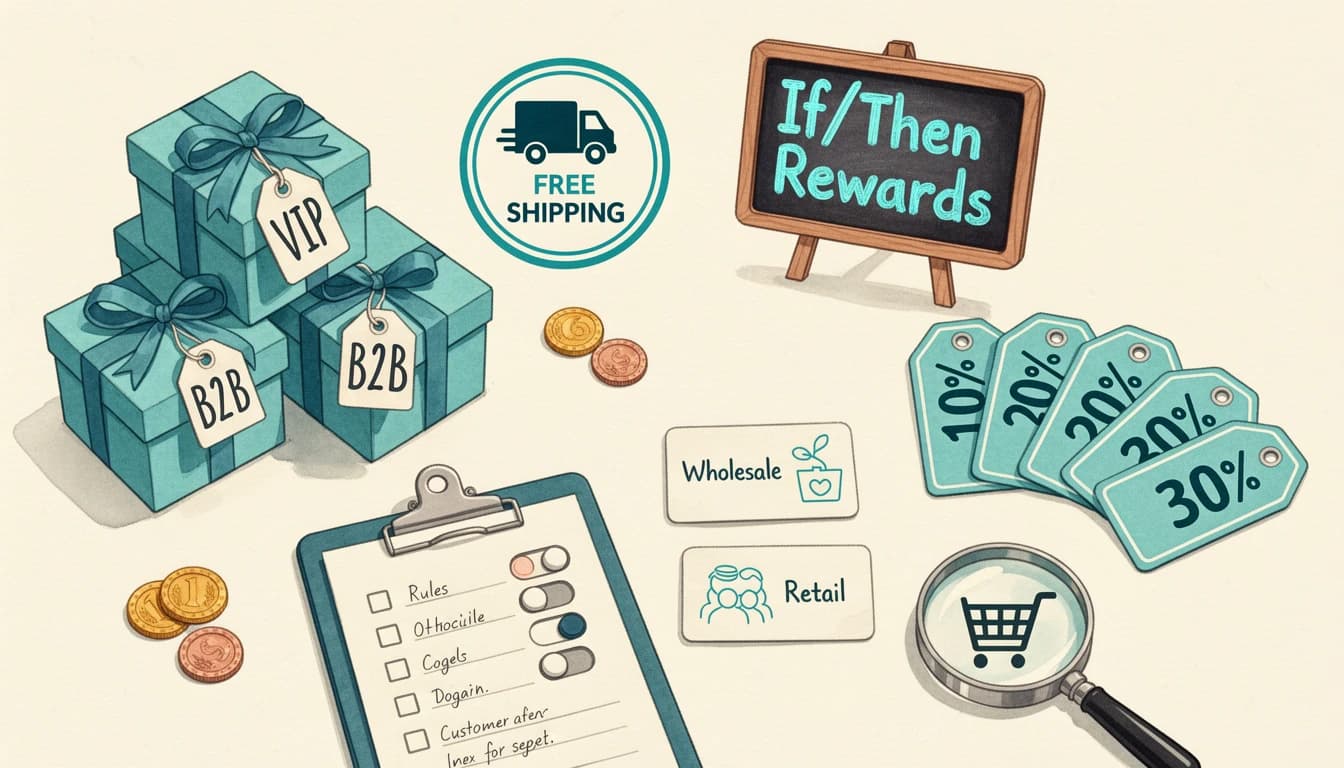
A reward bar that shows the same thresholds to every shopper is leaving conversions on the table. The same "Spend $75 for free shipping" message reads differently to a guest, a logged-in VIP, a wholesale buyer, and someone who clicked through from a Black Friday email - and Shopify cart reward visibility conditions let each of those shoppers see something tailored to them.
This guide walks through every condition EliteCart supports on V2 rewards, with one merchant scenario per condition, then covers how to combine them with AND/OR groups.
What Visibility Conditions Actually Do
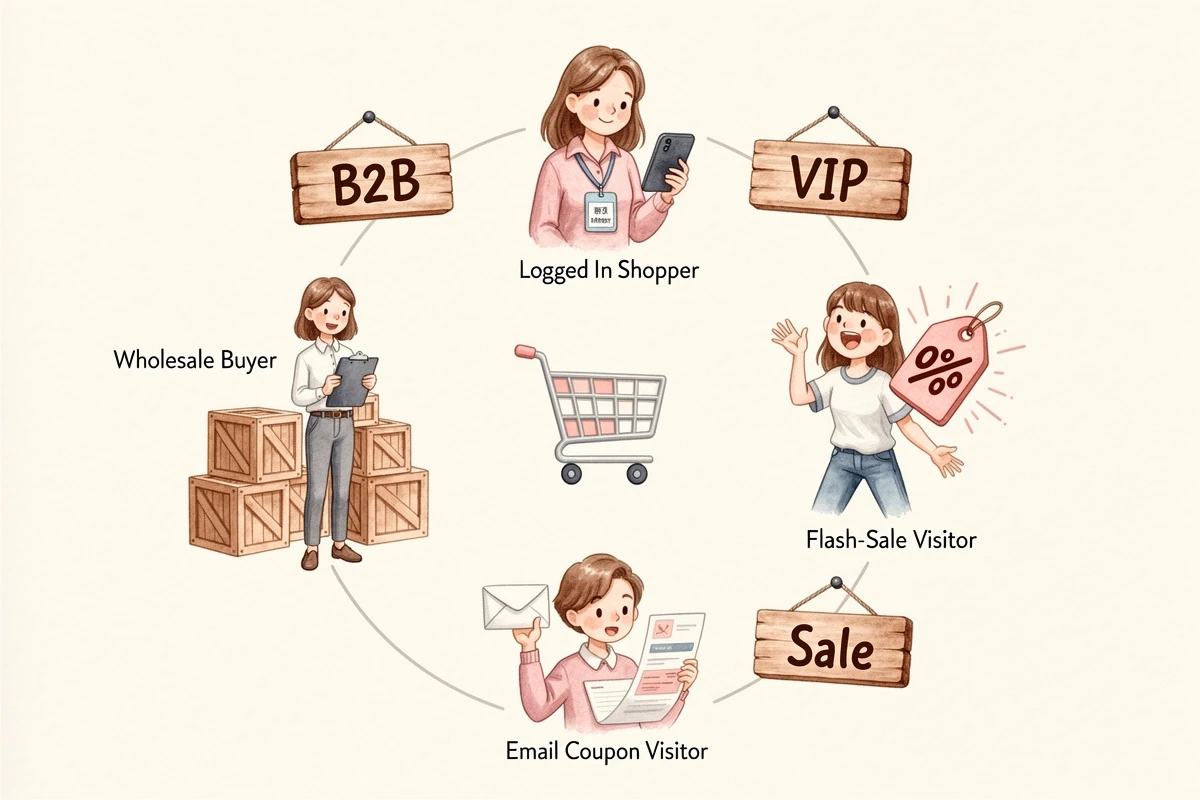
Every reward in Cart Designer → Rewards → Rewards tab can carry its own conditions. When they match, the reward activates - it shows in the progress bar, applies its discount, or auto-adds its gift. When they don't, the tier is silently skipped. The shopper never sees a "this isn't for you" message.
That's how one reward bar becomes many. A retail free-shipping tier and a wholesale free-shipping tier can live in the same configuration, with each buyer only seeing their own. Conditions are a Professional-plan feature and apply both on the storefront and inside the order-discount function that enforces Discount (advanced) rewards at checkout.
The Six Visibility Conditions
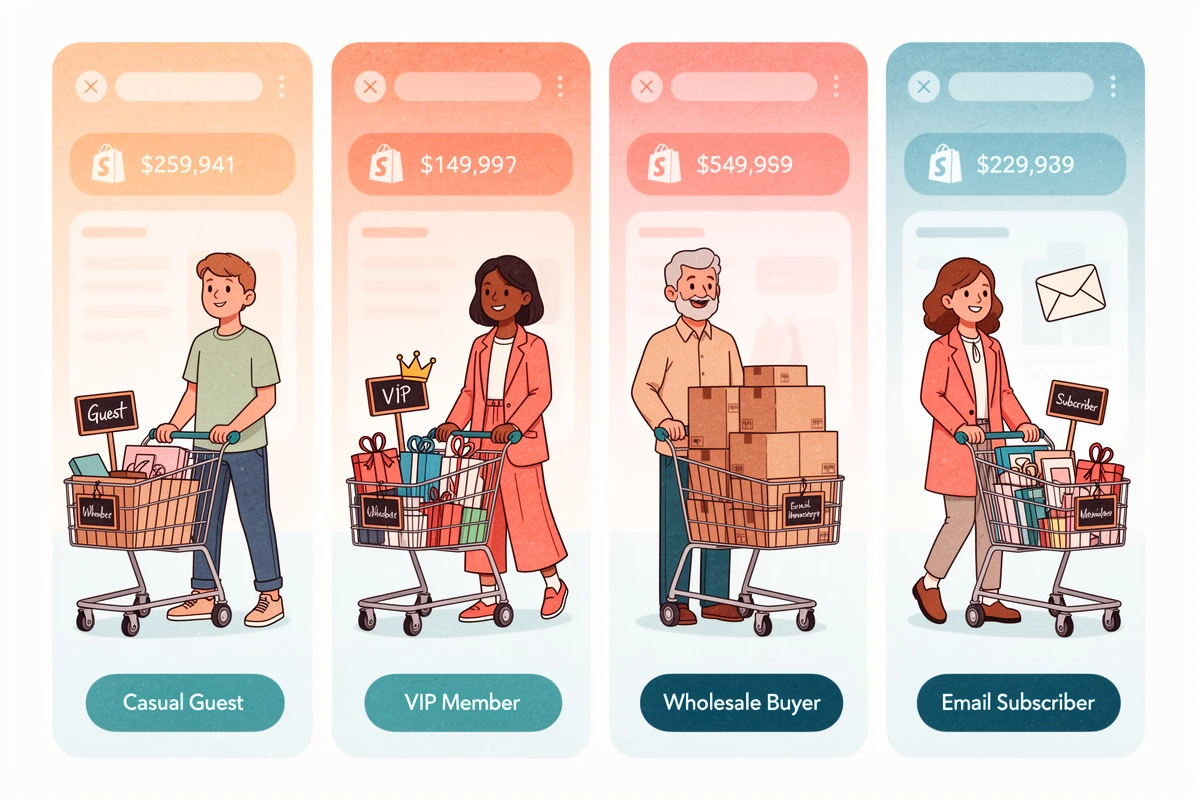
EliteCart's V2 rewards support six condition types. You can add up to five top-level conditions per reward, and group them with AND/OR logic.
1. Customer is logged in / not logged in
Matches based on whether the shopper is signed into a Shopify customer account. The cart is one of the best places to convert a guest into a member - show a lower free-shipping threshold or a member-only gift, and let the contrast do the persuading.
Scenario: a beauty brand offers free shipping at $75 for guests and $50 for members. Two Shipping rewards in the same bar: one with Customer is not logged in at $75, one with Customer is logged in at $50. Each visitor sees only their own threshold, and the member-only experience becomes a tangible sign-up incentive.
2. Customer has tag / does not have tag
Matches Shopify customer tags on the signed-in shopper (case-insensitive). Guests never match a "has tag" condition, so it's implicitly logged-in-only. Use it for loyalty tiers, VIP programs, app-managed wholesale, and any segmentation you already maintain in Shopify Admin.
Scenario: a coffee subscription brand runs Bronze, Silver, and Gold tiers. Gold gets a free sample at $30, Silver at $50, Bronze at $75 - three Single gift rewards, each with a Customer has tag condition matching the tier. The full VIP tag-gating walkthrough covers the setup.
3. Product is in cart / is not in cart
Matches when specific products are in the cart, with an optional minimum quantity. The condition is about cart contents, not the shopper - it fires for anyone whose basket meets the rule. Useful for product-specific bonuses, cross-sells, and "stack and save" promotions.
Scenario: a skincare brand bundles a free travel-size moisturizer with the full-size cleanser. A Single gift reward with Product is in cart: Cleanser (Full Size) and threshold $0 auto-adds the gift the moment the trigger product lands in the cart. Raising the threshold turns this into "spend $X with this product in cart".
4. Collection is in cart / is not in cart
Matches when any product from a Shopify collection is in the cart, with an optional minimum quantity. New SKUs added to the collection are picked up automatically - anything you'd describe as "for bath products" or "for outerwear" belongs here, not in a hardcoded product list.
Scenario: an apparel brand offers free socks with any "Winter Outerwear" purchase. A Single gift reward with Collection is in cart: Winter Outerwear activates the moment a jacket, parka, or vest enters the cart, and the merchant can add SKUs throughout the season without touching the reward. See the collection-based reward pattern for the configuration steps.
5. UTM parameter equals / contains / does not equal / does not contain
Matches URL tracking parameters (utm_source, utm_medium, utm_campaign, utm_term, utm_content). UTM values persist in the visitor's browser for 72 hours, so a shopper who clicks an email link Monday and returns directly Wednesday still matches.
Scenario: a home-goods brand sends a Klaviyo flow with ?utm_campaign=spring-vip appended to every link. A Discount (advanced) reward carries the condition utm_campaign equals spring-vip for 15% off. Email subscribers see the discount; organic and paid-social visitors don't. The full UTM reward setup covers the multi-channel variations.
UTM conditions aren't available on Discount (legacy) rewards, since the underlying Shopify discount can't read browser-side URL state. Discount (advanced), Shipping, and gift rewards all support them.
6. Customer is a B2B customer / is not a B2B customer
Matches when the shopper is signed into a Shopify native B2B (company account). Detection is automatic - Shopify already knows, so there's no tag to maintain. Now that native B2B is available beyond Shopify Plus, more stores have company accounts and DTC shoppers landing in the same drawer.
Scenario: an industrial supplies merchant offers a 10% wholesale discount and wants to hide a DTC "20% off everything" flash sale from B2B buyers. Two Discount (advanced) rewards: one with Customer is a B2B customer for the 10% rate, one with Customer is not a B2B customer for the retail flash sale. Each audience sees its own offer, with no risk of double-discounting already-negotiated margin. The case for hiding retail promotions from B2B buyers goes deeper.
Combining Conditions with AND/OR Groups
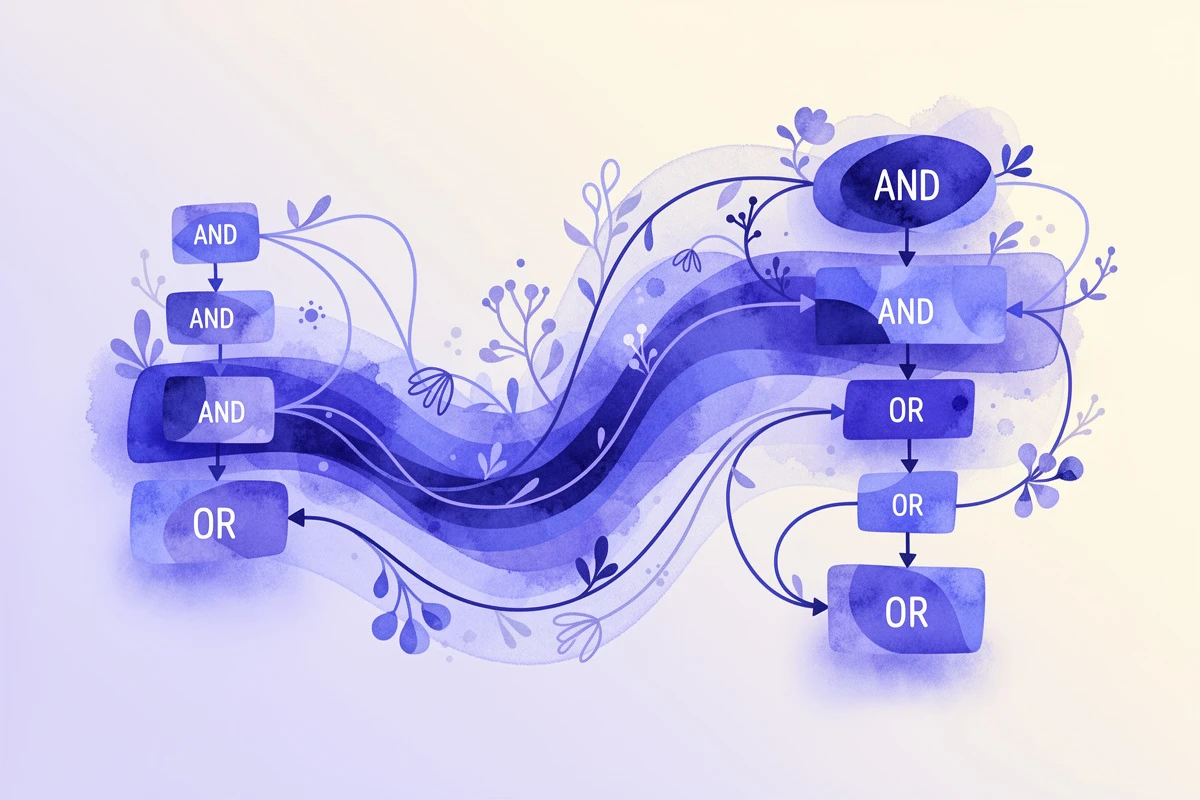
A single condition handles most rewards. The interesting work starts when you combine them.
At the top of the Conditions card you pick a logic mode:
- All conditions must match (AND): every condition has to be true
- Any condition can match (OR): at least one has to be true
You can also add a group - a nested set of conditions with its own AND/OR - that behaves as a single composite condition. Two layers, enough for most real campaigns.
A few combinations worth knowing:
- Email VIP offer: Customer is logged in + Customer has tag: VIP + utm_source equals klaviyo. Only signed-in VIPs from the campaign email see it.
- Wholesale on a collection: Customer is a B2B customer + Collection is in cart: Bulk Cases. Discount only fires for B2B buyers ordering case packs.
- Either-or audience reach: OR group with Customer has tag: wholesale + Customer is a B2B customer. Bridges legacy tag-based wholesale and native B2B accounts in one reward.
- Excluded-product gift: Collection is in cart: Eligible Gifts + Product is not in cart: Final Sale Bundle. Free gift activates on the eligible collection unless a final-sale bundle is present.
The cap is five top-level items and five conditions per group - layered targeting without turning the reward into a rules engine no one can audit later.
When to Negate vs. Add a Separate Reward
Most conditions have positive and negative variants. The choice between negating and creating a paired reward comes down to one question: does the negative case need its own threshold or content?
If no - you just want to hide a reward from one audience - negate. A flash sale that should hide from B2B buyers is one Customer is not a B2B customer condition on the existing reward.
If yes - guests and members both get free shipping but at different thresholds, or DTC and B2B both get gifts but with different products - create two rewards with mirrored conditions. Each tier can be tuned independently.
One gotcha: "does not have tag" returns true for guests, so a single negated tag condition will show the reward to anyone not logged in. For "not VIP but still a member", pair the negation with Customer is logged in inside an AND group.
Where Each Condition Shines, In One Line
- Logged in / not logged in → account-acquisition incentives and member perks
- Customer tag → loyalty tiers, app-managed wholesale, anything you already maintain in Shopify
- Product in cart → product-bundled bonuses and cross-sell triggers
- Collection in cart → category-level promotions that survive catalog changes
- UTM parameter → traffic-source rewards for email, paid, influencer, and partner campaigns
- B2B customer → cleanly separating DTC and wholesale in the same cart, no tags required
The reward bar gets more valuable the less generic it is. Layered conditions let you run one configuration that serves guests, members, VIPs, B2B buyers, and email subscribers - each seeing the right tier without ever knowing the others exist. Pick the condition that maps to the audience, layer with AND/OR where it earns its keep, and let the cart adapt. For the full configuration walkthrough, see the Rewards V2 setup guide.