
How to Give a Free Gift or Auto-Discount to Klaviyo Email Campaign Traffic (UTM-Based Rewards)
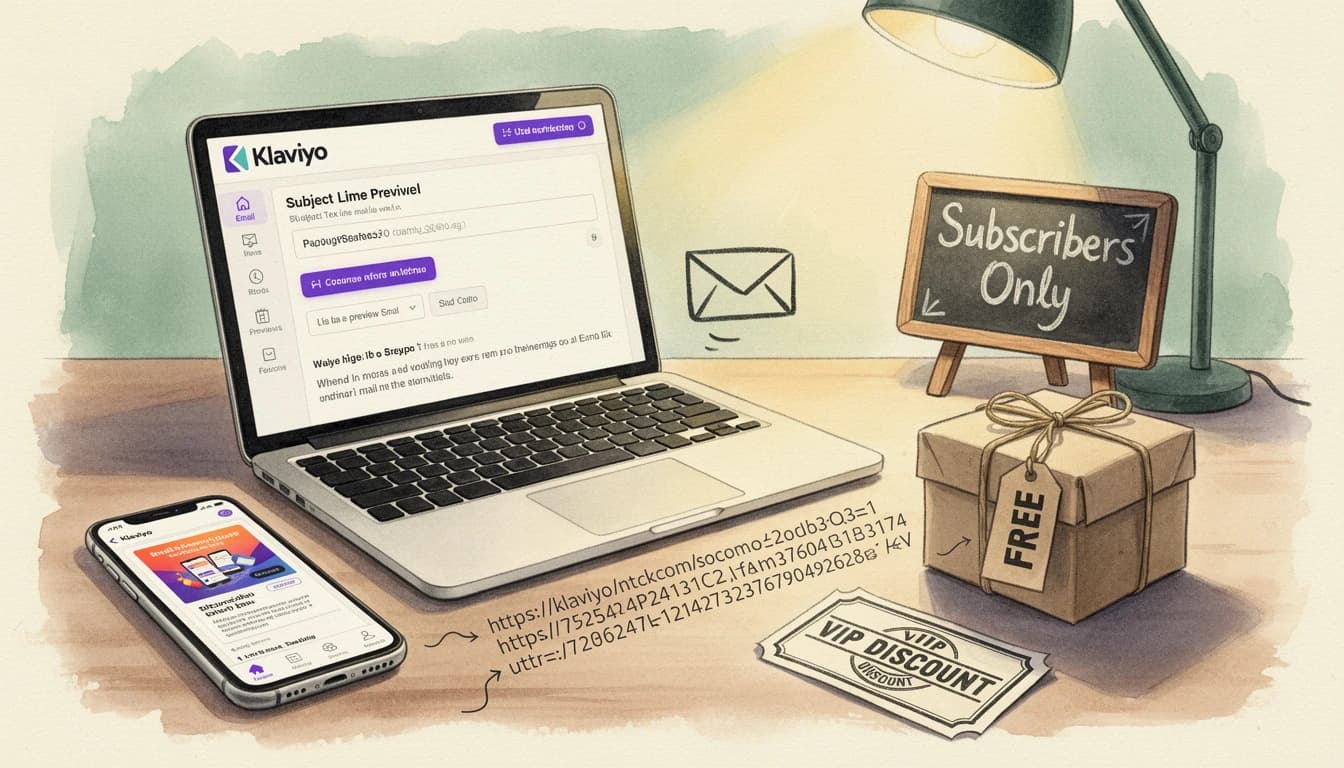
Email subscribers are the customers who already raised their hand and said "yes, market to me." Giving them the same cart experience as a cold visitor from a Google search is a missed opportunity. If you want to run a Klaviyo Shopify free gift promotion - or an exclusive email campaign gift with purchase - without leaking it to the rest of the internet, UTM-based rewards are the cleanest way to do it.
The idea is simple. When a customer clicks through from a Klaviyo email, their link contains a UTM parameter like ?utm_source=klaviyo. Your cart reads that parameter and shows a gift or auto-applied discount only for that traffic. No public code, no email-only landing page, no support requests from shoppers who "heard about the offer" - just a personalized reward that subscribers see and everybody else doesn't.
Why Klaviyo Email Subscribers Deserve Exclusive Cart Rewards

Email is still the highest-ROI marketing channel most Shopify stores have, and Klaviyo is the dominant platform for running it. According to Klaviyo's 2026 email benchmarks, automated flows generate nearly 41% of total email revenue from just 5.3% of sends - with per-recipient revenue roughly 18× higher than regular campaigns. The clickthroughs from those flows are some of the most valuable traffic your store sees.
That value only holds if the clicks convert. The moment a subscriber lands on your store, every bit of friction between them and the checkout chips away at a carefully earned click. Showing them a visible, exclusive reward the instant they open the cart is one of the most direct ways to keep that attention.
The catch is exclusivity. Put "10% off for email subscribers" on a public landing page or in a shareable discount code and the offer is no longer exclusive - and your margin is no longer protected. UTM-based rewards solve that by tying the offer to the act of clicking through, not to a code anyone can type.
How UTM Parameters Identify Your Email Traffic
UTM parameters are the small tracking codes appended to links that tools like Google Analytics and Klaviyo use to identify traffic sources. A link from a Klaviyo campaign might look like this:
https://yourstore.com/products/example?utm_source=klaviyo&utm_medium=email&utm_campaign=spring-launch
Klaviyo adds these automatically when you enable UTM tracking in your account settings. The parameters travel with the click and stick around in the customer's browser as they move through your site.
The five UTM parameters you can filter on are:
utm_source- where the traffic came from (e.g.klaviyo,newsletter)utm_medium- the channel (e.g.email,sms,push)utm_campaign- the specific campaign (e.g.spring-launch,vip-flow)utm_term- keyword or segmentutm_content- which link or variation was clicked
For a Klaviyo exclusive discount, the two you'll reach for most often are utm_source=klaviyo (all Klaviyo traffic) and utm_campaign=specific-name (one specific send). The first is broad; the second is surgical - only the campaign you named.
The Two Reward Types You Can Gate With UTMs
EliteCart supports two reward types that work well with UTM targeting, and each fits a different kind of offer.
Free gift with purchase
A single-gift or multi-gift reward adds a product to the cart (or lets the customer choose one) when the cart hits a threshold you define. Gate it to utm_source=klaviyo and the gift only appears for shoppers arriving from an email link. Guests browsing directly never see it.
This works well for product launches, sample giveaways, or loyalty rewards where you want the perceived value of the gift to stay high. A free gift with purchase converts strongest when it feels earned - and "you clicked through from our email" is a form of earning.
Automatic discount
A Discount (advanced) reward applies a percentage or fixed-amount discount at checkout when the threshold is met, without a code. Pair it with a UTM condition and you get the clean experience of an auto-applied discount that only triggers for email traffic - no coupon code to leak, no support tickets from customers who "heard about 10% off."
One important note: UTM conditions work with Discount (advanced) (where EliteCart sets up and applies the discount for you), not with Discount (legacy), which only visualizes a Shopify-side discount in the reward bar. For UTM-gated auto-discounts, use Discount (advanced).
Setting Up a UTM-Targeted Reward in EliteCart
EliteCart's flexible rewards system lets you add conditions to any reward. Here's how to create a Klaviyo-only gift or discount:
- Go to Cart Designer → Rewards and open the Rewards tab
- Click Add reward and choose the type - Single gift, Multi gift, or Discount (advanced)
- Set your threshold (e.g. $50 for free shipping eligibility, $75 for a gift)
- For gifts, select the product(s). For Discount (advanced), set the percentage or fixed amount and write the Discount title (shown to customers at checkout as the discount label).
- Click the reward in the list to open its settings and expand the Conditions card
- Click Add condition and choose "UTM parameter equals" (or "contains" for looser matching)
- Enter the parameter name - e.g.
utm_source- and the expected value - e.g.klaviyo - Click Save
That's it. The reward now only appears for shoppers whose session includes that UTM value. For the rest of your traffic, the reward bar behaves exactly as it did before.
If you want a more specific campaign - say, a one-time VIP re-engagement send - use utm_campaign instead and match on the campaign name you configured in Klaviyo. You can also combine conditions with AND/OR logic: for example, utm_source equals klaviyo AND utm_campaign contains vip targets only your VIP-segment sends.
The 72-hour window
UTM values don't vanish the moment a customer leaves your landing page. EliteCart stores them in the customer's browser for 72 hours after they click through. If a shopper opens your email link, browses but doesn't buy, then comes back two days later, the reward still appears. That matches how most shoppers actually behave - click through, think about it, come back later - and keeps one click valid across the typical consideration window.
Per-reward conditions require the Professional plan.
Klaviyo Campaign Examples Worth Running
A few campaign ideas that map cleanly to UTM-targeted rewards:
Welcome-flow free gift. Add a UTM condition on utm_campaign=welcome and offer a small gift at a threshold just above your AOV. New subscribers click the welcome email, see "You're $15 away from a free sample kit," and convert their first order at a higher rate - without the gift leaking outside the welcome flow.
VIP-segment exclusive discount. Build a Klaviyo segment of your top 20% of customers, tag the send with utm_campaign=vip-thank-you, and create a Discount (advanced) reward with a matching UTM condition. Your best customers see the discount automatically; nobody else does. It's the UTM equivalent of the customer-tag approach - simpler for one-off campaigns, and it works for guest shoppers too.
Winback campaign with a gift. Send a winback email to lapsed subscribers with utm_campaign=winback-2026 and gate a premium gift on that condition. The offer is only as public as that one send, so you can run it quarterly without turning the reward into a permanent entitlement.
Product-launch early access. For a new product drop, email your list 24 hours before the public launch with a UTM-tagged link that activates a launch-day gift. Subscribers feel the exclusivity, and you're effectively tiering your rewards by audience rather than threshold.
Common Mistakes to Avoid
Forgetting to turn UTM tracking on in Klaviyo. Klaviyo only appends UTM parameters when you enable UTM tracking in account settings. If your links don't carry the parameters, no reward condition will ever match. Check this first.
Using a UTM value that conflicts with other campaigns. If you use utm_source=email on both your Klaviyo and Mailchimp sends, your reward can't tell them apart. Use distinct, specific values - klaviyo for Klaviyo, something else for other platforms.
Over-targeting with a narrow UTM. If you only match on utm_campaign=spring-launch-2026-variant-b, anyone who loses that parameter (browser extensions, privacy filters) sees nothing. Prefer broader values like utm_source=klaviyo when the offer is meant to reach everyone on your list.
Running it without promoting it in the email. A UTM reward nobody knows about is just a cart feature nobody sees. Write the email so the reward is part of the story - "Click through to claim your free gift" performs better than burying the perk below the fold. Pair with an announcement banner in the cart to reinforce the offer once the customer lands.
UTM-based rewards are the cleanest way to give email subscribers a genuinely exclusive cart offer. No public code, no separate landing page, no support overhead - just an offer that appears when a Klaviyo click lands in your store and disappears for everyone else. Set up one UTM-gated gift or discount on your next campaign and watch the clickthrough conversion tell you the rest.