
How to Offer Rewards for Specific Product Collections in Shopify
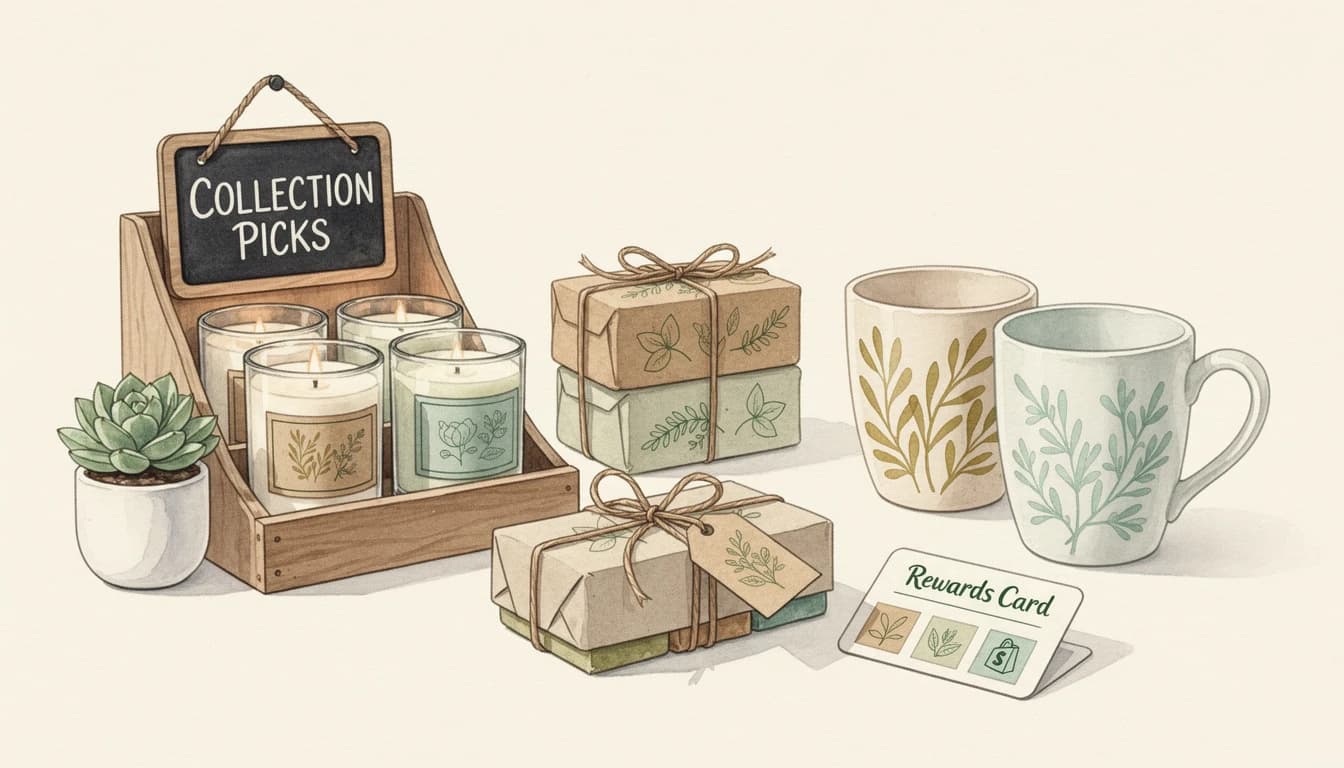
Most Shopify rewards - free shipping bars, tiered discounts, gift-with-purchase - treat the entire cart as one bucket. Spend enough, get the reward. But what if you want to offer rewards for specific product collections instead? A free cleaning cloth when someone adds jewelry. An automatic 10% off for anything from your "Summer Sale" collection.
Collection-specific rewards let you incentivize purchasing from the categories that matter most to your business, whether that's a high-margin product line, a seasonal promotion, or new inventory you want to move.
Why Category-Based Rewards Work
Standard sitewide rewards have a problem: they treat every dollar the same. A customer spending $80 on clearance items gets the same free gift as someone spending $80 on your flagship collection. That's fine for general AOV growth, but it misses an opportunity to steer behavior toward specific product lines.
Collection-based rewards solve this by connecting the incentive to the purchase behavior you actually want to encourage:
- Promote new arrivals. Offer a free gift exclusively when customers buy from your latest collection. This creates buzz without discounting the new products themselves.
- Protect margins on high-value lines. A jewelry brand can offer a free cleaning cloth (cost: $2) that only appears when someone adds a piece from the fine jewelry collection. The customer perceives $15 in value, and you've moved a high-margin item without cutting price.
- Drive seasonal sell-through. Tie an automatic discount to your "Summer Sale" or "End of Season" collection. Customers shopping that category get rewarded; customers buying full-price items from other collections don't dilute your margins.
- Cross-category motivation. "Buy anything from our Coffee collection, get a free biscotti sample" introduces customers to a complementary product line they might not have explored.
Gift-with-purchase programs are one of the most effective AOV levers in e-commerce, and the impact is even stronger when the reward feels contextually relevant to what the customer is already buying.
Two Approaches: Conditional Rewards vs. Collection-Triggered Upsells
Shopify's built-in automatic discounts can target collections, but the experience is limited to checkout-time discounts with no in-cart visibility. For a full in-cart experience where customers see progress and get excited about earning a reward, you need a tool that evaluates cart contents in real time.
There are two ways to build collection-specific incentives:
Approach 1: A reward that appears only when the collection is in cart
This uses a standard reward (free gift, auto-discount, or free shipping) with a condition tied to a specific collection. The reward progress bar only appears when a product from that collection is in the cart.
Best for: "Buy from Collection X, spend $Y, get Z." The customer needs both the right collection and the right spend threshold.
Approach 2: Upsell products triggered by a collection
This shows relevant upsell recommendations whenever a product from a specific collection is in the cart - no spend threshold required, just the trigger collection.
Best for: "Anyone shopping from Collection X should see these complementary products." Category-aware cross-selling rather than threshold-based rewards.
Both can run simultaneously. A customer adds a jewelry piece, sees upsell suggestions for matching earrings, and a reward bar showing they're $20 away from a free cleaning cloth.
Setting Up a Collection-Conditional Reward
Here's how to configure a reward that only appears when customers have products from a specific collection in their cart.
Step 1: Create the reward
Navigate to Cart Designer → Rewards and add a new reward (or edit an existing one). Choose the reward type:
- Single gift - A single free gift added automatically (e.g., a free cleaning cloth)
- Multi gift - Let customers choose from a few gift options
- Discount (advanced) - An automatic percentage or fixed-amount discount applied at checkout
- Shipping - Free shipping
Set your threshold - for collection-specific rewards, consider a lower threshold than sitewide rewards since the customer is already buying from the target category.
Step 2: Add a collection condition
In the reward settings, expand the Conditions section. Add a condition, select "Collection is in cart" from the dropdown, and pick the target collection.
The reward now only appears when a product from that collection is in the cart. Customers shopping other parts of your store won't see it - keeping your reward bar clean and focused.
Step 3: Optional - require a minimum quantity
For conditions like "buy 2 or more items from our Jewelry collection to activate the reward," use the minimum quantity option on the collection condition to require multiple items before the reward becomes visible.
Step 4: Combine conditions for precision
You can layer multiple conditions using AND/OR logic:
- "Collection is in cart" AND "Customer is logged in" - Reward only for logged-in shoppers buying from a specific collection
- "Collection is in cart" AND "Customer has tag: VIP" - Exclusive collection reward for your best customers
- "Collection is in cart" OR "Product is in cart" - Reward triggers for an entire collection or a specific hero product outside that collection
Setting Up Collection-Triggered Upsells
For the upsell approach - showing complementary products whenever someone shops a particular collection - the setup is different.
Step 1: Create an upsell flow
Navigate to Upsells → Manual upsells and create a new flow. Give it an internal title that makes it easy to manage (e.g., "Jewelry Collection - Accessories").
Step 2: Set the trigger to "Collections"
In the Upsell trigger section, select Collections from the trigger type dropdown and choose the collection(s) that should activate this flow. When any product from the selected collection enters the cart, the flow's upsell products appear in the cart.
Step 3: Choose your upsell products
Add up to 12 products that complement items in the trigger collection. These should be logical pairings:
- Jewelry collection → cleaning kits, storage boxes, gift wrapping
- Summer clothing → sunglasses, hats, sandals
- Coffee beans → grinders, filters, mugs
- Electronics → cables, cases, screen protectors
Step 4: Set priority
If you have multiple upsell flows, drag this one to the appropriate position. Higher-priority flows (top of list) are evaluated first - place collection-specific flows above any "All products" fallback to ensure targeted recommendations take precedence.
Real-World Collection Reward Examples
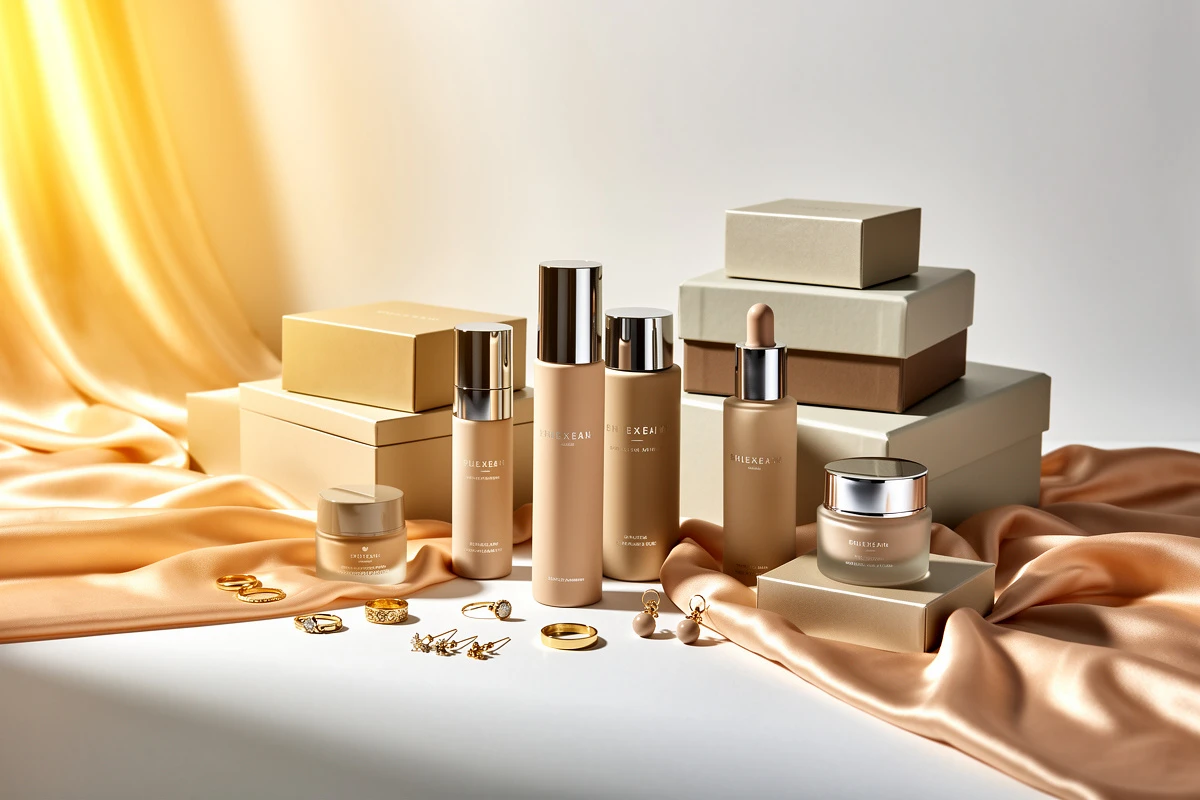
For more on how jewelry brands specifically use in-cart upselling and gifting to grow AOV, see our dedicated jewelry store upsell guide.
Jewelry store: Free cleaning cloth with any fine jewelry purchase
- Reward type: Single gift (auto-added gift)
- Threshold: $0 (or your minimum, e.g., $50)
- Gift product: Silver polishing cloth
- Condition: Collection "Fine Jewelry" is in cart
The cleaning cloth appears as a free bonus the moment a customer adds fine jewelry. At $2 cost and $15 perceived value, it reinforces the premium nature of the purchase.
Fashion brand: 10% off Summer Sale collection
- Reward type: Discount (advanced) - 10% off
- Threshold: $75
- Condition: Collection "Summer Sale 2026" is in cart
Customers browsing summer sale items see a reward bar encouraging them to hit $75 for an extra 10% off. Full-price shoppers see your regular sitewide rewards instead - and the discount applies automatically at checkout.
Skincare brand: Free sample with any serum purchase
- Reward type: Multi gift (customer chooses)
- Threshold: $40
- Gift options: Mini moisturizer, mini eye cream, mini sunscreen
- Condition: Collection "Serums & Treatments" is in cart
When a customer adds a serum, the reward bar shows they're close to choosing a free sample - creating engagement and introducing them to products they might buy full-size later.
Tips for Effective Collection Rewards
Set thresholds relative to the collection's price point. If your jewelry collection averages $120 per item, a $50 threshold means almost everyone qualifies. If accessories average $25, a $100 threshold might be unreachable. Match the threshold to typical buying behavior within that category.
Use smart collections for automatic inclusion. When you tie a reward to a smart collection (one with automated rules), new products that match those rules are automatically included - no manual maintenance needed.
Pair rewards with collection-triggered upsells. Upsell suggestions give customers ideas for what to add, and the reward bar gives them a reason to add it. Both reinforce the same purchasing behavior.
Rotate collection rewards seasonally. Swap which collections have attached rewards based on your merchandising calendar. Use scheduling rules to automatically start and stop collection rewards on specific dates.
Monitor qualification rates. If fewer than 30% of customers reach the threshold, the bar is probably too high. If over 80% qualify, raise it slightly. Aim for 50-60% as a starting point.
Collection-specific rewards turn your Shopify collections from passive organizational tools into active conversion drivers. Instead of generic sitewide incentives, you match the reward to the shopping context - making the offer feel more relevant and more worth chasing. Start with one high-priority collection, measure the impact on that category's AOV, and expand from there.