
Scheduling Promotions in Your Cart: Banners, Addons, and Seasonal Campaigns

Setting up a Black Friday banner at 6 AM on Black Friday morning isn't ideal. Neither is forgetting to disable it on December 3rd when customers are still seeing "Black Friday Sale Ends Tonight!" Your promotional calendar shouldn't depend on manual interventions at odd hours.
Scheduling promotions in your cart - banners, addons, and seasonal messaging - solves this operational headache. Merchants can prepare campaigns weeks in advance, set precise start and end times, and let automation handle the rest.
Why Manual Promotion Management Fails (And Scheduling Promotions Fixes It)
Most stores run multiple promotions throughout the year: seasonal sales, holiday campaigns, flash sales, shipping cutoff reminders, and special events. Each promotion requires updating cart messaging, enabling relevant addons, and coordinating across channels.
The typical workflow looks like this:
- Someone remembers to update the banner at 11:47 PM the night before
- The promotion runs successfully (hopefully)
- Three days after it ends, a customer screenshots the expired offer still showing in their cart
- Support handles complaints about unavailable deals
This isn't a training problem or a process failure. It's an automation gap. When promotions depend on humans remembering to flip switches at specific times, mistakes are inevitable.
More than 80% of retailers plan to increase AI capabilities in their operations. Much of that automation addresses exactly these operational inefficiencies - reducing manual tasks that introduce error and inconsistency.
What Cart Scheduling Actually Controls
Cart scheduling typically manages three categories of elements:
Announcement Banners
Banners communicate time-sensitive information at the exact moment it matters. Common scheduling scenarios include:
- Flash sale announcements that run for specific hours
- Shipping deadline reminders ("Order by 2 PM for same-day shipping") visible only during fulfillment hours
- Holiday messaging with precise start and end dates
- Weekend notices informing customers about Monday shipping
Without scheduling, these banners either require manual toggling or display continuously - diluting their urgency and relevance. For more on using banners effectively, see our guide on announcement banners and when to use them.
1-Click Addons
Addons like gift wrapping, priority handling, and shipping protection often make sense only during specific periods or conditions:
- Gift wrapping available November through December, or year-round for gift-heavy categories
- Same-day shipping upgrades displayed only before the warehouse cutoff time
- Holiday-themed packaging for Valentine's Day, Mother's Day, or Christmas windows
- Express processing during peak season when standard fulfillment slows
Scheduling ensures these offers appear when relevant and disappear when they're not - without cluttering the cart year-round. These 1-click addons represent an untapped revenue stream that becomes even more effective when timed to customer expectations.
Promotional Messaging
Beyond banners, scheduling can control when specific promotional text, threshold messaging, or urgency elements appear. This includes countdown timers tied to real deadlines and reward bar messaging that changes based on active promotions.
Building an Automated Promotional Calendar
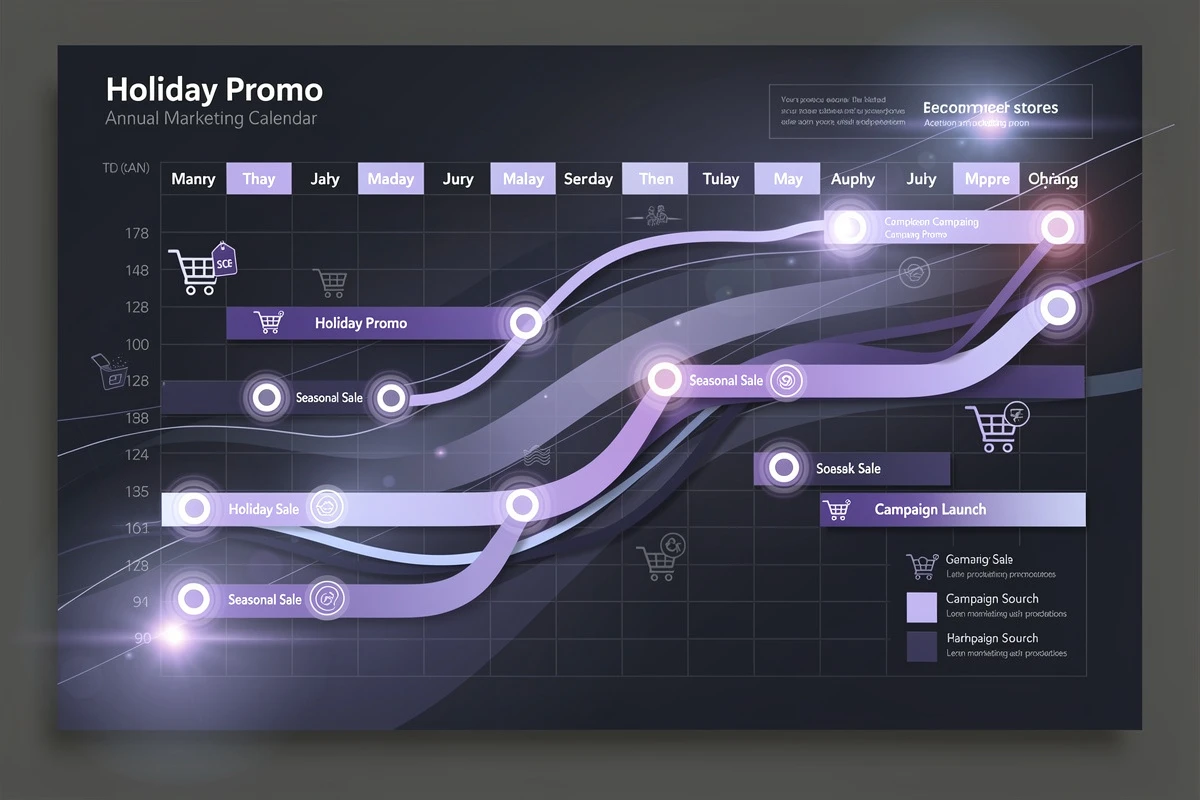
Effective scheduling requires thinking about your promotional calendar as a system, not a series of one-off campaigns.
Map Your Recurring Promotions
Start by identifying promotions that repeat annually or regularly:
Annual Events:
- Black Friday / Cyber Monday
- Holiday shipping cutoffs
- Valentine's Day
- Mother's Day / Father's Day
- Back-to-school season
- End-of-season clearances
Weekly Patterns: Weekend shipping notices, business hours messaging, happy hour promotions, and flash sale windows.
Operational Windows: Same-day shipping cutoffs (e.g., weekdays before 2 PM), extended holiday hours, and warehouse closure notices.
Create Templates for Each Category
For each recurring promotion type, document the banner text, which addons should be active, start/end dates, and any market-specific variations. This documentation becomes your promotional playbook. When Black Friday approaches, you're not designing from scratch - you're updating last year's successful configuration.
Schedule in Advance
The goal is setting up campaigns well before they run. Schedule your holiday promotions in November, not at midnight on the day they launch. Advanced scheduling provides review time to catch errors, coordination with email and ads, peace of mind during busy periods, and a historical record of what ran when.
Practical Scheduling Examples
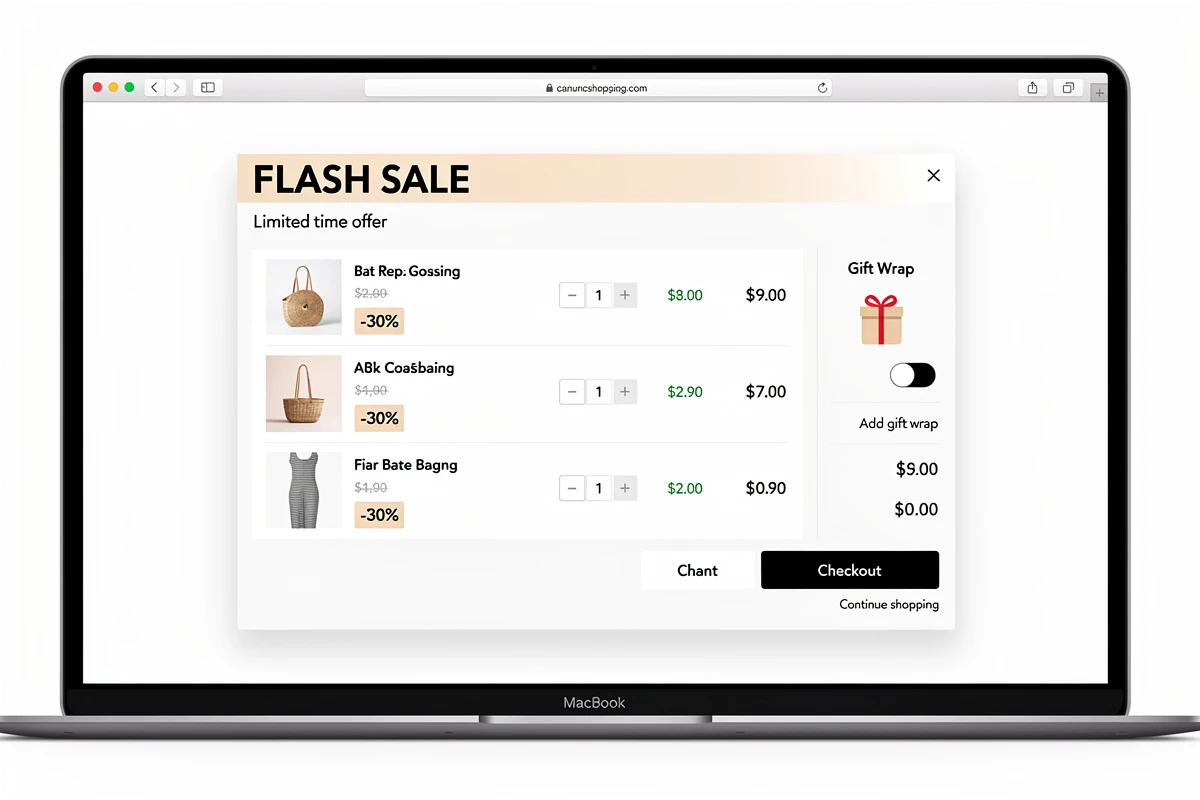
Same-Day Shipping Cutoff
Display a banner or addon only when same-day shipping is actually available:
Configuration:
- Days: Monday through Friday
- Time: 12:00 AM to 2:00 PM
- Banner: "Order by 2 PM for same-day shipping"
This ensures customers see the offer only when you can deliver on it. No false promises, no disappointed expectations.
Weekend Shipping Notice
Inform customers about weekend order processing:
Configuration:
- Days: Saturday and Sunday
- Time: All day
- Banner: "Orders placed on weekends ship Monday"
This sets accurate expectations and reduces "where's my order?" inquiries.
Holiday Gift Wrap
Offer seasonal gift wrapping during the holiday window:
Configuration:
- Addon: Gift wrapping product
- Date range: December 1 through December 24
- Time: All day
The addon appears automatically on December 1 and disappears after Christmas - no manual intervention required.
Black Friday Early Access
Create urgency with a precisely timed early access window:
Configuration:
- Days: Friday only
- Date: November 29 (or your Black Friday date)
- Time: 12:00 AM to 6:00 AM
- Banner: "Early access ends at 6 AM"
Customers who shop early see messaging that matches their experience. The banner automatically transitions to regular Black Friday messaging at 6 AM.
Happy Hour Flash Sales
Run daily promotional windows:
Configuration:
- Days: All days
- Time: 3:00 PM to 5:00 PM
- Banner: "Happy Hour: Free shipping on orders over $25"
The promotion runs automatically every day without ongoing management.
Combining Scheduling with Market Targeting
For stores selling internationally, scheduling becomes more powerful when combined with market-specific settings. US customers might see a Black Friday banner starting Thursday at midnight ET while European customers see it Friday morning local time. Different shipping cutoffs can apply to different fulfillment centers. Layered targeting - combining time-based scheduling with geographic rules - ensures each customer sees relevant, accurate messaging for their situation.
Avoiding Common Scheduling Mistakes
Overlapping Promotions
When multiple schedule rules apply simultaneously, most systems use OR logic - if any rule matches, the element displays. If you have both a "Weekend Sale" and a "Flash Sale" banner scheduled for Saturday afternoon, both rules will match. Plan for overlaps by consolidating messaging or using separate promotional elements.
Timezone Confusion
Scheduling typically uses your store's timezone, not your customers'. A 9 AM start time means 9 AM in your configured timezone, regardless of where customers are located. For global stores, a midnight launch in New York happens at 5 AM in London. This is usually the right behavior - promotions align with your operational reality - but be aware of how it affects customer experience across time zones.
Forgetting End Dates
A scheduled start date without an end date means the promotion runs indefinitely. For ongoing promotions, this is fine. For time-limited offers, always set explicit end dates.
Check your active schedules periodically to ensure nothing is running longer than intended. A "Valentine's Day Special" banner still displaying in March damages credibility.
Insufficient Testing
Schedule rules that look correct in configuration sometimes behave unexpectedly in practice. Test by temporarily setting start times to a few minutes in the future, verifying the promotion appears as expected, and confirming it disappears after the end time. A few minutes of testing prevents days of incorrect promotions.
Setting Up Scheduling in Your Cart
If you're using EliteCart, scheduling is available in the Cart Designer under the Schedule section for both addons and announcement banners.
The interface includes quick templates for common scenarios:
- Business hours: Monday through Friday, 9 AM to 5 PM
- Outside business hours: Monday through Friday, 5 PM to 9 AM
- Weekdays: Monday through Friday, all day
- Weekends: Saturday and Sunday, all day
- Evenings: Every day, 6 PM to 11 PM
You can create custom rules combining days of the week, time windows, and date ranges. Multiple rules work with OR logic - if any rule matches the current time, the element displays.
For detailed setup instructions, see the scheduling guide.
Measuring Scheduled Promotion Performance
Track how scheduled promotions perform compared to always-on messaging. Monitor cart-to-checkout rates during scheduled windows vs. outside, addon attach rates during availability windows, and customer inquiries about expired promotions (which should decrease). Compare these metrics before and after implementing scheduling to quantify the operational improvement. For a deeper dive into cart-level metrics, see what to measure in cart analytics.
The Bigger Picture: Automation as Competitive Advantage
Scheduling cart promotions is part of a broader trend toward e-commerce automation. Merchants who automate repetitive tasks - like managing promotional timing - free up resources for strategy, customer experience, and growth. Those who continue manual processes spend more time on operations and make more mistakes.
Promotional scheduling isn't about replacing marketing creativity. It's about ensuring your creative work executes flawlessly, every time, without 6 AM alarm clocks and sticky notes.
Start with your highest-stakes promotions. Schedule your next major sale - Black Friday, a seasonal event, or your biggest annual promotion - weeks in advance. Then expand scheduling to weekly patterns and operational messaging. Your promotional calendar should run itself.