
Cart Analytics: What to Measure and Why Most Stores Get It Wrong

Most Shopify store owners check their overall conversion rate, glance at cart abandonment, and call it a day. The problem? These high-level metrics hide the specific opportunities sitting inside your cart. When you measure cart analytics properly, you stop guessing and start optimizing with precision.
The average e-commerce conversion rate hovers between 2% and 4%, with top performers reaching 3.5% to 5%. But these numbers tell you almost nothing about what's happening inside your cart - where the real revenue optimization occurs. Let's break down the metrics that actually matter.
The Problem with General Analytics

Your Shopify dashboard shows you visits, add-to-carts, and completed orders. Google Analytics tracks the same funnel from a different angle. Neither tells you:
- How many customers engaged with your upsell recommendations
- What percentage of shoppers added an addon like gift wrapping or shipping protection
- How often customers crossed your free shipping threshold
- Which reward tier motivates the most spending
These cart-specific behaviors are where revenue gets won or lost. A store with a 3% conversion rate and zero upsell engagement is leaving money on the table. A store with a 2.5% conversion rate where 40% of customers add upsells might be more profitable per visitor.
General analytics measure outcomes. Cart analytics reveal the mechanisms driving those outcomes.
Upsell Conversion Rate: The Metric Most Stores Ignore

Upsell conversion rate measures the percentage of customers who add at least one recommended product to their cart. This single metric tells you more about your cart's revenue potential than almost anything else.
How to calculate it: Upsell conversion rate = (Orders with upsell products ÷ Total orders) × 100
What's a good benchmark? E-commerce upsells typically convert between 10% and 25%, with well-optimized implementations reaching 30% or higher.
Why it matters: If your upsell conversion rate is 3%, you're not showing the right products at the right time. If it's 25%, you've found a formula worth protecting. A store processing 1,000 orders monthly with a 3% upsell rate versus 15% means the difference between 30 and 150 additional items sold - often worth thousands in extra revenue.
What Low Upsell Conversion Tells You
When upsell conversion is low, investigate relevance (are you showing products that make sense?), position (are upsells visible without scrolling?), display type (does your layout encourage interaction?), and pricing (are items priced appropriately relative to cart contents?).
AI-powered recommendations can significantly outperform manual product selections because they analyze what actually sells together. Learn more about how AI-powered upsells outperform manual recommendations.
Addon Attachment Rate: Measuring 1-Click Revenue
Addon attachment rate tracks how often customers opt into 1-click additions like shipping insurance, gift wrapping, or express processing. Unlike upsells (which are products), addons are typically services or low-friction additions.
How to calculate it: Addon attachment rate = (Orders containing addon products ÷ Total orders) × 100
What's a good benchmark? Well-positioned addons achieve 15% to 35% attachment rates. Shipping protection specifically tends to hover around 20% to 25% when properly presented.
Why it matters: Addons often carry higher margins than regular products. A $4 gift wrapping service attached to 25% of 500 monthly orders generates $400+ in nearly pure profit.
Tracking Multiple Addons Separately
If you offer multiple addons - say, gift wrapping and shipping protection - track each independently. If shipping insurance converts at 22% but gift wrapping only hits 8%, you know where to investigate. Separate tracking reveals separate optimization opportunities.
Reward Bar Completion Rate: Are Your Thresholds Working?
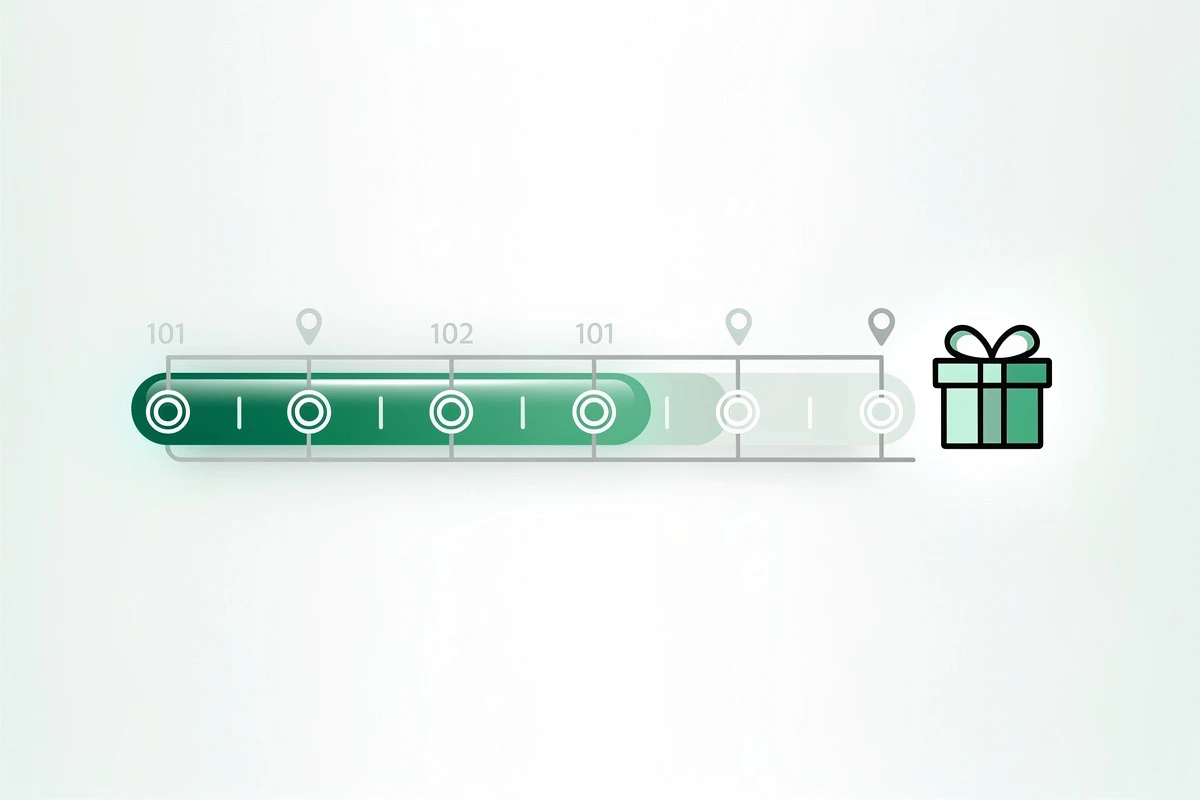
Reward bar completion rate measures what percentage of orders qualify for your reward threshold - typically free shipping, a discount, or a free gift. Understanding how a reward bar drives higher average order values is key to optimizing this metric.
How to calculate it: Completion rate = (Orders meeting threshold ÷ Total orders) × 100
What's a good benchmark? Aim for 50% to 60% completion rate as a starting point. This indicates your threshold is achievable but still motivating.
Interpreting the data:
| Completion Rate | What It Means | Action |
|---|---|---|
| Below 30% | Threshold too high | Lower the threshold or add products at key price points |
| 30-50% | Room for optimization | Test messaging, position, or visual design |
| 50-60% | Sweet spot | Monitor and protect this balance |
| Above 80% | Threshold too low | Raise the threshold to increase AOV |
Research shows that 58% of consumers add items specifically to qualify for free shipping. Your reward bar completion rate tells you whether you're capturing this behavior or missing it.
Tiered Rewards Require Tiered Tracking
If you use multiple reward tiers - say, free shipping at $50, a 10% discount at $100, and a free gift at $150 - track each tier's completion rate independently. If 55% hit the first tier but only 12% reach the second, your tiers might be spaced too far apart. Adjust thresholds based on actual behavior, not assumptions.
Cart-to-Checkout Conversion: The Handoff Metric
Cart-to-checkout conversion measures how many customers who add items to their cart actually complete the purchase. This isolates the cart experience from traffic quality issues.
How to calculate it: Cart-to-checkout = (Completed purchases ÷ Add-to-cart sessions) × 100
What's a good benchmark? Cart abandonment rates average around 70% globally, meaning roughly 30% of add-to-cart sessions convert. Top performers get this under 60% abandonment.
Why it matters: If your overall conversion rate is 2% but your cart-to-checkout rate is 45%, you don't have a cart problem - you have a traffic or product page problem. If cart-to-checkout is 20%, your cart experience is losing sales.
Common Cart-to-Checkout Killers
According to Baymard Institute, the top reasons for abandonment include unexpected costs (48% abandon due to extra shipping or taxes), account creation requirements (26%), and complicated checkout processes (22%). For actionable strategies addressing each of these, see our guide on 7 ways to increase cart-to-checkout conversion. Your cart can address the first issue directly through transparent pricing and reward bars showing exactly how much is needed for free shipping.
Items Per Order: The Hidden AOV Driver
Items per order measures the average number of products in each completed transaction. If your upsell conversion rate increases but items per order stays flat, customers might be substituting products rather than adding to their cart.
How to calculate it: Items per order = Total items sold ÷ Total orders
Reward bars typically add 0.5 to 1.5 items per transaction when properly configured. Track this to confirm your cart optimizations are driving incremental purchases.
Setting Up Cart Analytics Tracking
Most stores can access these metrics through Shopify Reports (order data and basic conversion metrics), Google Analytics 4 (enhanced e-commerce events for add-to-cart, upsell clicks, and checkout behavior), and app analytics dashboards. The key is separating cart feature performance from general store performance.
Creating a Cart Analytics Dashboard
Build a simple tracking system with these metrics reviewed weekly:
| Metric | Target |
|---|---|
| Upsell conversion rate | 15%+ |
| Addon attachment rate | 20%+ |
| Reward completion rate | 50-60% |
| Cart-to-checkout rate | 35%+ |
| Items per order | +0.5 vs baseline |
Review weekly, but don't react to daily fluctuations. Cart behavior varies by day of week and seasonal factors.
Acting on What You Measure
Data without action is decoration. Low upsell conversion? Test different display positions or enable AI recommendations. Low addon attachment? Simplify your presentation or improve the copy. Reward completion below 40%? Lower your threshold. Cart-to-checkout below 30%? Eliminate surprise costs and streamline the path to purchase.
Each metric points to a specific optimization area. Without this visibility, you're making changes blindly.
Why Most Stores Get It Wrong
The fundamental mistake is treating the cart as a pass-through rather than a conversion tool. Stores track traffic sources, landing page performance, and email campaigns in granular detail - then ignore what happens after the add-to-cart click.
The cart is high-intent territory where everyone has already demonstrated purchase interest. Cart changes compound - a 10% improvement affects every visitor who adds items. And cart metrics reveal mechanics, showing what's actually driving results.
Mobile cart abandonment reaches approximately 73-75% versus desktop's 65-68%. If you're not tracking cart performance by device, you're missing the platform where most users drop off.
Start With Three Metrics
If you're starting from zero, focus on three metrics: upsell conversion rate (tells you if recommendations are working), reward completion rate (tells you if your threshold strategy is effective), and cart-to-checkout rate (tells you if your cart experience is losing sales). Once you have baselines, expand to addon tracking and items per order.
Ready to optimize what you can actually measure? Start tracking these metrics, establish your baselines, and make data-driven improvements that compound over time.