
How to Run Targeted Cart Promotions for Google Ads and Meta Ads Traffic

Every click from Google or Meta costs real money, and that cost keeps climbing. Average e-commerce ROAS has dropped to about 2.87 as auction prices rise and attribution gets harder, and paid clicks on both platforms remain meaningfully more expensive than organic traffic. When you're already paying that much per visitor, showing them the same cart experience as someone arriving from organic search is the fastest way to waste the ad spend.
The smarter move is a targeted cart promotion - a UTM-gated reward that only triggers for paid-ad traffic. Visitors from Google Ads or Meta see an exclusive reward in the cart - a free gift, an auto-discount, or an extra shipping threshold. Organic shoppers paying full price never see it. No leaked coupon codes, no RetailMeNot listings, no margin erosion on customers you weren't subsidizing anyway.
Why Paid-Ad Visitors Deserve a Different Cart Experience
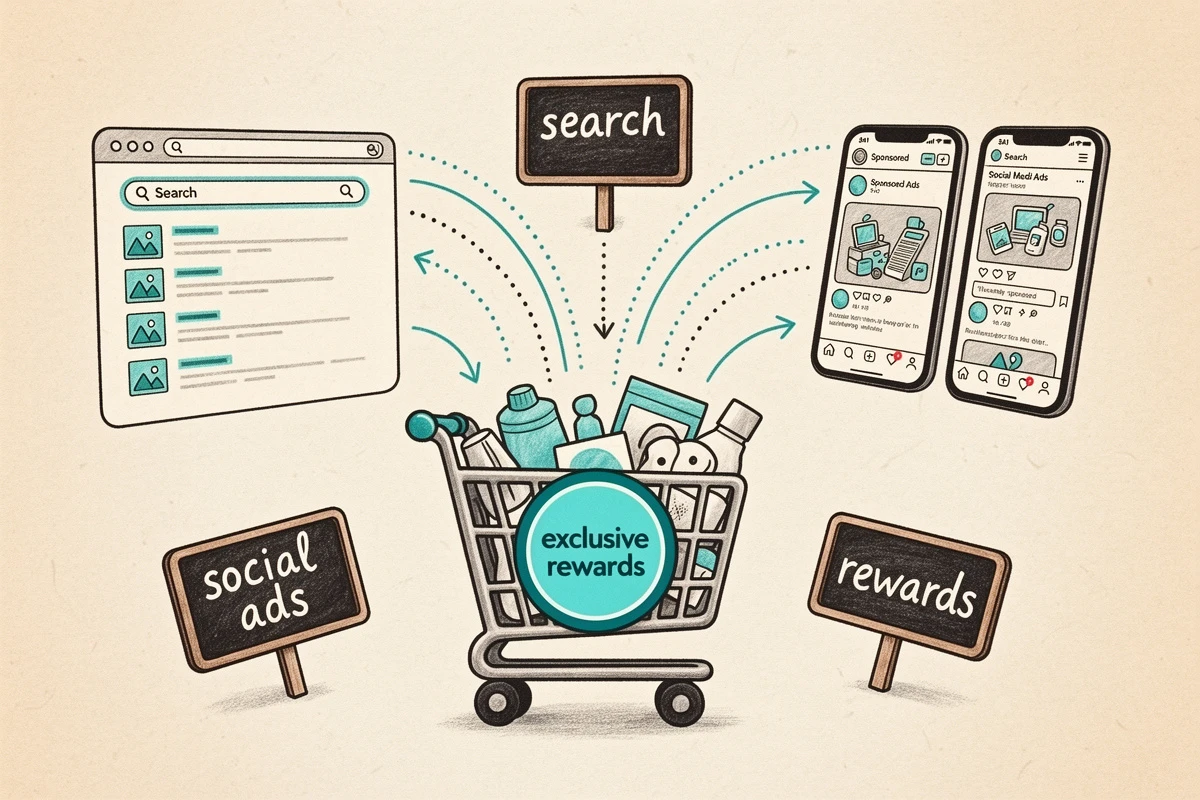
Paid and organic traffic cost you differently. An organic visitor ranked you for free; a utm_medium=cpc click cost several dollars before they ever saw your product. Treating both the same means either overpaying the organic customer (margin leak) or under-converting the paid one (wasted ad spend). A targeted in-cart incentive fixes both at once - the paid-ad visitor gets a reason to convert on the session you already paid for, and the organic customer's margin stays intact.
There's a second reason this matters: discount-code leaks. A "GOOGLE10" or "FBADS15" code tends to end up on coupon aggregation sites within weeks. Extensions like Honey and RetailMeNot surface leaked codes at checkout, and research suggests blocking those extensions alone can lift AOV by nearly 30% in some verticals. UTM-gated rewards sidestep the problem entirely - there is no code to leak.
How Google Ads and Meta Ads Identify Their Traffic
Both platforms tag outbound clicks, but they do it differently, and that shapes how you set up your Shopify ad campaign discount.
Google Ads uses a parameter called gclid (Google Click Identifier) through a feature called auto-tagging, which is enabled by default. gclid is excellent for attribution but opaque to your cart - you can't read "this visitor came from the spring promo campaign" out of it. The fix is to also set manual UTM parameters in your Google Ads tracking template. The industry standard is:
{lpurl}?utm_source=google&utm_medium=cpc&utm_campaign={_campaignname}
With that template in place, every Google Ads click lands with utm_medium=cpc and utm_source=google in the URL - and those are the values your cart can gate a reward on.
Meta Ads auto-appends fbclid to URLs, but - like gclid - that parameter is meant for platform attribution, not for your own targeting. Meta's ads manager has a URL parameters field where you set your own UTMs. A typical Meta setup looks like:
utm_source=facebook&utm_medium=paid_social&utm_campaign={{campaign.name}}
Once your Google Ads and Meta Ads accounts are tagging clicks with UTM values you control, your cart can treat those visitors differently - without touching the ad platforms again.
The Reward Types That Fit Paid-Ad Campaigns
EliteCart's flexible rewards system supports per-reward conditions on any reward, which means you can gate a gift, a shipping threshold, or an auto-discount to a specific UTM value. Three reward types map particularly well to paid-ad promotions.
Free shipping with a lower threshold. Add a second shipping reward with a threshold below your organic one - say $50 instead of $75 - that only appears when utm_medium=cpc. Organic shoppers still see the $75 bar; paid-ad visitors see an easier one. A traffic-source tier instead of a cart-value tier.
Free gift with purchase. Add a gift product that only activates for paid-ad clicks. The perceived value feels earned - "you came from our ad, here's a bonus" - and the gift never shows up on product or collection pages, so organic visitors never ask about it. Works well for cold-audience campaigns where first-time buyers need an extra reason to convert.
Auto-applied discount. A Discount (advanced) reward applies a percentage or fixed discount at checkout without a code. Gate it to utm_source=google or utm_source=facebook and your paid-ad visitors get the clean experience of an auto-applied discount while organic shoppers pay full price. No code means no leak. Note that UTM conditions work with Discount (advanced), not Discount (legacy) - use the advanced type for anything UTM-gated.
Setting Up a Targeted Cart Promotion in EliteCart
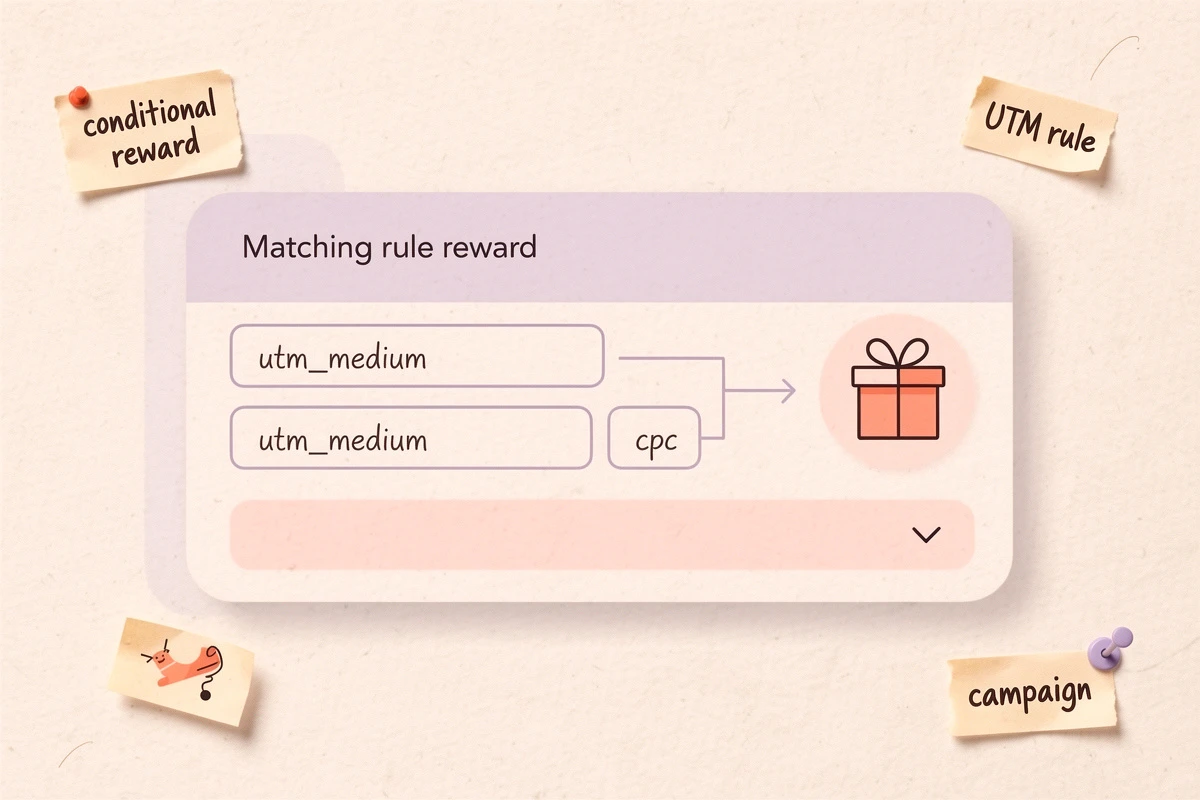
The setup is the same as any other conditional reward - the only difference is the UTM value you match on.
- Go to Cart Designer → Rewards and open the Rewards tab
- Click Add reward and choose the type - Shipping, Single gift, or Discount (advanced)
- Set the threshold (e.g. $50 for free shipping, $75 for a gift)
- For gifts, pick the product. For Discount (advanced), set the amount and write the Discount title shown at checkout.
- Click the reward to open its settings and expand the Conditions card
- Click Add condition and choose UTM parameter equals
- Enter the parameter and value - e.g.
utm_mediumequalscpcfor all Google Ads traffic, orutm_sourceequalsfacebookfor Meta - Click Save
From that point on, the reward only appears for visitors whose session includes that UTM value. Everyone else sees the cart as it was. UTM values persist for 72 hours in the shopper's browser, so someone who clicks your ad, browses, and returns two days later still sees the reward - matching how most paid-ad buyers actually behave.
Per-reward conditions are part of the Professional plan.
Targeting Google and Meta separately (or together)
If you want one reward for all paid-ad traffic regardless of platform, match on utm_medium - both cpc (Google) and paid_social (Meta) are common defaults, and you can add two conditions with OR logic: utm_medium equals cpc OR utm_medium equals paid_social.
If you want platform-specific offers - say a bigger incentive on Meta because your Meta ROAS is softer - create two separate rewards and match each one on utm_source (google for one, facebook for the other). The reward bar will show whichever one matches the visitor's session.
Campaign Ideas That Improve ROAS Without Leaking
Cold-audience conversion boost. On a prospecting campaign where first-time visitors convert at 1-2%, add a UTM-gated gift at a threshold just above your AOV. "You're $12 away from a free sample" gives cold traffic a concrete reason to add one more item.
Retargeting closer. For visitors you're paying CPM to reach twice, tag the retargeting campaign with utm_campaign=retarget and create a Discount (advanced) reward gated on that campaign. The discount only fires for people who came back through the retargeting ad - not for anyone who re-entered organically.
Meta vs. Google budget rebalance. If your Meta ROAS is lagging but you don't want to cut the channel, run a Meta-only gift gated on utm_source=facebook. You subsidize the weaker channel without touching Google margins. When Meta recovers, remove the condition - no bulk discount update, no ad copy rewrite.
Common Mistakes to Avoid
Relying on gclid or fbclid for targeting. Neither parameter is meant for merchant-side conditions - they're opaque click IDs designed for ad platform attribution. Always set explicit UTM values in your tracking template or URL parameters field. If your Google Ads URL only carries gclid, your reward condition will never match.
Using a utm_source value that collides with another channel. If your organic newsletter also uses utm_source=google (it shouldn't, but it happens), a condition matching that value will fire on both. Use utm_medium=cpc for Google Ads specifically, and utm_source=facebook only where Meta is the real source.
Over-targeting on utm_campaign. Matching on utm_campaign=2026-spring-sale-variant-b is precise, but one small change in the ad platform and your reward silently stops working. Use broader values (cpc, paid_social, or facebook) for always-on offers, and reserve utm_campaign matching for genuinely one-off promotions.
Forgetting to announce the reward in the ad creative. A cart perk nobody knows about is just an unused feature. If the ad doesn't mention the offer, the visitor has no reason to add items to reach the threshold. Pair your UTM reward with ad copy that teases it ("Free gift at $50 - click to shop") and an announcement banner inside the cart that reinforces it on arrival.
UTM-gated rewards are the cleanest way to give paid-ad traffic a better deal without eroding full-price margins. No leaked codes, no coupon extension notifications, no support tickets from organic shoppers who "heard about the offer." The same approach works for Klaviyo email campaign traffic if you want to reward subscribers with a separate offer. Set one up on your best-performing Google or Meta campaign, watch the cart-to-checkout rate on that traffic specifically, and let the numbers decide whether it earns a second campaign.