
How to Set Up Day-of-Week and Time-of-Day Promotions in Shopify
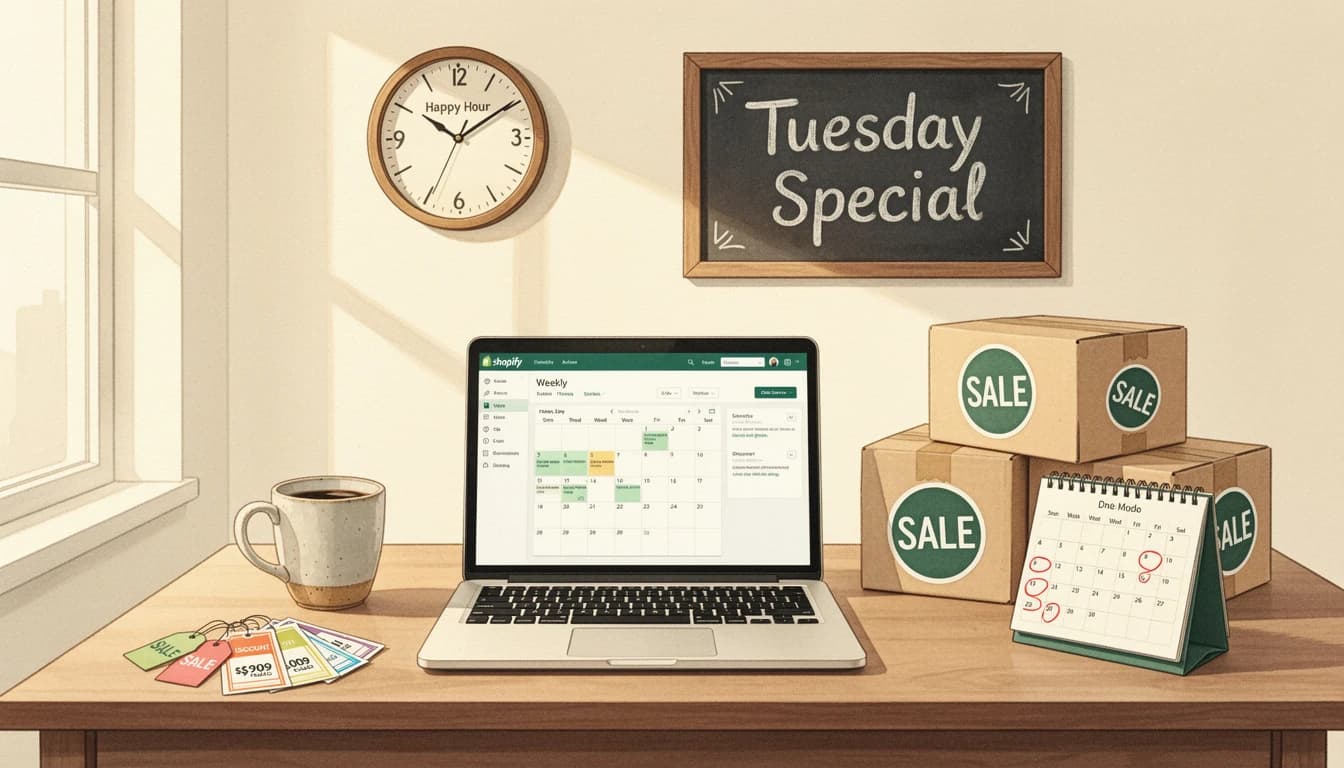
Some of your best promotional ideas aren't one-time events - they're weekly rhythms. A weekend free shipping deal every Friday through Sunday. A happy hour discount on weekday afternoons. A Monday gift-with-purchase to kick off the week. These recurring promotions build customer habits, but most Shopify merchants either run them manually or don't run them at all because the operational overhead isn't worth it.
Setting up day-of-week and time-of-day promotions in Shopify means configuring them once and letting them repeat on a weekly schedule - no manual toggling, no forgotten end times. When paired with auto-applied discounts, you get a fully automated promotional rhythm that runs itself.
Why Recurring Promotions Build Stronger Customer Habits
One-time sales drive traffic spikes. Recurring promotions drive behavior change.
When customers learn that your store runs free shipping every weekend or an afternoon discount every weekday, they start planning purchases around your schedule. That's powerful - instead of competing for attention with ad spend, you're creating a reason for customers to return on their own.
Research from DontPayFull shows that flash sales with urgency mechanics generate 3.5x higher conversion rates than ongoing discount programs. The same urgency principle applies to recurring time windows: "Free shipping ends Sunday night" motivates action even when customers know the deal comes back next Friday. The deadline is real every single week.
This approach works especially well for stores with repeat-purchase products - consumables, pet supplies, coffee, supplements, skincare. Give your customers a weekly reason to restock, and they'll build the habit around your promotion schedule instead of a competitor's ad.
Three Recurring Promotions Worth Running
The best recurring promotions align with your customers' natural shopping patterns and your operational calendar. Here are three proven formats.
1. Weekend Free Shipping (Friday-Sunday)
Weekend browsing is when many customers discover products but hesitate at checkout. A recurring free shipping offer from Friday through Sunday removes the most common objection during your highest-traffic window.
How it works:
- Active Friday through Sunday, all day
- Free shipping threshold drops to $50 (vs. your regular $75)
- Reward bar shows "You're
{amount}away from free weekend shipping!" - Automatically deactivates Monday morning
Instead of offering free shipping year-round (which eats margins), you concentrate it during the window when it converts the most browsers into buyers.
2. Happy Hour Discount (Weekdays, 4-6 PM)
Borrow a concept from hospitality: offer a small discount during a specific time window every weekday. A 10-15% automatic discount between 4 PM and 6 PM creates a daily micro-event that customers look forward to.
How it works:
- Active Monday through Friday, 4:00 PM to 6:00 PM
- 15% off orders over $60, applied automatically at checkout
- No coupon code needed - the discount appears the moment the cart qualifies
- Reward bar counts down to the threshold during the window; invisible outside it
The "happy hour" framing is familiar and fun. It gives you a marketing hook for social media ("Happy hour starts in 30 minutes!") and email campaigns without requiring any manual cart changes when the window opens or closes.
3. Monday Motivation Gift (Every Monday)
Mondays are typically the slowest day for e-commerce traffic. A recurring gift-with-purchase exclusively on Mondays gives customers a reason to shop on a day they'd normally skip.
How it works:
- Active Monday only, all day
- Free gift auto-adds when cart hits $50
- Gift disappears from the reward bar at midnight Monday
- Rotatable - swap the gift product monthly to keep it fresh
This works particularly well with product samples. Use Monday as a way to introduce new products: "This Monday's free gift: our new travel-size moisturizer with any $50 order." Customers get variety, and you get exposure for new launches without discounting them.
Setting Up Day-of-Week Scheduling: Step by Step
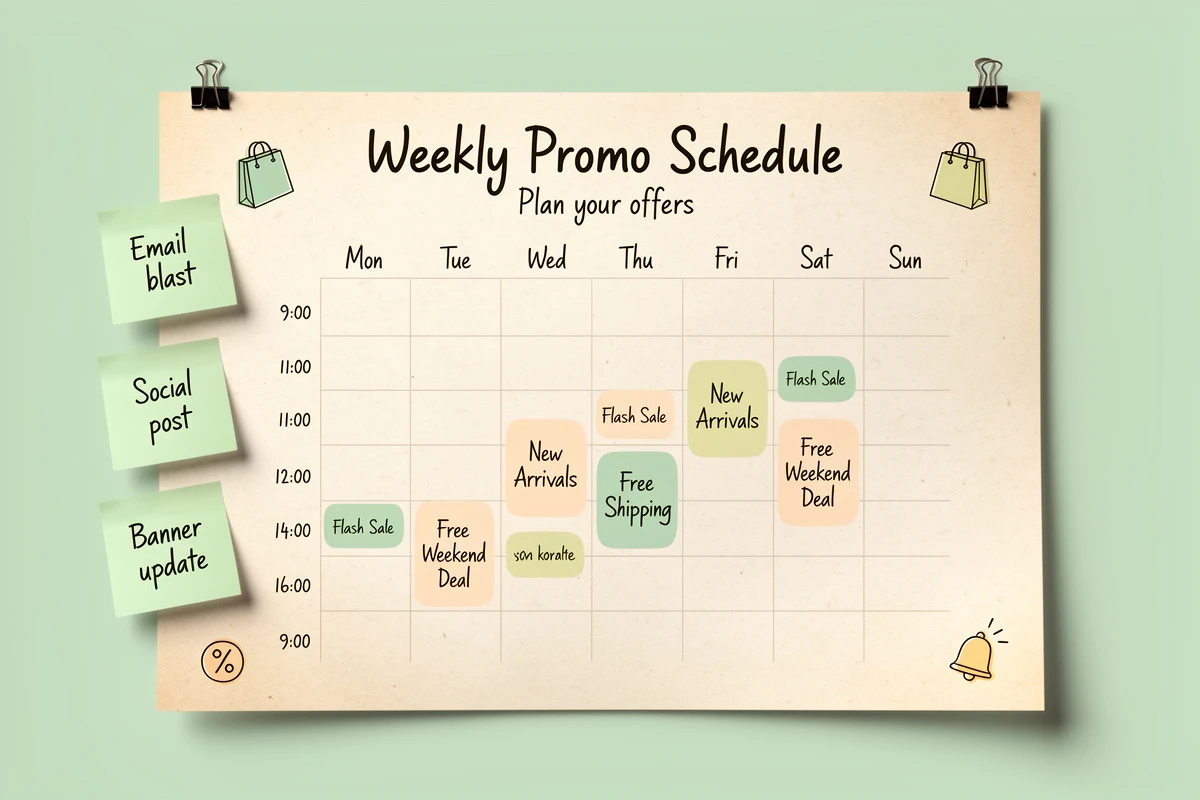
Here's how to set up a recurring "Happy Hour" discount using EliteCart's per-reward scheduling. The same process works for free shipping and gift rewards.
1. Create the reward
In Cart Designer → Rewards → Rewards tab, click Add reward and select Discount (advanced). This reward type applies the discount automatically at checkout - no separate Shopify discount setup needed. For shipping rewards, choose Shipping. For gifts, choose Single gift or Multi gift.
2. Set the threshold and discount
Enter the cart value customers need to reach (e.g., $60) and the discount amount (e.g., 15% off). Write a checkout label like "Happy Hour: 15% off" - this is what customers see on the checkout page.
3. Add a recurring schedule rule
Expand the Schedule section in the reward settings and add a rule:
- Days of week: Monday, Tuesday, Wednesday, Thursday, Friday
- Time range: 4:00 PM to 6:00 PM
- Date range: Leave both start and end dates blank
Leaving the date range empty is the key to making this recurring. Without a date range, the rule repeats every week indefinitely - every weekday from 4 to 6 PM, automatically, forever.
4. Save and check the status
Click Save. The scheduling card shows a real-time badge: "Currently visible" if the current time falls within your rule, or "Currently hidden" if it doesn't. This confirms the schedule is working.
5. Customize the reward bar text
Set the "away from" message to something that matches the promotion: "You're {amount} away from your happy hour discount!" The {amount} placeholder updates dynamically as customers add items.
For the weekend free shipping example, you'd select Friday, Saturday, Sunday for days and leave the time range blank (meaning all day). For Monday gifts, select Monday only.
Making Recurring Discounts Fully Automated
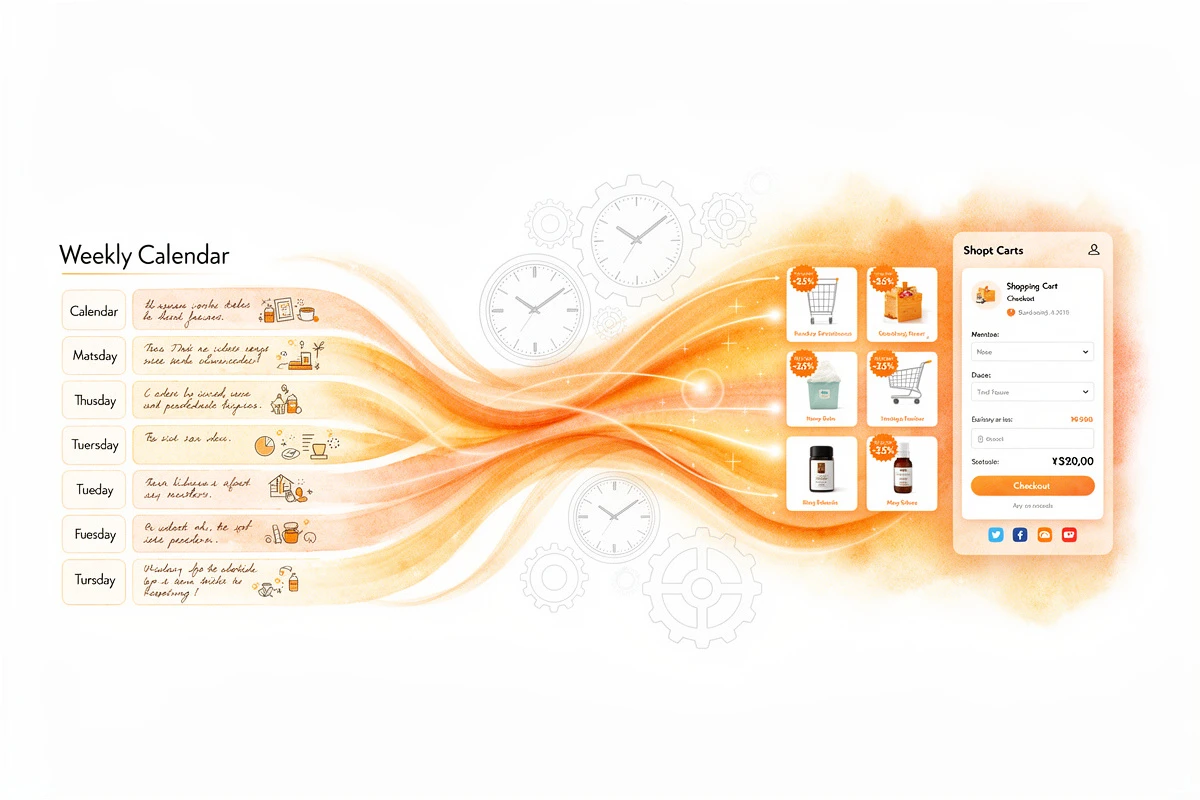
Scheduling controls when a promotion is visible. But for discount promotions specifically, there's a second piece: actually applying the discount at checkout.
Traditional Shopify discounts require coupon codes, which adds friction that undermines the whole point of a recurring promotion - you want the savings to just happen.
The Discount (advanced) reward type in EliteCart handles both halves automatically. The reward bar shows progress toward the threshold during scheduled hours, and the discount applies at checkout without any code. When the schedule window closes, the reward bar hides and the discount stops applying. No coupon codes to distribute, no codes to expire, and no manual intervention at any point.
Auto-applied discounts with day-of-week scheduling create a promotion that's genuinely set-and-forget - no codes to distribute, no codes to expire. The same scheduling system handles one-time flash sales when you add specific start and end dates instead.
For detailed configuration options, see the automatic discount rewards guide.
Tips for Getting the Most Out of Weekly Promotions
Start with one recurring promotion and measure it. Don't launch all three formats simultaneously. Start with whichever aligns best with your traffic patterns - check your analytics to see which days and hours see the most (or least) activity. If weekends are already strong, a happy hour on slow weekday afternoons might have more upside.
Match the promotion to the day's intent. Weekends are browsing-heavy, so free shipping (which reduces checkout hesitation) works well. Weekday afternoons are impulse-purchase windows, so a percentage discount works well. Mondays need a unique draw, so a gift creates curiosity.
Tell customers about the schedule. A recurring promotion only builds habits if people know the schedule exists. Mention it in email footers, product pages, and social media. "Free shipping every weekend" is a compelling reason to follow your brand.
Combine with scheduled announcement banners. Add a matching announcement banner on the same schedule. The banner announces the deal ("Happy Hour: 15% off until 6 PM!"); the reward bar motivates customers to qualify.
Mind your timezone. Schedule rules use your shop's timezone from Shopify admin. If your store is set to Eastern Time, a 4 PM happy hour starts at 1 PM for West Coast customers. For most stores this is fine - your operations run on your timezone - but be aware of it when writing marketing copy.
Track week-over-week, not day-over-day. Recurring promotions create weekly patterns in your revenue data. Compare this Friday to last Friday, not Friday to Thursday. After 4-6 weeks, you'll see whether the deal drives incremental revenue or just shifts existing purchases into the promotional window.
Pick one day, one time window, one reward - and schedule it. A weekend shipping deal, a weekday happy hour, or a Monday gift. Set it up once in Cart Designer → Rewards, add a day-of-week schedule, and let it run. Your customers start expecting the deal, your revenue gets a weekly rhythm, and you never flip a switch again. For the full setup walkthrough, see the Rewards V2 guide.