
How to Create a Secret Hidden Discount That Auto-Applies at Checkout
Not every discount belongs on a banner. Some of the most effective promotions are the ones most customers never see - a silent perk that only triggers for the right person, at the right time, through the right link. No code, no visible progress bar, and no trace for coupon aggregators to scrape.
If you're running influencer partnerships, affiliate programs, or win-back campaigns, a secret hidden discount in Shopify rewards exactly the audience you intended and nobody else.
Why Hidden Discounts Outperform Public Codes
Public discount codes have a leakage problem. The moment an influencer shares "SARAH15" on Instagram, that code starts making its way to coupon sites. Browser extensions like Honey surface leaked codes at checkout, and the cost of coupon fraud runs into the hundreds of millions per year. Your influencer's "exclusive" code ends up discounting orders from organic traffic that would have converted at full price.
A hidden discount sidesteps the entire problem. There's no code to type, no code to screenshot, and no code to list on a coupon site. The discount exists only as a conditional rule tied to how the customer arrived - a UTM parameter, a customer tag, or a login state. The customer sees savings at checkout and nothing else.
Three things make a discount truly hidden:
- No reward bar visibility. The discount doesn't appear as a progress milestone in your cart.
- No public code. Nothing to enter, nothing to share.
- Conditional activation. Only fires when a specific condition is met - a UTM value, a customer tag, a login status.
Four Use Cases for Secret Discounts
1. Influencer and creator partnerships
The standard influencer model - give a creator a unique code, they share it, their audience uses it - breaks down when the code escapes the creator's audience.
Instead of giving an influencer a code, give them a link. The link carries a UTM parameter (e.g., ?utm_source=sarah&utm_campaign=collab-2026) that activates a hidden discount when the customer reaches your store. The influencer's audience gets the discount automatically. Nobody else does. And since most consumers trust influencer recommendations over brand messaging, removing the friction of typing a code only helps conversion.
2. Affiliate and referral bonuses
Affiliate programs face the same leakage risk, but at larger scale. Each partner gets a unique link with their own UTM parameter. A hidden auto-discount tied to that parameter means:
- No code management across dozens of affiliates
- No coupon-site leakage eroding your margins
- Attribution stays clean because the UTM travels with the click
- The customer experience is smoother - no "enter your code" step
3. Silent win-back offers
Win-back campaigns target lapsed customers - people who bought months ago and haven't returned. The probability of selling to a past buyer is 60-70% compared to 5-20% for a new prospect, making reactivation one of the highest-ROI plays in e-commerce. The catch is that win-back discounts need to feel personal, not broadcast.
A hidden discount attached to a win-back email or SMS link feels like a quiet thank-you, not a desperate plea. The returning customer sees their cart total reduced at checkout and thinks "nice surprise" - not "this store must be struggling." Combine a UTM condition with scheduling to make the offer expire after a week, creating soft urgency without a countdown timer. If your win-back campaigns run through Klaviyo, the UTM-based email rewards guide covers the full setup.
4. VIP and loyalty perks
Tag your best customers in Shopify - "VIP," "wholesale," "ambassador" - and gate a hidden discount to that tag. Logged-in customers with the tag get automatic savings. Everyone else sees the standard cart. No loyalty program to maintain, no points to track - just a price that quietly rewards your best buyers every time they shop.
How to Set Up a Hidden Auto-Discount
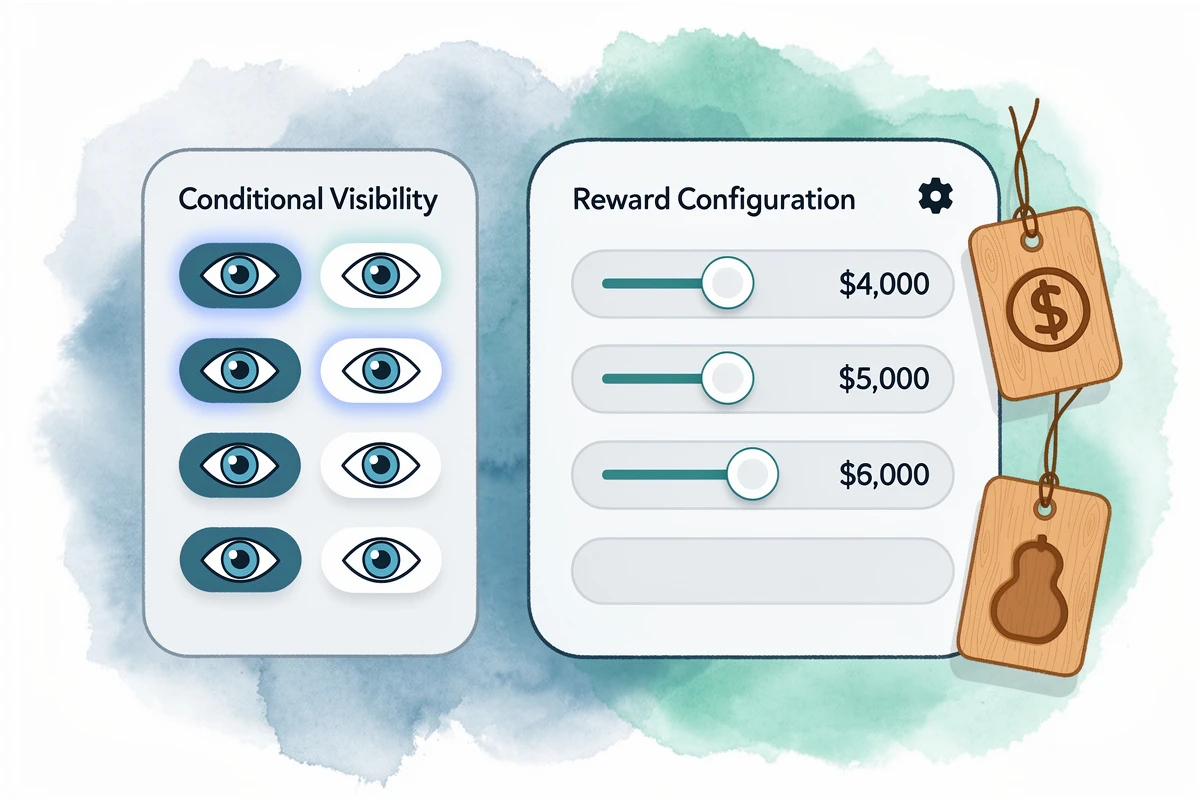
The setup combines two EliteCart features: a Discount (advanced) reward that auto-applies at checkout, and conditions that control who triggers the reward.
Step 1: Create the discount reward
- Go to Cart Designer → Rewards and open the Rewards tab
- Click Add reward and choose Discount (advanced)
- Set your threshold - as low as $0 for unconditional discounts, or higher to combine with a spend requirement
- In the Discount configuration card, choose Percentage or Fixed amount and enter the value
- Write a Discount title (e.g., "Exclusive 15% off") - this is the label the customer sees at checkout next to their savings
Step 2: Hide it from the reward bar
Check "Hide this reward in the reward bar" in the reward settings. This removes the discount from the visible progress bar so regular visitors never see a milestone they can't reach. The discount still applies at checkout when conditions are met.
Step 3: Add conditions
Expand the Conditions card and click Add condition. The condition you choose depends on your use case:
- Influencer/affiliate traffic: Choose "UTM parameter equals" and enter the parameter and value (e.g.,
utm_source=sarah). The discount activates only for visitors who arrived through that link. - Win-back campaigns: Use a UTM condition matched to your campaign tag (e.g.,
utm_campaign=winback-q2). - VIP customers: Choose "Customer has tag" and enter the tag name (e.g.,
VIP). Only logged-in customers with that Shopify tag trigger the discount. - Logged-in customers only: Choose "Customer is logged in" to reward anyone with an account.
You can combine conditions with AND/OR logic. For example: utm_source equals sarah AND cart total meets $75 - so the influencer's audience gets 15% off, but only on orders above $75.
Step 4: Save and test
Click Save, then test by visiting your store with the UTM parameter in the URL (e.g., yourstore.com?utm_source=sarah). Add items to your cart and verify the discount appears at checkout. Visit without the parameter to confirm it's invisible.
UTM values persist in the customer's browser for 72 hours, so someone who clicks a link and returns two days later still qualifies.
Per-reward conditions require the Professional plan.
Practical Tips for Running Hidden Promotions
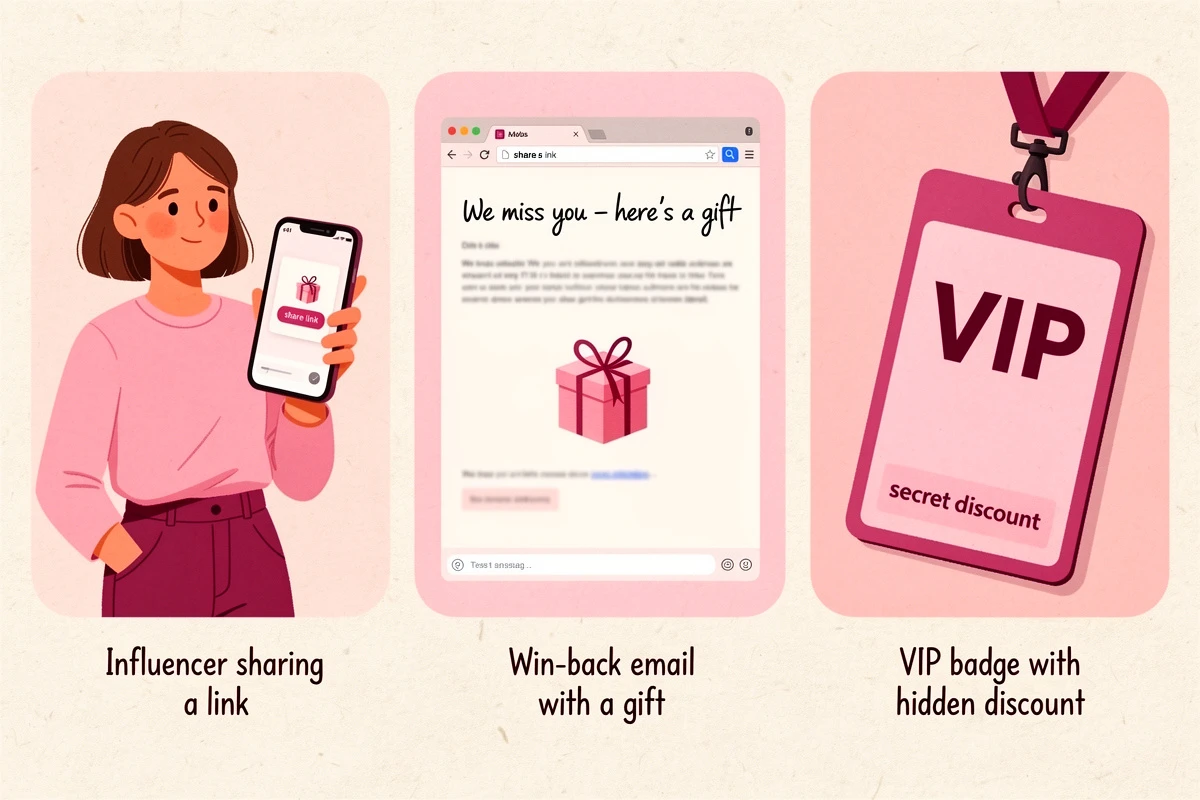
Tell the people who should know. A hidden discount only works if the intended audience knows it exists. Brief your influencer so they can say "use my link for 15% off" instead of sharing a code. Frame your win-back email around the reward - "click through to claim your exclusive offer." The discount is hidden from your public storefront, not from the people it's meant for.
Use scheduling for time-limited offers. Add a schedule so the discount automatically deactivates when the campaign ends - no need to remember to turn it off manually.
Create separate rewards for separate partners. If you work with five influencers, create five hidden discount rewards - each gated to a different utm_source value. This gives you per-influencer control: pause underperformers or give your top creator a bigger discount without affecting the others.
Pair with a gift for higher impact. Stack a hidden free gift reward (gated to the same UTM condition) on top of the discount for high-value campaigns - like a product launch promoted by a major creator.
Watch your margin math. Hidden discounts are easy to forget about. Audit your active conditional rewards quarterly - if an influencer partnership ended months ago but the discount is still live, anyone who bookmarked the UTM link is still getting 15% off.
Common Hidden Discount Mistakes to Avoid
Leaving the discount visible in the reward bar. Every visitor sees a milestone they can't unlock - confusion, not conversion. Always hide conditionally-gated rewards.
Using a code instead of auto-apply. A Shopify discount code shared with an influencer puts you right back in the leakage problem. The point of a hidden auto-discount is that there's nothing to share, screenshot, or post on a coupon site.
Gating on a UTM value that's too generic. Matching on utm_source=email fires for every email campaign. Use specific values: utm_campaign=winback-q2-2026 for a single campaign, or utm_source=sarah for a single influencer.
Using the legacy discount type. If you choose Discount (legacy) instead of Discount (advanced), UTM-based conditions won't work. Always use Discount (advanced) for hidden auto-discounts.
A hidden discount is the cleanest way to reward a specific audience without leaking margin to everyone else. No code to manage, no coupon sites to police, no checkout friction. Set up one hidden auto-discount for your next influencer campaign or win-back send, track the conversion rate, and let the results tell you whether it earns a second.