
Custom HTML Sections: Advanced Cart Customization Without Code Changes
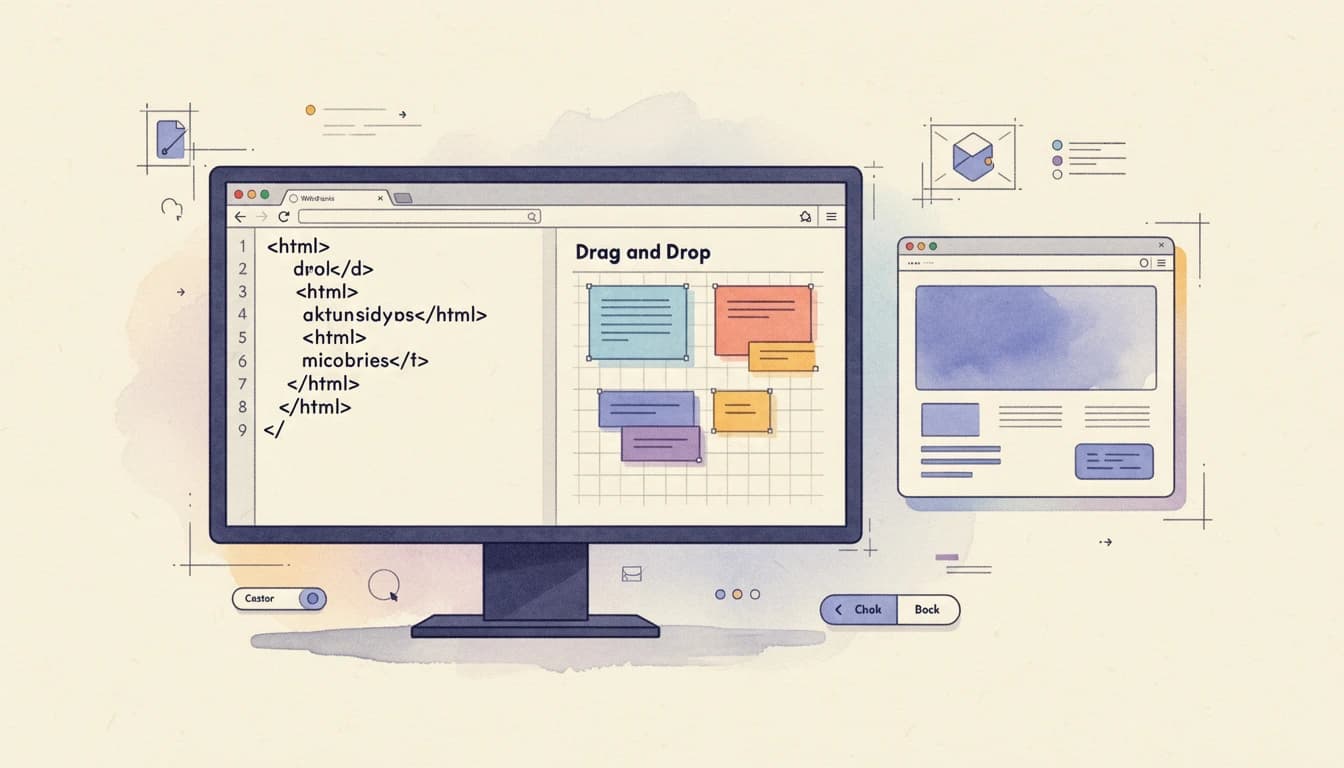
Your cart drawer works. Products display correctly, the checkout button functions, and customers can complete purchases. But there's a gap between "functional" and "optimized" - and that gap often costs you conversions.
Custom HTML sections fill that gap. They let you inject promotional messaging, social proof, and custom calls-to-action at strategic positions throughout the cart - all without touching your theme code or waiting for developer availability.
Why Standard Cart Features Aren't Always Enough
Every store has unique needs. Maybe you want to promote a bundle discount when customers have specific products in their cart. Perhaps you need a custom "continue shopping" button below checkout. Or you're running a promotion that doesn't fit existing options.
Standard cart features handle common scenarios well. But e-commerce is competitive, and the stores that win often do so through small, targeted optimizations.
Research shows that personalized experiences can increase conversion rates by up to 30%. Custom HTML sections enable that personalization at the cart level - the final touchpoint before checkout where conversion anxiety peaks and targeted messaging has maximum impact.
Strategic Positions for Custom Content
Where you place custom content matters as much as what you say. Eight strategic positions throughout the cart serve different purposes.
Above Cart Items
This prime position catches customers immediately when they open their cart. Use it for:
- Important announcements that apply to the entire order
- Promotional messaging about sales or special offers
- Social proof like review counts or trust statements
Below Cart Items
After customers review their products, they're mentally calculating totals and considering next steps. This position works for:
- Product suggestions that complement cart contents
- Savings summaries showing how much they've saved
- Related content like care instructions or size guides
Above the Checkout Button
The space directly above checkout is high-stakes real estate. Customers' eyes naturally travel here when they're ready to proceed. Effective uses include:
- Final reassurances about security or returns
- Last-chance offers that create urgency
- Threshold reminders showing how close they are to free shipping or a gift
Below the Checkout Button
Often overlooked, this position catches customers who pause before clicking checkout. Consider using it for:
- "Continue shopping" links that close the drawer and return customers to browsing
- Alternative options like "save cart for later"
- Additional trust signals that don't fit elsewhere
In the Cart Header and Footer
Header positions work for persistent messaging that should remain visible as customers scroll. Footer positions suit supplementary information that supports but doesn't interrupt the purchase flow.
Real-World Use Cases
Conditional Promotional Banners
One of the most powerful applications is showing messages only when specific conditions are met. For example, displaying "Buy a second denim item and get 15% off" only when a customer has exactly one denim product in their cart.
This conditional logic turns generic promotions into targeted, relevant suggestions. The banner appears when it's actually useful and stays hidden when it isn't - avoiding the banner fatigue that erodes trust over time.
Custom sections can access cart data to show or hide content based on:
- Cart total thresholds (show when cart is above/below a certain value)
- Product types in the cart
- Quantity of specific items
- Whether discount codes are applied
"Continue Shopping" Links
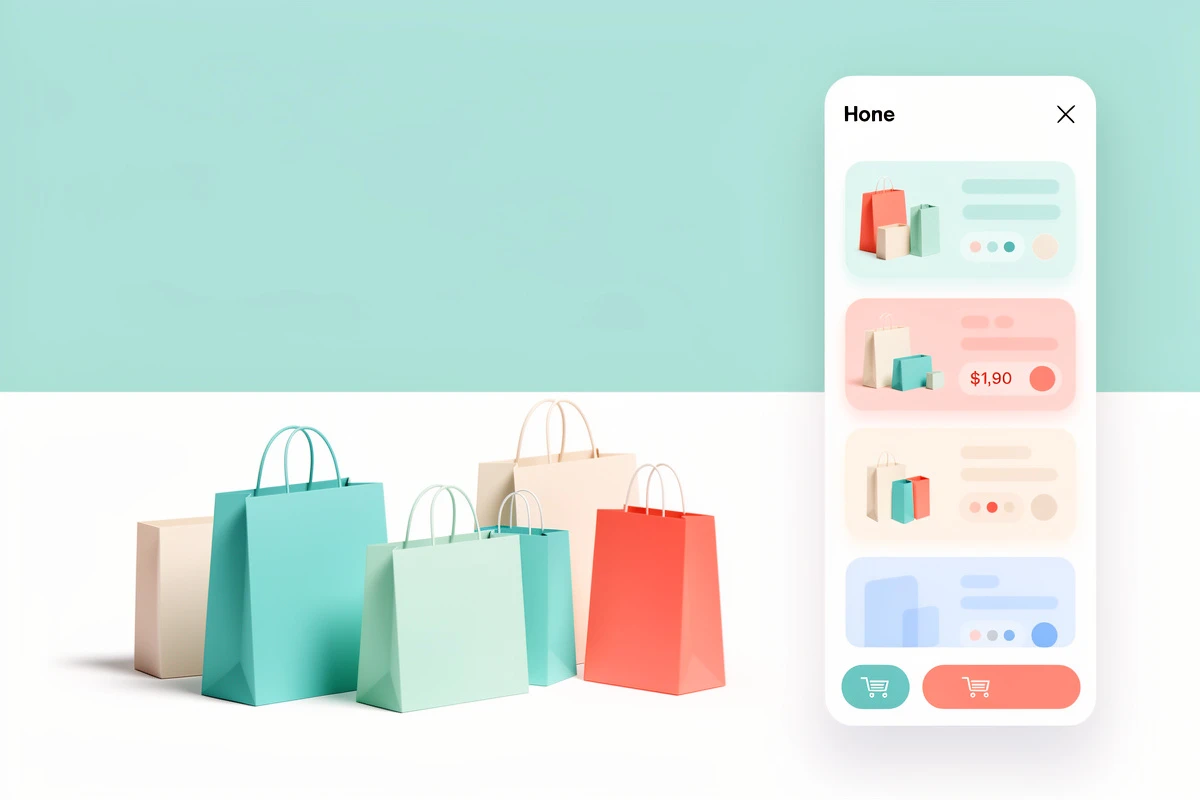
Not every customer is ready to check out when they open their cart. A simple "or continue shopping" link below the checkout button gives them an obvious path back to browsing - potentially increasing average order value as they add more items. Without this option, customers might close the cart awkwardly or abandon the site entirely because they felt pressured toward checkout.
Third-Party Widget Integration
Review widgets from Trustpilot, Judge.me, or similar services often need to be embedded via HTML snippets. Custom HTML sections let you add these widgets without modifying theme files. The same applies to:
- Payment provider messaging (buy now, pay later details)
- Customer support chat widgets
- Analytics tracking codes for cart-specific events
- Social proof notifications
Research from Northwestern University's Spiegel Research Center shows that displaying reviews can increase conversion rates by up to 380% for higher-priced products. Placing review widgets strategically in the cart - where purchase decisions happen - maximizes their impact.
Dynamic Content Based on Cart Contents
Custom HTML reacts to cart changes in real-time, enabling features like:
- Bundle prompts when complementary products are in the cart
- Volume discount reminders showing how many more items unlock the next tier
- Size matching suggestions based on sizes already selected
- "Complete the look" messaging for fashion stores
AI-Assisted Content Creation
Not a developer? Writing HTML from scratch isn't required. Describe what you want in plain English - "Create a promotional banner highlighting free shipping over $50" - and AI generates the HTML structure for you.
This approach works well for:
- Standard promotional banners with specific text and styling
- Simple conditional displays based on cart values
- Trust statements and guarantee messaging
- Navigation links like "continue shopping" buttons
For more complex logic involving specific products or cart conditions, AI can generate the underlying code while you provide the business rules.
Tips for Effective Prompts
Good prompts are specific:
- "Create a promotional banner highlighting free shipping over $50" ✓
- "Add a customer review section showing 5 stars and our rating of 4.9 with over 500 reviews" ✓
- "Make it look better" ✗ (too vague)
Include details about colors, positioning, and what should trigger the content.
Multi-Language Support
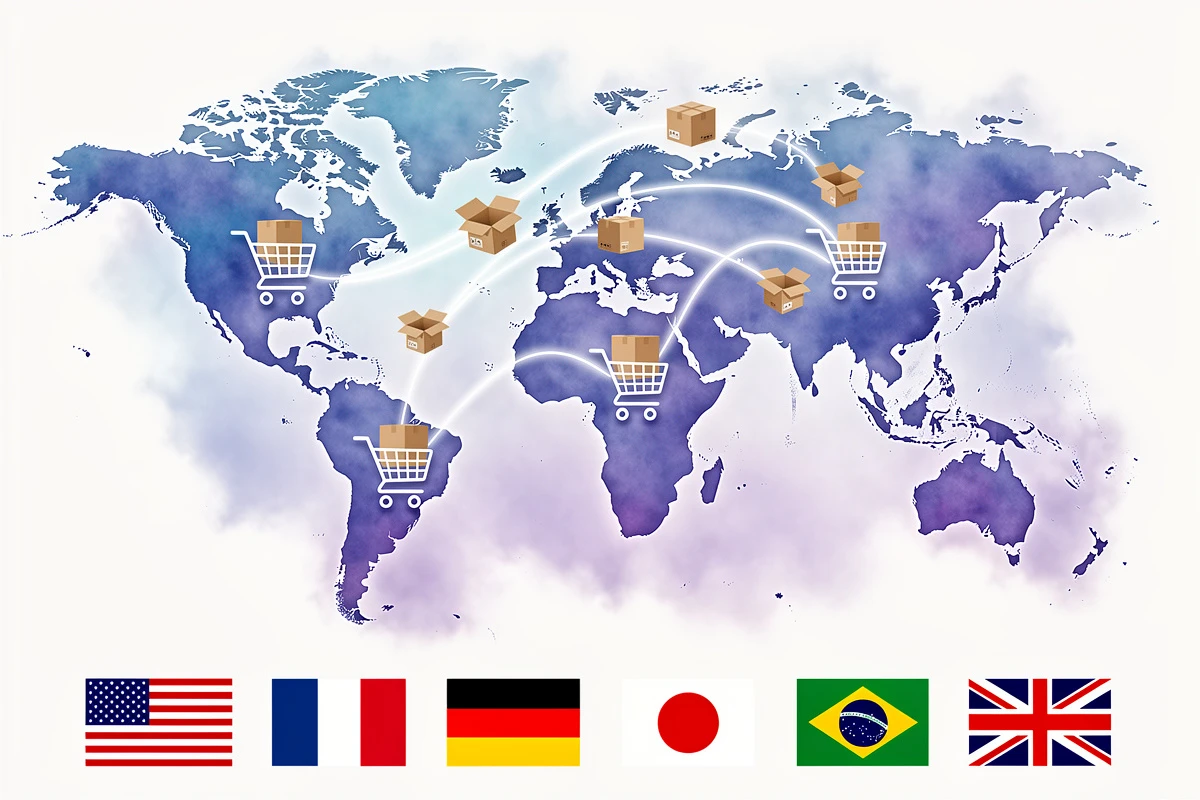
Stores serving multiple markets need custom content in multiple languages. Custom HTML sections support translation - create the content once, then provide translated versions for each language your store supports.
This matters because translation quality directly impacts conversion rates. A promotional banner in the wrong language (or worse, left untranslated) signals to customers that they're not the intended audience.
Best Practices for Custom HTML
Keep It Purposeful
Every custom section should serve a clear goal. Before adding content, ask: "What specific problem does this solve or opportunity does this capture?"
Avoid the temptation to fill every available position. Urgency messaging should be used sparingly - constant promotional content creates noise that customers learn to ignore.
Match Your Brand
Custom content should look like it belongs in your cart. Match fonts, colors, and spacing to your overall design. When using third-party widgets, check if they offer customization options to align with your store's aesthetic.
Test Before Going Live
Preview your custom sections on different devices and screen sizes. What looks perfect on desktop might overflow on mobile. Check that conditional content appears and disappears correctly as you add and remove items from the cart.
Monitor Performance
After implementing custom sections, track your key metrics:
- Cart-to-checkout conversion rate (are more visitors proceeding to checkout?)
- Average order value (are promotional prompts increasing spend?)
- Time in cart (are customers engaging with your content?)
If metrics don't improve - or get worse - iterate. The advantage of custom HTML is flexibility; you can test different messages and conditions without structural changes.
When Custom HTML Makes Sense
Custom HTML sections aren't for every situation. Built-in features like announcement banners, reward bars, and trust badges handle common needs with simpler configuration.
Consider custom HTML when:
- Standard features don't fit your specific use case
- Conditional logic is required (show/hide based on cart contents)
- Third-party integrations need embedded widgets
- Brand-specific messaging can't be achieved through existing options
- Testing new ideas before requesting formal feature development
Avoiding Common Pitfalls
Don't Overload the Cart
More isn't better. A cart cluttered with banners, badges, promotions, and widgets overwhelms customers and slows decision-making. Baymard Institute research shows that nearly 1 in 5 shoppers abandon carts because the checkout process feels too complicated.
Prioritize ruthlessly. If every message is important, no message is important.
Keep Performance in Mind
Complex JavaScript and external resources can slow down your cart. Customers expect instant responsiveness - especially on mobile. Test load times after adding custom sections.
Don't Break Mobile
Over half of e-commerce traffic comes from mobile devices. Test every custom section on actual phones - buttons need to be tappable, text readable, and nothing should require horizontal scrolling.
Maintain Honesty
Urgency messaging works - but only when it's genuine. Countdown timers that reset, "limited stock" warnings that never change, and fake social proof numbers erode trust quickly. Short-term conversion gains aren't worth the long-term damage.
Custom HTML sections unlock cart customization that standard features can't match. In EliteCart, navigate to Cart Designer → Custom HTML to add content at any of eight strategic positions. Use AI generation for quick starts, or paste your own HTML for complete control - no theme changes or developer availability required.