
Trust Badges in the Cart: Small Elements, Big Impact on Conversions
Every online shopper has experienced that moment of hesitation - hovering over the checkout button, wondering if this store is legitimate, if their payment information is safe, if they'll actually receive what they ordered. For merchants, that moment of doubt translates directly into lost revenue. According to Baymard Institute research, approximately 19% of shoppers abandon their carts because they don't trust the site with their credit card information - one of several key factors explored in our guide to increasing cart-to-checkout conversion.
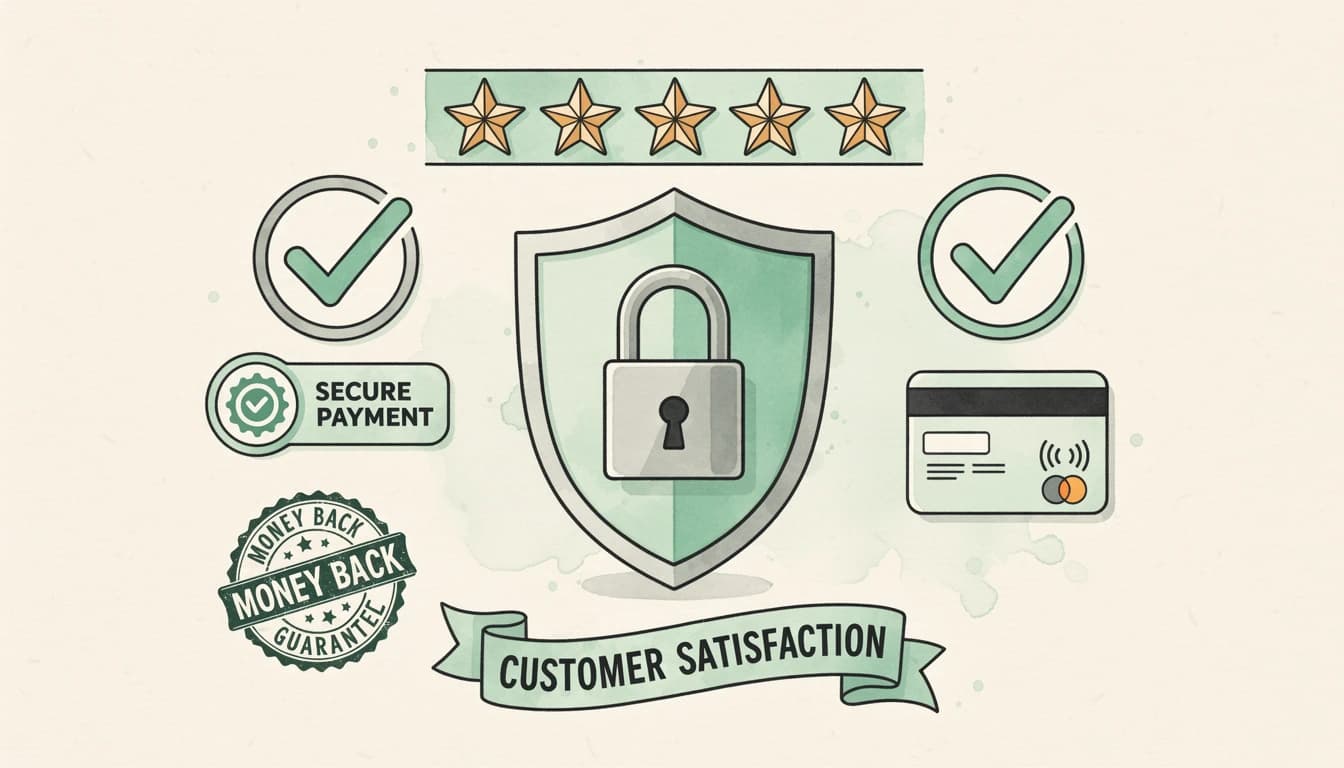
Trust badges - those small icons and seals displaying security certifications, payment methods, and guarantees - are one of the most effective tools for overcoming this hesitation. But where you place them matters enormously.
Why Cart Placement Outperforms Product Pages
Most merchants understand the value of trust signals, but many make a critical mistake: they place trust badges on product pages or in the footer, then wonder why abandonment rates remain high.
The psychology is straightforward. On a product page, customers are still in browsing mode. They're evaluating options, comparing prices, considering whether they want the item at all. Trust concerns exist but aren't front of mind.
The cart is different. Here, the customer has committed to wanting your products and is now evaluating whether to commit their payment information. This is where trust anxiety peaks - and where trust signals have maximum impact.
Research supports this. A TrustPulse study found that forms with trust badges saw a 42% increase in conversion rate compared to those without. When those badges appear at the moment of decision, they address concerns precisely when they arise.
The Three Types of Trust Badges That Convert
Not all trust badges serve the same purpose. Understanding the three main categories helps you build a comprehensive trust strategy.
Payment Provider Icons
Recognizable logos from Visa, Mastercard, PayPal, and Apple Pay signal that established, trustworthy companies are involved in the transaction. According to CXL research, PayPal is among the most trusted badges, with PayPal payments achieving an 88.7% checkout conversion rate.
These icons work because customers transfer their trust in these established brands to your store. They think: "If Visa and PayPal work with this merchant, it must be legitimate."
Security Seals and Certifications
Norton, McAfee, SSL certificates, and PCI compliance badges address the specific fear that payment information might be stolen. A Baymard study found that 66% of major US e-commerce sites don't visually emphasize the security of their credit card fields - a significant missed opportunity.
The key with security seals is recognition. Research shows that 75% of customers didn't complete checkout because they couldn't recognize the trust badges displayed. Use well-known security brands rather than obscure certifications.
Social Proof and Guarantees
Customer review badges from Trustpilot or Google Reviews, money-back guarantees, and satisfaction promises address a different concern: "Will this product be worth it?" These elements reassure customers that others have had positive experiences and that there's a safety net if something goes wrong.
Text-based trust statements can be equally powerful. Simple messages like "Trusted by 10,000+ customers" or "30-day money-back guarantee" provide reassurance without requiring logo recognition.
Strategic Placement Within the Cart
The cart drawer or cart page typically has distinct zones, and each serves different psychological needs.
Below the checkout button is prime real estate for trust elements. After customers review their items and totals, they look down toward the action button. Trust badges placed here catch attention at the critical moment.
The most effective sequence stacks elements in order of specificity:
- Payment provider icons (addressing "can I pay the way I want?")
- Trust text (addressing "is this store reliable?")
- Trust badge images (addressing "is this transaction secure?")
This creates a comprehensive trust zone that addresses concerns in the order they typically arise.
Common Mistakes That Undermine Trust
Even well-intentioned trust badge implementations can backfire.
Too many badges create clutter. When a cart footer displays a dozen different seals and icons, it can appear desperate rather than trustworthy. Focus on 4-8 payment icons maximum and one or two key trust elements.
Unfamiliar badges raise suspicion. A security seal from an unknown provider might make customers wonder if it's legitimate. Stick to recognizable brands: Norton, McAfee, BBB, Trustpilot, and major payment providers.
Inconsistent styling breaks trust. If your cart has a clean, minimal design but the trust badge section looks like a 1990s website, customers notice the dissonance. Ensure trust elements match your overall brand aesthetic.
Static badges on dynamic carts feel outdated. Modern customers expect polished experiences. Crisp SVG icons that scale properly on all devices signal professionalism better than pixelated JPGs.
Localization Matters for International Stores
Trust signals that work in one market may fall flat in another. European customers respond to different certifications than American customers. German shoppers might look for Trusted Shops seals, while UK customers recognize different payment methods.
For multi-language stores, consider localizing not just your trust text ("Trusted by 10,000+ customers" → "Von über 10.000 Kunden vertraut") but also your trust badge images. A European trust certification badge may resonate more with EU customers than an American BBB seal.
Measuring Trust Badge Impact
Unlike features that generate direct revenue (like upsells or free gifts), trust badges work by preventing losses. This makes their impact harder to measure but no less real.
Monitor these metrics after implementing cart trust elements:
- Cart-to-checkout conversion rate: The percentage of customers who view their cart and proceed to checkout
- Checkout completion rate: The percentage who start checkout and finish payment
- Cart abandonment rate: Overall abandonment, with attention to the stages where drop-off occurs
A/B testing different trust configurations - icons vs. no icons, different badge placements, various trust text messages - provides concrete data on what resonates with your specific audience.
Building Trust Beyond Badges
Trust badges are powerful, but they work best as part of a broader trust strategy. Consider complementary elements:
- Clear return policies visible in the cart
- Customer support availability (chat widgets or contact information)
- Transparent pricing with no surprise fees at checkout - a reward bar showing shipping thresholds helps set expectations early
- Professional design throughout the shopping experience
The cart is often the last touchpoint before purchase. Making it a trust-building zone rather than just a transaction summary can meaningfully impact your conversion rates.
Ready to add trust elements to your cart? EliteCart makes it simple to display payment provider icons, custom trust text, and trust badge images - all configurable through Cart Designer → Trust badges. Support for multiple languages ensures your trust messaging resonates with customers worldwide.