
Why Showing Star Ratings on Upsell Products Increases Add-to-Cart Rates
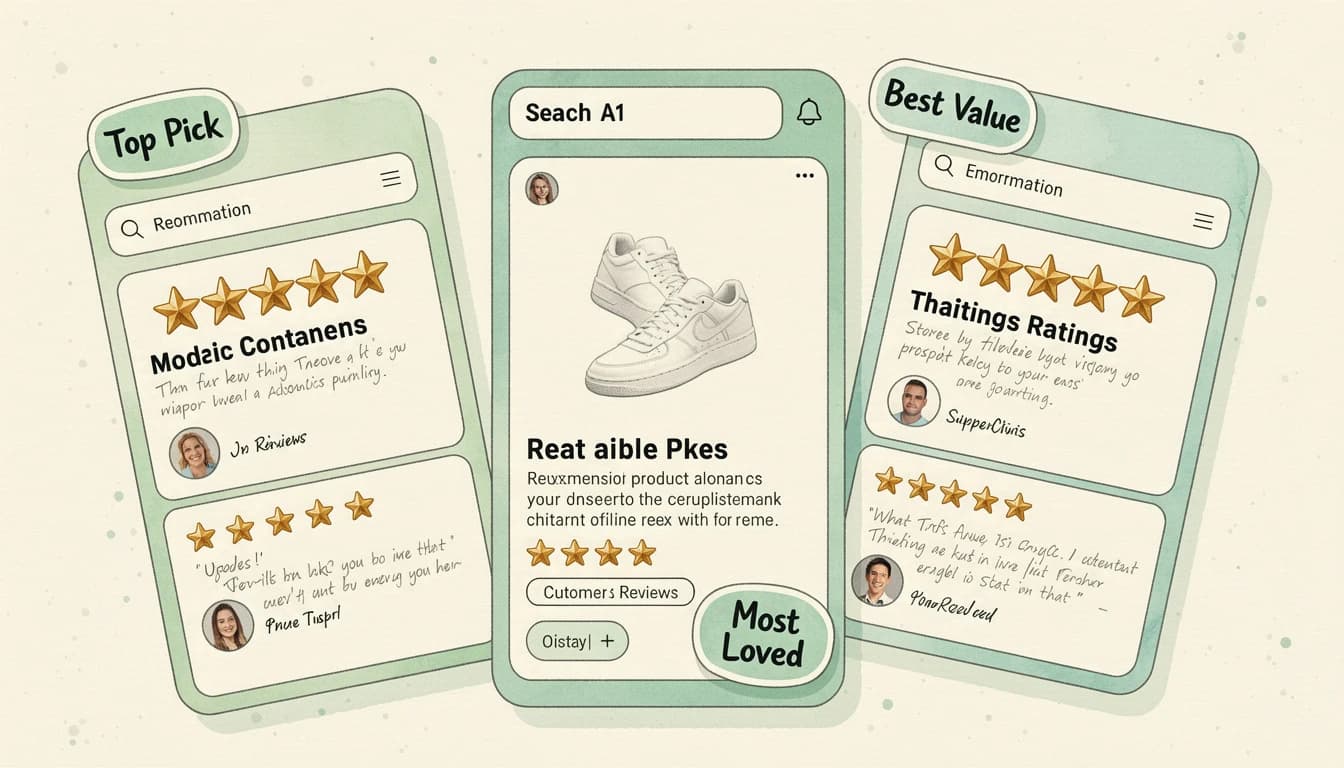
When a customer sees an upsell recommendation in their cart, they face a quick decision: add it or skip it. Unlike the products they've already chosen - which they researched, compared, and deliberately selected - the upsell is an unfamiliar suggestion. Without additional context, most customers skip it.
Star ratings change that equation. A 4.7-star rating with 200 reviews compresses what would normally require minutes of research into a single glance. The product has been vetted by other buyers, and the customer can see that immediately.
The Trust Gap in Cart Recommendations
Upsell products have a fundamental trust problem. The customer didn't seek them out. They appeared because the store recommended them, and customers know that recommendations exist to increase order values - not necessarily to serve their interests.
This skepticism is rational. But it also means that genuinely good recommendations get ignored alongside irrelevant ones. The customer has no quick way to distinguish between a product that would actually complement their purchase and one that's just padding the cart.
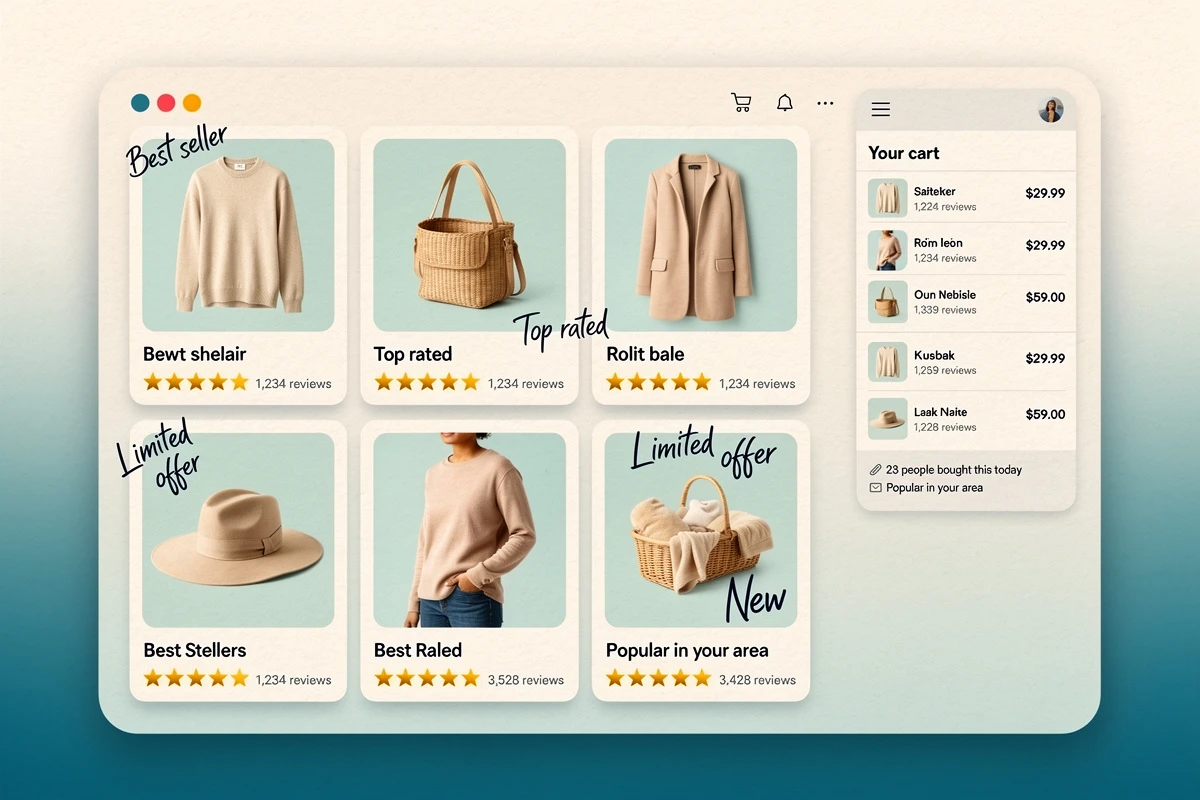
Star ratings bridge this gap. Research on social proof in e-commerce consistently shows that reviews are one of the strongest signals consumers use when evaluating unfamiliar products - 93% of consumers say online reviews influence their purchase decisions. When that signal appears directly on the upsell card, customers can evaluate the recommendation without leaving the cart.
Why Ratings Matter More on Upsells Than on Line Items
Showing star ratings on products already in the cart serves a different purpose - it reinforces a decision the customer has already made. That's useful for reducing abandonment, but the customer was going to buy it regardless.
On upsell products, ratings serve a more active role: they help the customer decide whether to add something new. This is where social proof has the most leverage.
The decision loop without ratings
- Customer sees upsell recommendation
- Thinks: "Is this product any good?"
- Would need to open it in a new tab, read reviews, compare alternatives
- Decides it's not worth the effort
- Skips the upsell
The decision loop with ratings
- Customer sees upsell recommendation with "4.7 (189 reviews)"
- Thinks: "Other people liked this"
- Adds to cart
The difference is that ratings collapse steps 2-4 into a single data point. The customer doesn't need to leave the cart to validate the recommendation - the validation is built into the card.
What Customers Actually Look For
Not all ratings carry equal weight. Understanding what customers notice helps you make better decisions about how to display reviews.
The star score itself
Customers process star ratings visually before reading any text. A product with 4+ stars communicates quality at a glance. Research suggests that more than a third of consumers require at least a 4-star average before they'll consider a product, making this threshold particularly important for upsell recommendations.
The review count
A 5.0-star rating with 2 reviews is less convincing than a 4.5 rating with 300 reviews. Volume signals reliability - it means the rating reflects a broad base of customers, not just a few early buyers. Displaying the review count alongside the stars adds credibility that the score alone can't provide.
Partial stars
A product showing exactly 4.0 or 5.0 stars can feel rounded or manufactured. Partial star displays - showing 4.3 or 4.7 - feel more authentic because they reflect the actual average rather than a simplified version of it.

Placement Strategy: Where to Show Ratings
The most effective approach depends on your cart layout and upsell format.
Gallery-style upsell cards
In grid or carousel layouts, star ratings fit naturally below the product title and price. This placement lets customers scan multiple recommendations and quickly identify the ones with the strongest social proof - the highly rated products naturally draw more attention.
Horizontal upsell cards
For compact, list-style upsell displays, ratings work best inline with the product details. A small star display with the count keeps the card clean while still providing the social proof signal.
Line items vs. upsells
Showing ratings on line items reinforces purchase confidence and reduces second-guessing. Showing ratings on upsells drives new additions. Many stores benefit from both, but if you're testing the feature for the first time, starting with upsell-only placement isolates the impact on add-to-cart rates.
EliteCart's Product Reviews feature lets you choose between line items only, upsell products only, or both. Star colors, review count text, and the display template are all customizable from Cart Designer. The feature reads Shopify's standard review metafields, so any app writing to those works right away - Judge.me, Shopify Product Reviews, and others - plus Loox, whose own namespace EliteCart reads natively. Yotpo and Stamped.io work too, but both keep Shopify metafield syncing switched off until you enable it: Yotpo has a toggle under Program Settings on its paid plans, and Stamped turns it on by request. For setup details, see our Product Reviews help article.
The Compound Effect with Other Cart Signals
Star ratings don't exist in isolation. They work best as part of a broader set of cart signals that together reduce friction and build confidence:
- Low inventory notices: A highly rated product that's also low in stock creates urgency backed by social validation - the customer knows others liked it and it might not be available later
- Product savings display: A discounted upsell product with a strong rating combines value with trust
- AI-powered recommendations: When recommendations are genuinely relevant and backed by visible social proof, the combination produces higher take rates than either signal alone
Making It Work Without Extra Integrations
One of the most common objections to showing reviews in the cart is the assumption that it requires a new tool or complex setup. In practice, most Shopify stores already have the data they need.
If you use Judge.me, Loox, Shopify Product Reviews, or similar, your products likely already have star ratings and review counts stored where EliteCart can read them. Yotpo and Stamped.io hold the same data but need their Shopify metafield sync enabled before EliteCart can see it. Either way, displaying ratings in the cart is a matter of reading data that already exists, not generating new data.
The products that benefit most from visible ratings in the cart are the ones customers are least familiar with - which is exactly what upsell recommendations tend to be. Your best-selling products already have brand recognition. Your cross-sells and complementary suggestions need the social proof to earn their place in the cart.