
How Low Inventory Notices in the Cart Drive Faster Purchase Decisions
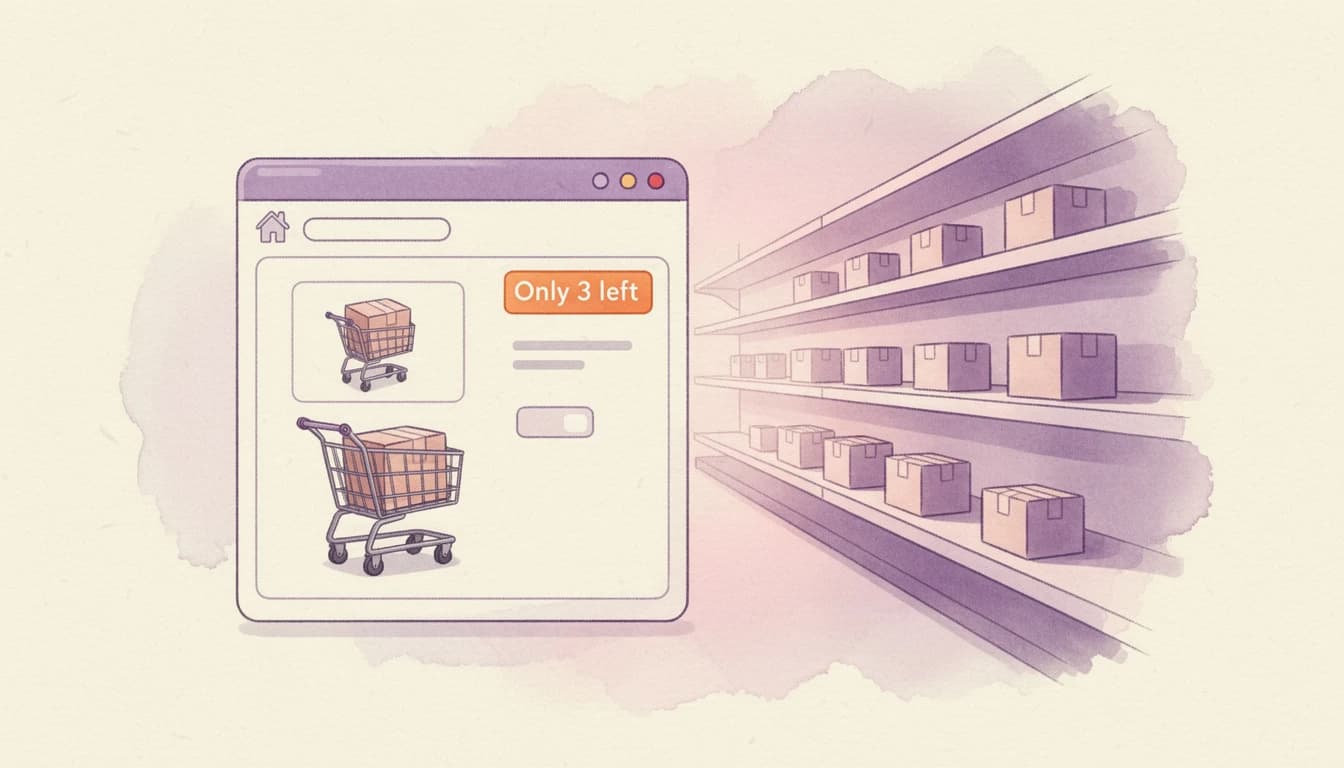
A customer adds a product to their cart, browses for a few more minutes, then leaves. No checkout. No purchase. According to Baymard Institute's meta-analysis of 50 independent studies, this happens roughly 70% of the time - and hesitation at the cart stage is one of the biggest contributors.
One of the most effective ways to counter that hesitation is also one of the simplest: showing customers how many items are actually left in stock, right inside the cart.
Why Scarcity Works at the Point of Purchase
Most stores display stock information on product pages, if they show it at all. But the cart is where purchase decisions happen. By the time a customer has added an item, they've already expressed intent. What they need now is a reason to follow through rather than defer.

This is where scarcity becomes relevant. The psychological principle behind it is well documented: loss aversion, first described by Kahneman and Tversky, shows that people weigh potential losses roughly twice as heavily as equivalent gains. Applied to e-commerce, the possibility of missing out on a product creates a stronger motivation to buy than the product's benefits alone.
A message like "Only 3 left!" in the cart reframes the decision. The customer is no longer choosing between buying now or later - they're choosing between buying now or potentially losing the item entirely.
Specific Counts Outperform Generic Labels
Not all scarcity messaging is equally effective. There's a meaningful difference between "Selling fast!" and "Only 3 left in stock."
Generic phrases like "Popular item" or "Selling fast" are vague. Customers have learned to ignore them because they can't be verified and are often applied indiscriminately. A specific number, on the other hand, communicates concrete information. It feels real because it is real.
When a customer sees that exactly 4 units remain, they can gauge the actual risk of waiting. That specificity builds trust while simultaneously creating urgency - a combination that generic labels can't match.
What makes specific counts more persuasive
- Verifiability: A number can be checked (and if it changes between visits, it confirms the count is live)
- Concreteness: "3 left" is more vivid and actionable than "low stock"
- Calibrated urgency: A customer seeing 2 left feels more urgency than one seeing 8 left - the signal scales naturally with actual scarcity
Setting the Right Inventory Threshold
The threshold you choose - the stock level at which the notice appears - matters more than you might expect.
Too high and it loses impact
If every product in the cart shows a low-stock notice because your threshold is set at 50, customers will quickly learn to ignore it. The signal becomes noise.
Too low and you miss the window
Setting the threshold at 1 means customers only see the notice when a product is nearly gone. By that point, many customers have already left without ever seeing the warning.
The sweet spot
For most stores, a threshold between 3 and 10 works well. The right number depends on your product velocity:
- Fast-moving products (consumables, trending items): A threshold of 5-10 makes sense because stock can genuinely deplete within hours
- Slower-moving inventory (specialty items, high-ticket goods): A threshold of 3-5 feels more authentic
- Limited editions or seasonal items: Even a threshold of 10-15 can feel honest when customers understand the product won't be restocked
The key is that the threshold should reflect reality. If a product regularly has 200 units in stock, showing "Only 15 left!" feels misleading - even if it's technically true.

Honest Urgency vs. Manufactured Pressure
The line between effective scarcity and manipulative dark patterns is straightforward: are you showing real data or fabricating it?
Inventory-based notices that pull live stock counts are inherently honest. The number reflects what's actually in your warehouse. When a customer sees "Only 2 left" and returns the next day to find the product sold out, that confirms the notice was genuine - and builds trust in your store for future visits.
Contrast this with countdown timers that reset on every page load or "X people are viewing this" notifications that use randomized numbers. These tactics work in the short term but erode trust over time. Customers who feel manipulated don't come back.
A few principles for keeping scarcity messaging trustworthy:
- Only show notices when stock is genuinely low - don't display them on products with hundreds of units
- Hide the notice when a product is out of stock - "Only 0 left" is confusing, not urgent
- Use factual language - "Only 3 left" is a fact; "Almost gone forever!" is marketing pressure
- Let the number do the work - a low count is inherently urgent without exclamation points or red flashing text
Where Inventory Notices Have the Most Impact
The cart is the highest-leverage placement for inventory notices, but within the cart there are two distinct opportunities.
On line items already in the cart
When a customer sees low stock on a product they've already added, it reinforces the decision to buy and discourages the "I'll come back later" mindset. This is particularly effective for reducing cart abandonment.
On upsell and cross-sell recommendations
A low-stock notice on a recommended product can be the nudge that turns a "maybe" into an add-to-cart. If a customer is already considering a complementary item and sees that only a few are left, the urgency tips the balance toward action.
EliteCart's Inventory Notice feature lets you choose between showing notices on line items only, upsell products only, or both - so you can tailor the approach to what works for your store. The threshold, notice text, and styling are all configurable from Cart Designer. For setup details, see our Inventory Notice help article.
Combining Inventory Notices with Other Cart Signals
Low-stock notices work well on their own, but they're even more effective when combined with other trust and urgency signals in the cart:
- Product savings display: When a customer sees both a discount and low stock, the value proposition becomes time-sensitive
- Trust badges: Scarcity creates urgency, but trust badges ensure that urgency leads to checkout rather than anxiety
- Reward bars: A customer who's close to a free shipping threshold and sees low stock on a qualifying product has two reasons to add it now
The combination of urgency (low stock) and value (savings, rewards) addresses both the emotional and rational sides of the purchase decision.
Getting Started
Adding inventory notices to your cart doesn't require complex setup. The core decisions are:
- Choose your threshold - start with 5 and adjust based on your product velocity
- Decide where to show notices - line items, upsells, or both
- Write your notice text - keep it simple and factual (e.g., "Only
{count}left!") - Match the styling - choose a text color that stands out without clashing with your brand
The goal isn't to pressure customers into buying things they don't want. It's to give customers who already want a product a clear reason not to delay. When the information is real and the presentation is honest, everyone benefits - customers make informed decisions and stores reduce the abandonment that comes from unnecessary hesitation.