
Upsell Discounts: How Offering a Deal on Complementary Products Boosts Revenue
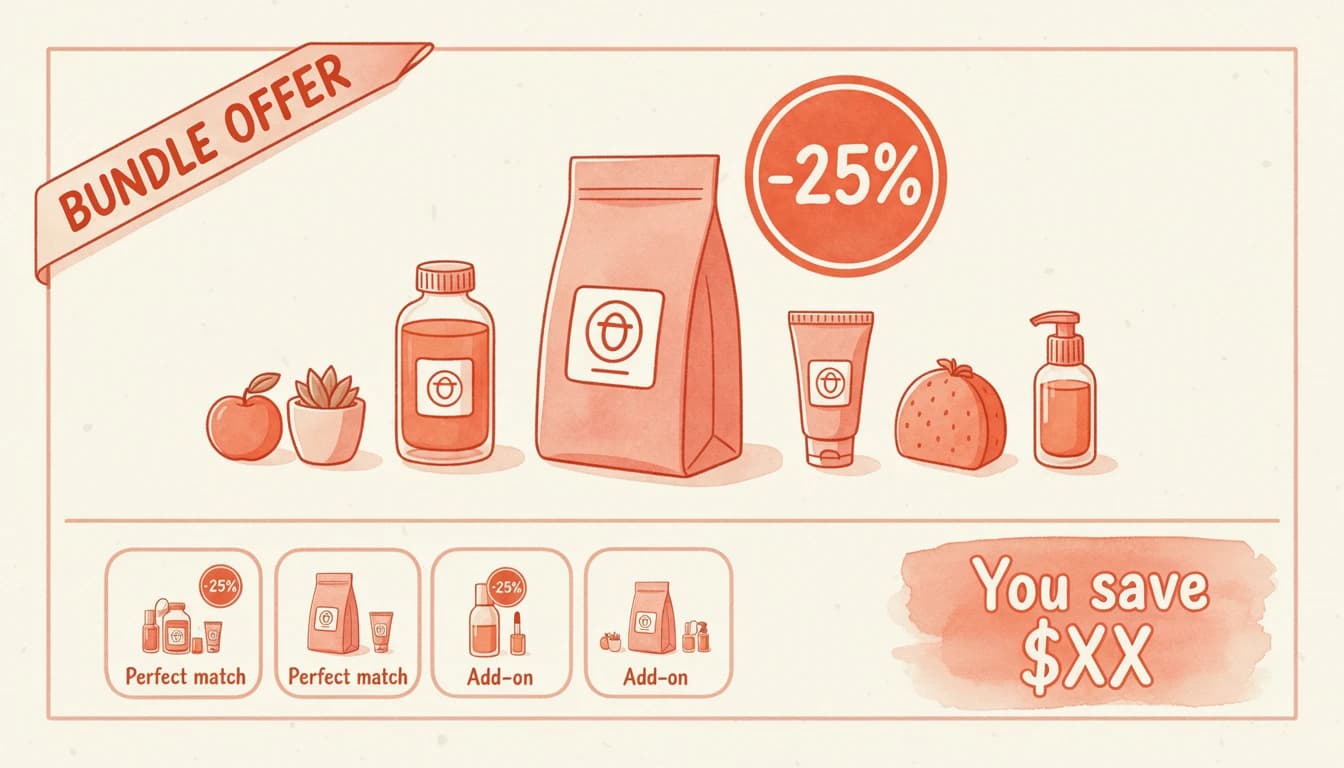
Upselling can increase revenue by 10-30% on average, with conversion rates hitting 10-25% for successful e-commerce businesses. But what happens when you sweeten the deal with upsell discounts? When customers see "Add this accessory - 15% off," hesitation disappears. The perceived value jumps. And your take rate climbs without heavy discounting eating into margins.
Offering upsell discounts - deals on complementary products rather than store-wide markdowns - is one of the most effective ways to boost average order value while protecting core pricing.
Why Discounting Upsells Works Differently Than Store-Wide Sales
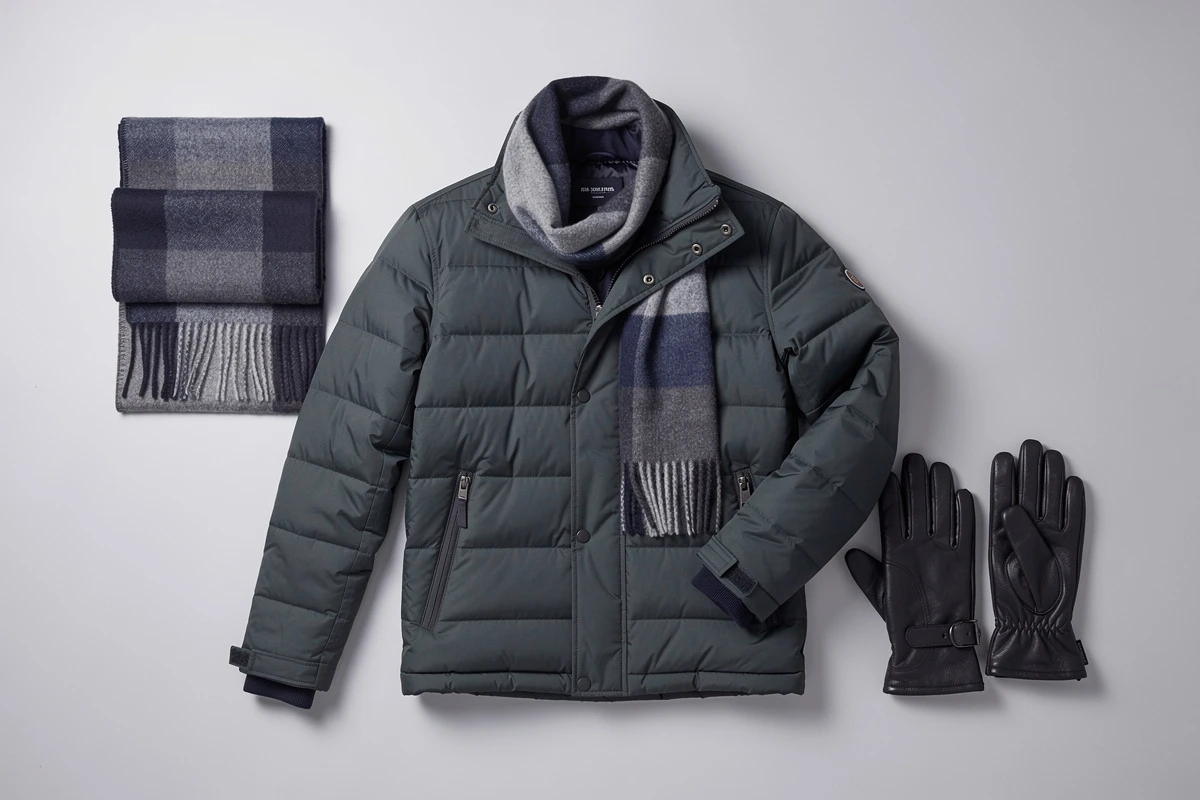
A store-wide sale discounts products customers were already planning to buy - you're giving away margin on committed purchases. An upsell discount creates an incentive for an additional purchase that might not have happened otherwise.
Consider the math. A customer adds a $100 jacket to their cart. You offer a matching $25 scarf at 15% off ($21.25):
- Without the upsell: Revenue: $100.
- With upsell, no discount: 10% add the scarf. Average revenue: $102.50.
- With discounted upsell: 20% add the scarf. Average revenue: $104.25.
The discount costs $3.75 per scarf, but the higher take rate compensates. Critically, you didn't discount the jacket. This approach is why 35% of Amazon's revenue comes from upselling and cross-selling.
Percentage vs. Fixed Amount Discounts
Choosing between percentage-based and fixed-amount discounts depends on your product mix and pricing strategy.
When Percentage Discounts Work Best
Percentage discounts scale with product price - 15% off a $20 accessory is $3; on a $100 item, it's $15. This works when:
- Your upsell products span a wide price range. One rule covers everything.
- You want consistent messaging. "15% off accessories" applies universally.
- Higher-priced upsells need bigger incentives. Larger absolute discounts justify the psychological leap.
The downside: margin impact varies. If customers choose higher-priced upsells, your discount spend increases.
When Fixed Amount Discounts Work Best
Fixed discounts provide consistent margin impact - $5 off is $5 whether applied to a $15 or $50 item. This works when:
- You want predictable costs. Each upsell acceptance costs the same.
- Products cluster around similar prices. $5 off a $25 item makes sense; the same $5 on a $200 item feels insignificant.
- You're running bundle promotions. "Get $10 off any accessory" is a clear offer.
You can also control whether fixed discounts apply once per order or per item - two very different margin implications.
Setting Minimum Cart Requirements
Not every cart deserves a discount. Minimum requirements ensure promotions reach customers whose orders justify the incentive.
Minimum Spend Thresholds
"Spend $75, get 20% off accessories" reserves incentives for your best customers while motivating others to reach that threshold. This creates a compounding effect - customers spend more to qualify, then add the discounted accessory. Your reward bar can show progress toward the discount unlock.
Minimum Item Quantity
Alternatively, require a minimum number of items: "Buy 2+ items, get 10% off any add-on." This works well for lower-priced items where dollar thresholds feel unreachable.
Match thresholds to customer behavior - typically just above your median order value or item count. Too low and you're discounting committed purchases. Too high and customers won't qualify.
The "Buy X, Get Y Discounted" Strategy
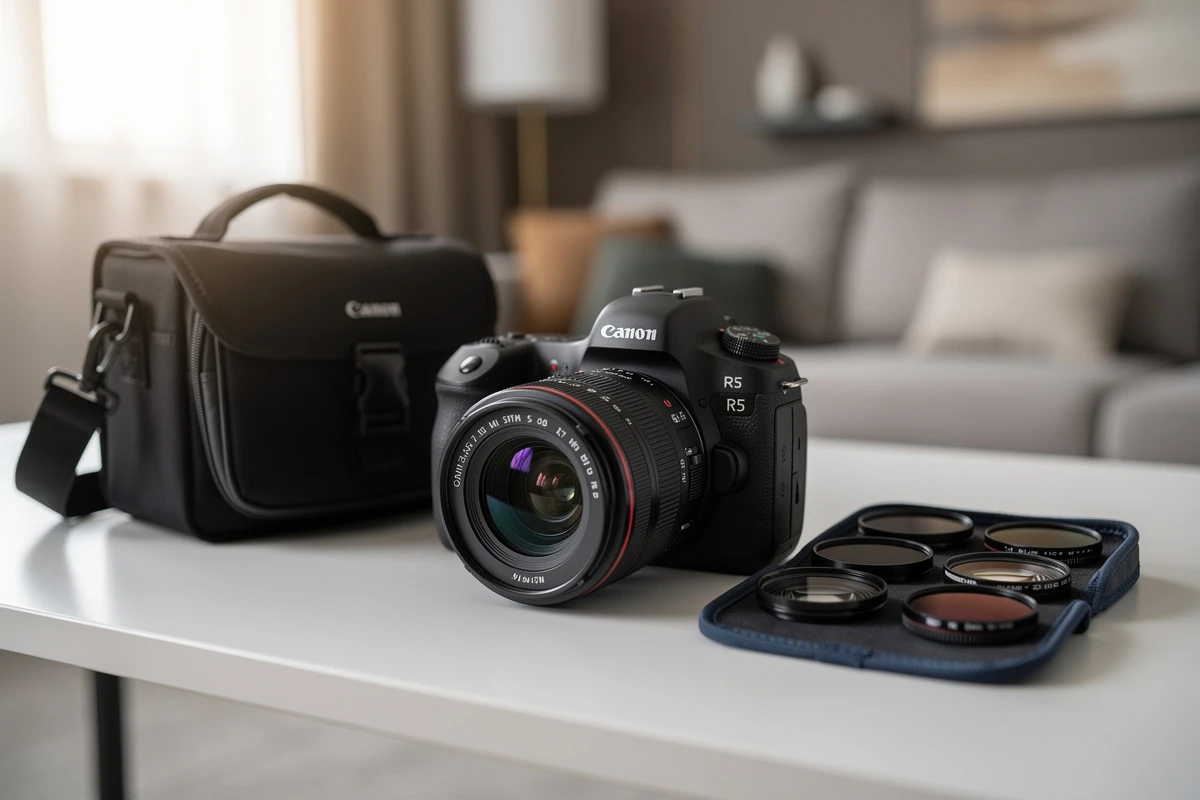
The most precise approach targets specific product combinations: buy a camera, get 20% off camera bags. Buy a coffee maker, get $10 off the matching grinder.
This requires more setup but generates higher relevance:
- Define prerequisite products. Which items trigger the discount?
- Set prerequisite quantities. Does the customer need one item or two?
- Target specific upsell products. What items receive the discount?
Combinations should feel natural - skincare with applicators, running shoes with socks. This aligns with how AI-powered upsells identify complementary products, reinforced by a targeted discount.
Protecting Your Margins
The goal is incremental revenue that wouldn't exist without the offer - not subsidizing purchases that would have happened anyway.
Keep Discounts Exclusive to Upsells
Don't discount products when customers add them directly from product pages. The same scarf can be $25 on your catalog and $21.25 as an upsell. Catalog buyers already committed at full price - they don't need the nudge.
Test Discount Levels
Start conservative. A 10% discount might convert nearly as well as 20% at half the margin cost. Watch two metrics:
- Take rate: Percentage of customers who accept the upsell.
- Margin per upsell: What you net after the discount.
Optimize for total margin contribution. A 30% discount with 40% take rate might generate less margin than 15% with 25% take rate.
Cap Discount Combinations
Customers could stack multiple discounts for massive savings. Use combination rules to control this - allow shipping discounts to stack but limit product discount stacking.
Communicating the Offer
A discount customers don't know about might as well not exist. But promotional bombardment creates fatigue. The sweet spot: clear communication at the point of decision.
Custom Upsell Headlines
"Complete your order - 20% off accessories" tells customers they're getting a deal. Generic headlines like "You may also like" miss the opportunity. Match headlines to offers: "Save when you buy together" for bundles, "Grab it now - 10% off" for accessories.
When the Discount Appears
With promotional discounts, customers see strikethrough pricing directly on the upsell card - the original price crossed out with the discounted price beside it. This visibility drives higher conversion because the savings are obvious before the decision. Advanced discounts work differently: the price appears normal on the card, and the discount shows up in the cart summary after adding. Either way, ensure customers know the discount exists through headline text.
Implementing Upsell Discounts
EliteCart offers two ways to set up upsell discounts. Global discount rules live on the Discounts tab and come in two types - promotional (strikethrough pricing, percentage-only) and advanced (full feature set including fixed amounts and Buy X Get Y). Flow promotions are configured directly inside individual upsell flows for quick per-flow percentage discounts with strikethrough pricing.
- For global rules: Navigate to Upsells → Upsell Discounts, click Create discount, choose promotional or advanced, and configure
- For flow promotions: Open any manual flow, enable the Promotion toggle, and set your percentage
Both approaches show strikethrough pricing and never stack on the same product - the highest discount wins. Run a 15% flow promotion on accessories, a 10% global discount on everything else, and $5 off consumables via an advanced rule, all in parallel.
Measuring What Works
Track these metrics to optimize your strategy:
- Take rate change: Compare before and after. Moving from 12% to 18% means the discount is working.
- Incremental revenue: Calculate additional revenue attributable to the discount.
- Margin impact: Track gross margin on discounted versus full-price upsells.
- Threshold achievement: If only 5% reach your minimum, lower it.
Avoiding Common Mistakes
- Discounting too aggressively. 50% discounts train customers to wait. Start at 10-15% - modest discounts often perform nearly as well.
- Ignoring product margins. 20% off a 60% margin product is fine. The same 20% on a 25% margin product might push you into the red.
- Setting unrealistic thresholds. A $200 minimum when your average order is $65 means no one qualifies.
- Forgetting to communicate. The best discount fails if customers don't know about it.
Start with one offer. Create a single upsell discount at 10-15%, targeting your most popular accessory category, with no minimum requirements. Run it for two weeks, measure take rate change, then iterate.