
The Psychology of Cart Abandonment: 5 Triggers and How to Counter Each
Seven out of ten shoppers who add products to their cart will leave without buying. Baymard Institute research puts the average cart abandonment rate at 70.22%, a number that has barely budged over the past decade despite massive improvements in checkout technology.
Most recovery strategies focus on after the customer leaves - retargeting ads, abandoned cart emails, discount nudges. These treat the symptom. The real opportunity is understanding why customers leave and addressing those triggers inside the cart itself, before the abandonment happens.
Behavioral science points to five core psychological triggers behind cart abandonment. Each one maps to a specific cart feature designed to counter it.
1. Sticker Shock - The Top Cart Abandonment Trigger (Counter: Reward Bar)
Sticker shock is the most cited reason for cart abandonment. According to Baymard's checkout research, 48% of shoppers abandon their carts because of extra costs like shipping, taxes, and fees that appear unexpectedly at checkout.
When a customer sees a total meaningfully higher than the product prices they mentally committed to, it triggers loss aversion - the feeling that they're losing money rather than gaining products. That emotional response overrides the rational desire for the items.
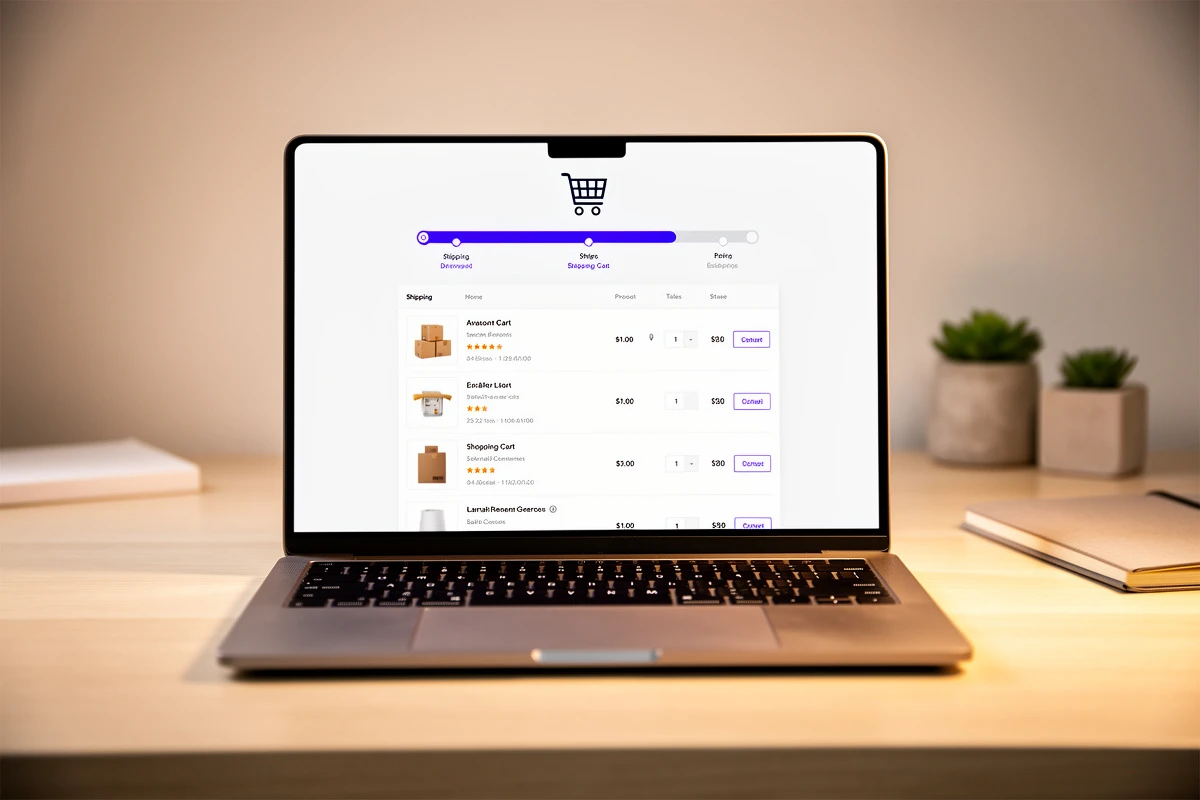
How a reward bar counters this: A free shipping progress bar addresses sticker shock before it happens. Instead of discovering a $8.99 shipping fee at checkout, the customer sees "You're $12 away from free shipping" the moment they open their cart. This reframes shipping cost from a surprise penalty into an achievable goal. (For a deeper look at the mechanics, see how a reward bar drives higher average order values.)
The progress bar also creates what researchers call the "goal gradient effect" - as customers get closer to the threshold, their motivation to reach it increases. A customer who's $12 away might add a small item they were considering - increasing your average order value while eliminating the very cost that would have caused abandonment.
Multi-tier reward bars amplify this further. When customers see three milestones - free shipping at $50, a 10% discount at $100, a free gift at $150 - each earned reward creates a small dopamine hit that carries momentum toward checkout.
2. Decision Fatigue - Counter With a Savings Display
Behavioral research shows that customers experience measurable cognitive fatigue after comparing more than seven to nine product options. By the time a shopper has browsed, compared, and selected items, their prefrontal cortex - the brain's decision-making center - is running low on energy.
The cart is where this fatigue hits hardest. The customer now faces one final decision: is this purchase worth it? If the answer isn't immediately obvious, the depleted brain defaults to the easiest option - doing nothing. Close the tab. Come back later. Forget about it entirely.
How a savings display counters this: When the cart clearly shows how much a customer is saving - with strikethrough compare-at prices, line-item savings badges, and a total savings summary - it eliminates the mental math that a fatigued brain can't handle.
Instead of the customer needing to calculate "Wait, was this $75 or $55? What was the original price?" they see it plainly: $75 $55 - You save $20. The decision becomes simple and emotionally satisfying rather than cognitively demanding.
The smart savings display takes this further by automatically choosing whether to show the absolute amount or percentage - whichever looks more impressive. Saving $8 on a $50 item? The customer sees "You save 16%." Saving $30 on a $250 cart? They see "You save $30." The format that feels better wins. We cover the full strategy in how showing discounts in the cart reduces abandonment.
3. Trust Gaps - Counter With Trust Badges
According to Baymard Institute data, roughly 25% of shoppers abandon their carts because they don't trust the site with their credit card information. For newer or lesser-known stores, this number can be significantly higher.
Trust is fragile in e-commerce. A customer can browse your product pages with genuine enthusiasm, add items to their cart - and then hesitate. The shift from "I want this" to "Am I really going to give this website my credit card number?" happens in seconds.
How trust badges counter this: Trust elements work by transferring credibility from recognized entities to your store. When a customer sees Visa, Mastercard, and PayPal icons below the checkout button, they unconsciously think: "If these established companies work with this merchant, it must be legitimate."
A Blue Fountain Media study found that forms with trust badges saw a 42% increase in conversions compared to those without. The effect is strongest when trust signals appear at the moment of maximum anxiety - directly below the checkout button, not buried on a product page the customer viewed ten minutes ago.
The most effective approach layers three types of trust signals:
- Payment provider icons answer "Can I pay the way I want?"
- Trust text (like "Trusted by 10,000+ customers" or "30-day money-back guarantee") answers "Is this store reliable?"
- Trust badge images (security seals, review ratings) answer "Is this transaction secure?"
Placement matters. These elements belong in the cart footer, near the checkout button - the exact spot where trust anxiety peaks. For a complete guide on placement and types, read trust badges in the cart: small elements, big impact on conversions.
4. Hidden Costs - Counter With a Discount Code Field
Hidden costs are the dark cousin of sticker shock - but instead of unexpected shipping fees, this trigger fires when customers suspect they're not getting the best price. Shoppers frequently leave their cart to search for coupon codes, and many never return.
The psychology here is about perceived fairness. When customers believe a discount exists but can't find it, they feel like they're overpaying. That feeling - even when irrational - is enough to halt a purchase.
How a discount code field counters this: An in-cart discount code field eliminates the need for customers to leave. If they have a code from an email campaign, social media promotion, or influencer partnership, they can apply it immediately and see their updated total before checkout.
This keeps purchase momentum intact. The customer never leaves your cart, never gets distracted by a competitor's ad while searching for "brand name coupon code," and never forgets to come back.
The field also serves a psychological purpose even when the customer doesn't have a code. A visible discount field signals that your store runs promotions - that deals exist and are worth watching for. For stores that prefer a minimal design, a collapsible "Have a promo code?" link keeps the option accessible without cluttering the cart.
5. Distraction - Counter With an Announcement Banner
This is the most underestimated abandonment trigger. Mobile shoppers abandon carts at 83% compared to 72% on desktop - not because mobile checkout is worse, but because mobile environments are inherently more distracting. A text message, a social media notification, a child asking a question - any interruption can break the purchase flow.

The behavioral science principle at work is temporal discounting: the longer the delay between the desire to buy and the act of buying, the less likely the purchase becomes. Every second of hesitation or distraction reduces purchase probability.
How an announcement banner counters this: A well-crafted announcement banner with a countdown timer creates what psychologists call a "commitment device" - an external mechanism that makes following through on an intention easier than abandoning it.
A message like "Your cart is reserved for 10:00 minutes" does two things. First, it signals scarcity - the items might not be available later. Second, it creates a concrete deadline that fights temporal discounting. Instead of "I'll come back later" (which statistically means never), the customer thinks "I should finish this now."
Beyond countdowns, announcement banners reinforce the value proposition at the moment of decision. Messages like "Free shipping on this order" or "Today only: extra 15% off" give the distracted customer a reason to refocus.
The key is authenticity. Countdown timers that reset on every visit erode trust quickly. Use genuine time-limited offers or cart reservation messaging that reflects real inventory constraints. For more on timing and messaging, see announcement banners in your cart: when and how to use them.
Preventing Cart Abandonment With All Five Features
These five triggers rarely operate in isolation. A single customer might experience several of them within the same shopping session. The most effective carts address all five simultaneously:
- Reward bar at the top removes shipping shock and motivates higher cart values
- Savings display on each line item simplifies the value decision
- Trust badges near the checkout button close the credibility gap
- Discount code field in the summary prevents leave-to-search behavior
- Announcement banner maintains urgency and focuses attention
Each feature targets a different psychological trigger, but together they create a cart experience that feels transparent, rewarding, and trustworthy - the qualities most strongly associated with checkout completion.
Want to address these triggers in your store? EliteCart includes all five features - configurable through Cart Designer with no code required. Set up your reward bar in Rewards and free shipping, add trust enhancers below the checkout button, enable product savings for line items, activate a discount code field, and configure your announcement banner with countdown messaging.