
Smart Image Display in the Cart: How Product Images Affect Purchase Decisions
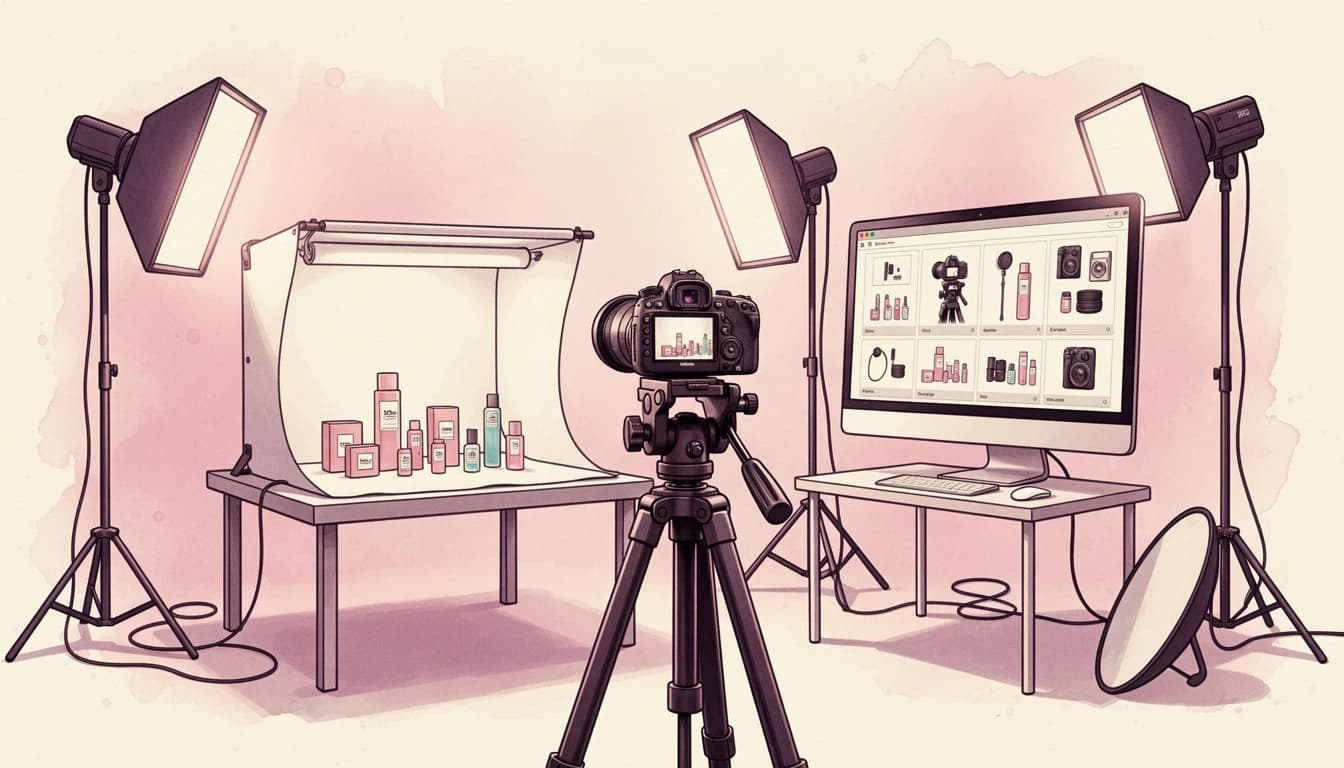
Three out of four online shoppers rely on product photography to make purchasing decisions, according to Retail Technology Review. Yet most merchants focus their image optimization efforts on product pages and completely overlook the cart - the final visual touchpoint before checkout.
Product images in your cart do more than just remind customers what they're buying. They're a last-chance confidence check. Blurry thumbnails, awkward cropping, or inconsistent sizing can plant seeds of doubt at the worst possible moment. Understanding how image display affects purchase decisions - and how to optimize it - can reduce returns and increase conversions.
Why Product Images in the Cart Matter More Than You Think
On product pages, customers are in exploration mode. They zoom, scroll through galleries, and examine details. By the time they reach the cart, they've made their selection - but they're still confirming it matches their expectations.
Research from Salsify shows that shoppers now expect an average of six images when evaluating a product - up from just three images in 2016. The cart typically shows just one thumbnail per product. That single image carries significant weight.
Poor cart imagery creates friction in three ways:
- Recognition confusion: Customers may not immediately recognize their selection if the thumbnail looks different from what they browsed
- Quality uncertainty: Low-resolution or poorly cropped images suggest lower product quality
- Trust erosion: Inconsistent image presentation across line items signals a lack of attention to detail - just one of many visual elements that can undermine customer confidence, as explored in our guide to custom CSS and branding
A SaleCycle survey found that 64% of online returns happen because the product didn't match its description or images. Your cart's image display directly influences whether customers feel confident they're getting what they expect.
The Aspect Ratio Problem
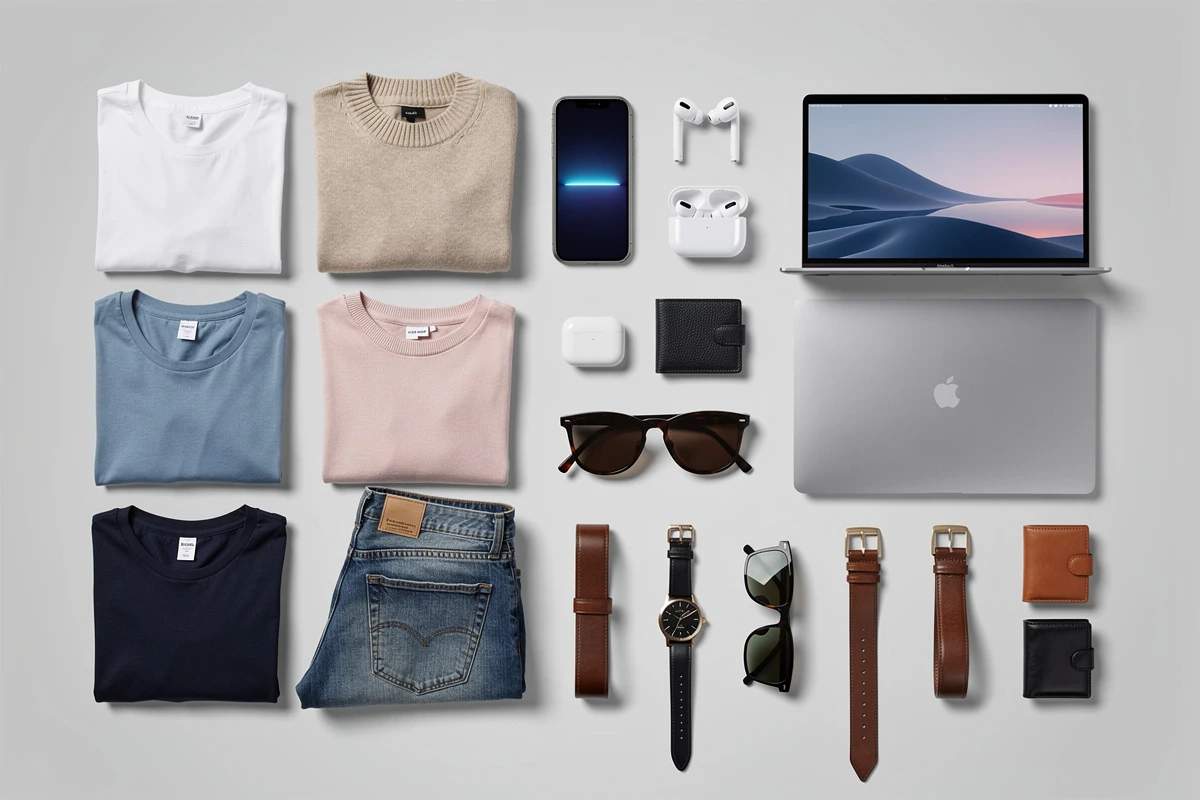
Product photography comes in all shapes: tall fashion shots, square lifestyle images, wide electronics photos. When these images display side-by-side in a cart without standardization, the result looks chaotic.
Worse, when images load at different dimensions, the cart layout shifts as each image appears. These layout shifts frustrate customers and make the cart feel unstable and unpolished.
Consistent aspect ratios solve both problems by:
- Reserving exact space for images before they load, eliminating layout shifts
- Creating visual alignment so all products appear in a professional, organized grid
- Matching your store aesthetic when the cart ratio aligns with your product pages
The question is: which aspect ratio should you use?
Choosing the Right Aspect Ratio
The optimal ratio depends on your product photography style:
- Square (1:1): The most versatile choice, works well for most product types and creates a clean, grid-friendly layout
- Portrait (2:3 or 3:4): Ideal for fashion, bottles, footwear - anything photographed in vertical orientation
- Wide (4:5 or 5:6): Works for lifestyle images or products photographed at slight angles
- Custom ratios: Some stores need precise dimensions to match their existing theme
According to Clipping Path Experts, maintaining consistent aspect ratios across 10,000+ SKUs is nearly impossible without automation. If your catalog has grown organically with varying photography styles, an automated approach to ratio detection can save significant time.
Crop vs. Contain: A Critical Decision
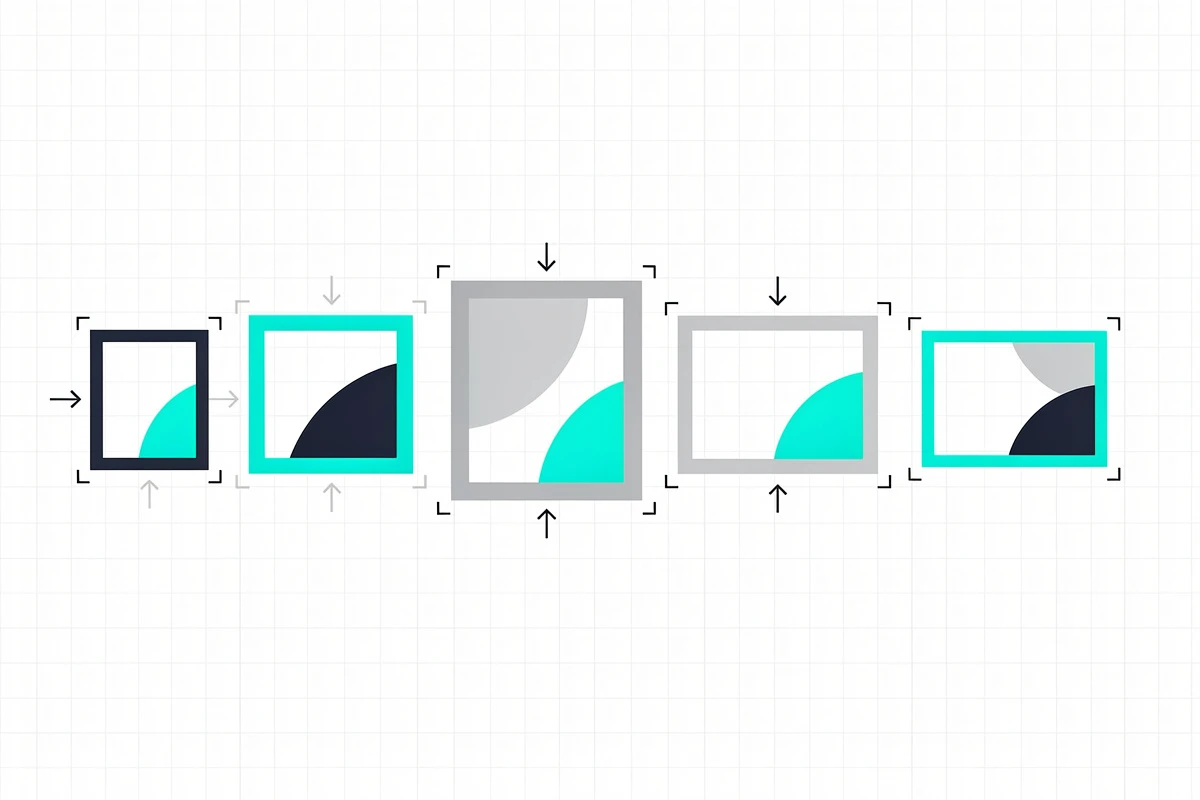
Once you've set an aspect ratio, you need to decide how images that don't naturally match that ratio should be displayed. This is the crop vs. contain decision.
Cover (Crop)
Cover mode fills the entire container by scaling the image up and cropping the edges. The result is a full, seamless appearance with no empty space - similar to how many professional themes handle hero images.
Best for:
- Professional product photography with centered subjects
- Lifestyle images where edge details aren't critical
- When visual consistency matters more than showing every detail
Risk: Important product details at image edges may be cropped out. A shoe photographed from an angle might lose its toe or heel in a square container.
Contain
Contain mode shows the entire image by scaling it to fit within the container. If the image doesn't match the aspect ratio, empty space appears around the edges.
Best for:
- Products with important edge details
- Items on transparent backgrounds
- When preserving the original framing is essential
Risk: Visible padding around images can look inconsistent if your products vary significantly in size within the frame.
Making the Right Choice
The general recommendation: Contain is safer for most stores. Showing the full product - even with some padding - is better than accidentally cropping off important details that might lead to returns.
However, if you have professionally photographed products with consistent centering and composition, Cover can create a more polished, premium appearance.
Image Size: Finding the Balance
Beyond aspect ratios, the actual pixel dimensions of cart thumbnails affect both perception and performance.
Small images that appear pixelated or blurry on modern high-resolution screens erode trust and can increase return rates. Most e-commerce platforms now recommend product images of at least 1000x1000 pixels, with Shopify suggesting 2048x2048 for optimal quality and zoom functionality.
But the opposite extreme - displaying massive images - slows page load times and creates an overwhelming cart experience that crowds out other important elements like pricing, quantities, and checkout buttons.
The sweet spot for cart thumbnails typically falls between:
- Small: Creates a compact, information-dense layout ideal for carts with many items
- Medium: Balanced view that works well for most stores
- Large: Visually striking, emphasizes product photography for fashion, jewelry, or visually-driven brands
Consider your typical order composition. If customers often buy 5+ items, smaller images prevent excessive scrolling. If your average order contains 1-2 high-value items, larger images let the products shine. Understanding these patterns requires tracking the right metrics - our guide on cart analytics explains what to measure.
How Product Images Reduce Return Rates
High-quality, accurately displayed cart images directly reduce returns. Here's the chain of causation:
- Accurate expectations: When cart images clearly show what customers are buying, there's no surprise at delivery
- Variant confirmation: Proper image display helps customers verify they selected the correct size, color, or style
- Quality perception: Sharp, well-formatted images reinforce that they're buying from a quality-focused brand - complementing other trust signals like trust badges that address security concerns
The Grabon product photography statistics report that high-resolution product photos have a 94% higher conversion rate than low-resolution alternatives. While this statistic refers to product pages, the principle applies throughout the shopping journey.
Mobile Considerations
Over half of e-commerce traffic comes from mobile devices, where screen real estate is precious and attention spans are shorter.
Mobile cart images need to:
- Load quickly despite cellular connections
- Display clearly at smaller physical sizes
- Scale appropriately without distortion
Responsive image sizing - where images automatically adjust dimensions based on device - prevents mobile customers from seeing oversized images that slow loading or tiny thumbnails that look pixelated when zoomed.
Implementing Smart Image Display
Optimizing cart images requires attention to three settings:
- Aspect ratio: Choose a standard ratio that matches your dominant photography style
- Fit mode: Decide between showing full images (contain) or filling containers completely (crop/cover)
- Size: Balance visual impact against cart functionality and load times
For stores with diverse product catalogs, manually analyzing thousands of images to determine the optimal ratio is impractical. AI-powered analysis can scan your active products and recommend settings that work for the majority of your inventory.
Ready to optimize your cart's image display? EliteCart offers complete control over aspect ratios, fit modes, and image sizing through Cart Designer → Layout & functions → Image Display. The AI auto-determination feature analyzes your product catalog and recommends optimal settings automatically. For detailed configuration options, see our help article on image display.