
Custom CSS and Branding: Why Your Cart Should Match Your Store Identity
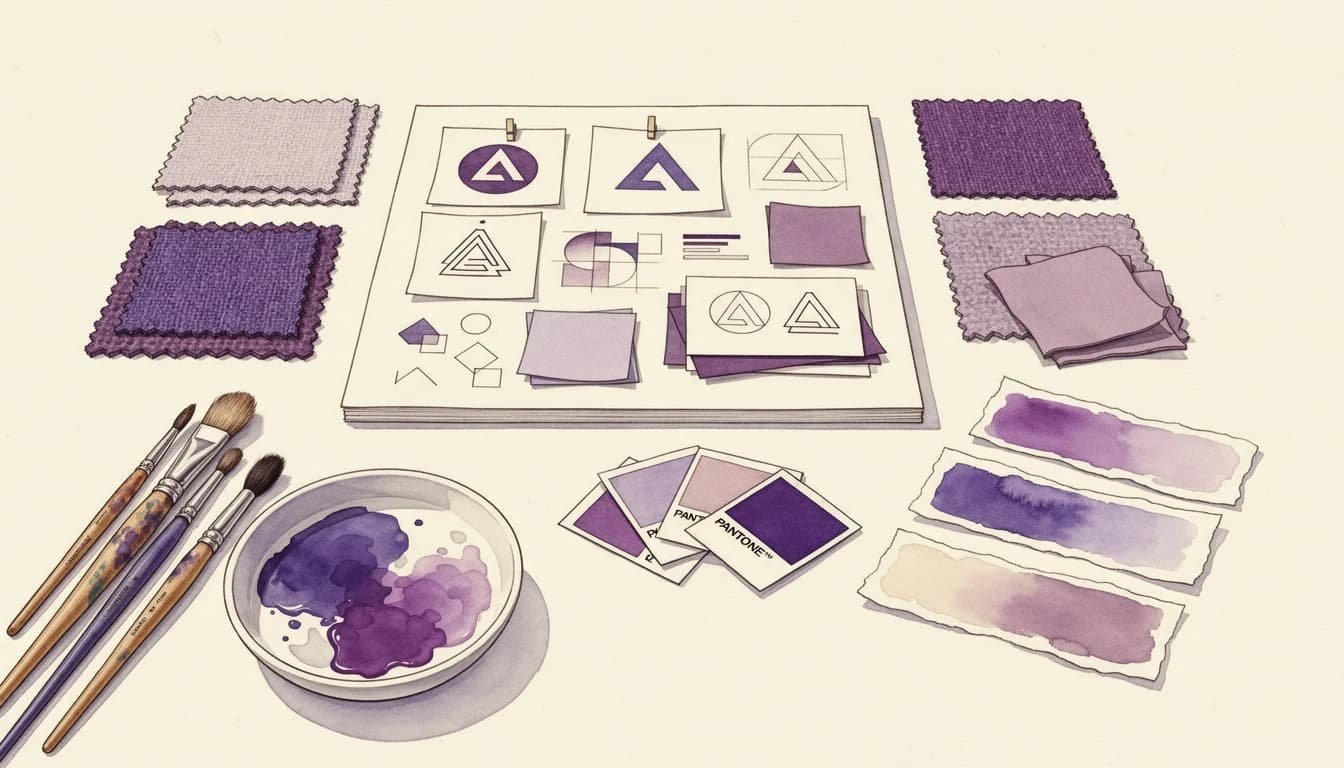
When a customer adds a product to their cart, they've made a psychological commitment. They're interested. They're engaged. And then - if your cart looks like it belongs to a different website entirely - that commitment wavers. Generic cart widgets that clash with your store's carefully crafted branding create friction at the worst possible moment: right before checkout. Custom CSS and thoughtful brand alignment are the solution.
Research from Marq (formerly Lucidpress) shows that consistent brand presentation can increase revenue by up to 33%. Yet many Shopify stores invest thousands in custom themes, professional photography, and cohesive product pages - only to funnel customers into carts that look like afterthoughts.
The Trust Gap in Generic Carts
Every element of your store builds trust incrementally. Your logo. Your color palette. Your typography. Your product imagery. These elements work together to create a cohesive experience that signals professionalism and reliability.
A cart that suddenly presents different colors, unfamiliar fonts, or jarring visual styles breaks that trust chain. Custom cart designs that match the storefront have been shown to significantly improve conversion rates compared to generic alternatives.
The psychology is straightforward: inconsistency triggers doubt. When customers encounter a visual disconnect, they unconsciously question whether they're still on the same website. That moment of uncertainty is often enough to trigger cart abandonment - one of several factors explored in our guide to increasing cart-to-checkout conversion.
What Brand Consistency Means in the Cart
Brand consistency in your cart goes beyond slapping your logo on a sidebar. It encompasses several visual elements that work together:
Colors That Match Your Palette
Your checkout button should use the same action color as buttons throughout your store. Header backgrounds, text colors, and accent colors should pull from your established brand palette - not default to generic blacks, whites, and grays.
When customers see familiar colors, they process information faster. Consistent use of color across touchpoints helps customers instantly recognize and connect with your brand.
Typography That Feels Familiar
Your cart should use the same fonts customers have been reading throughout their shopping journey. Font changes - even subtle ones - register as visual noise. They require extra cognitive processing and can make the cart feel foreign.
The best cart experiences inherit typography directly from your theme, ensuring that headings, body text, and button labels match what customers expect.
Spacing and Layout Consistency
Padding, margins, and visual rhythm matter. If your store uses generous whitespace and clean layouts, a cramped cart with tight margins feels off-brand. Conversely, if your store has an information-dense aesthetic, an overly sparse cart can seem disconnected.
Mobile Branding Consistency
With over 70% of e-commerce traffic coming from mobile devices, brand consistency on smaller screens is critical. Generic carts often break down on mobile - buttons too small, text hard to read, layouts that don't respond well to different screen sizes.
A cart that looks polished on desktop but becomes a cluttered mess on mobile undermines the trust you've built. Mobile shoppers are already more likely to abandon purchases; visual inconsistency accelerates that tendency.
How Custom Styling Impacts Conversion
The connection between visual consistency and conversion isn't abstract. Research from the Design Management Institute shows that design-driven companies outperformed the S&P Index by 219% over ten years. Within e-commerce specifically, the cart is where many of these design decisions either pay off or fall apart.
Consider what happens when your cart styling aligns with your brand:
- Reduced cognitive load: Customers don't have to mentally adjust to a new visual environment
- Increased trust signals: Consistent design suggests a professional, established business (pairing with trust badges amplifies this effect)
- Smoother checkout flow: No jarring transitions mean fewer opportunities for doubt
- Better mobile experience: Properly styled carts adapt to devices without breaking layouts
Elements Worth Customizing
Not every cart element carries equal weight. Some customization priorities have more impact than others:
High-Impact Elements
Checkout button color and styling: This is the most important conversion element in your cart. It should match your store's primary action color and feel clickable at a glance.
Background and text colors: These set the overall tone. A luxury brand with dark, sophisticated product pages needs a cart that maintains that premium feel - not a stark white generic box.
Header and footer styling: These frame the cart experience. A branded header reinforces where customers are; a styled footer with your checkout button creates a clear call to action.
Medium-Impact Elements
Rounded corners vs. sharp edges: Match your store's aesthetic. Modern, friendly brands typically use rounded elements; minimalist or industrial brands often prefer sharp corners.
Product image styling: How product thumbnails appear in the cart (cropping, aspect ratio, borders) should match how images appear elsewhere on your store.
Price formatting: Bold prices, sale price colors, strikethrough styling - these should align with how you present pricing on product pages.
Worth Considering
Divider lines and separators: Small detail, but mismatched separators can subtly disrupt visual flow.
Button states: Hover effects and loading indicators should feel consistent with interactive elements elsewhere on your site.
The AI Advantage for Custom Styling
Writing CSS to customize a cart used to require developer expertise or expensive agency work. Many merchants either lived with generic styling or spent hours trying to figure out which CSS selectors to target.
Modern cart apps now offer AI-powered CSS generation that translates plain language descriptions into professional code. Instead of writing complex selectors, you can describe what you want: "Make the checkout button match my brand's green color with rounded corners" or "Add a subtle shadow to product images." This same AI technology powers intelligent product recommendations, making your entire cart experience both smarter and more on-brand.
This approach democratizes custom styling, allowing store owners without technical backgrounds to achieve polished, on-brand cart designs without writing code.
Automatic Theme Integration
The foundation of brand-consistent carts starts with automatic theme integration. The best cart solutions pull your existing theme's colors and fonts automatically, using them as the default styling baseline.
This means your cart inherits your brand elements from day one - without manual configuration. Header backgrounds match your theme's header colors. Text uses your theme's typography. Buttons follow your theme's button styling.
From there, merchants can fine-tune specific elements: adjusting the checkout button color for better contrast, tweaking header backgrounds for visual hierarchy, or customizing how sale prices display.
Testing Your Cart's Brand Alignment
Before and after implementing custom styling, evaluate your cart against these questions:
- Does the cart immediately feel like part of your store, or does it seem like a third-party popup?
- Are colors consistent with your header, product pages, and marketing materials?
- Does typography match the rest of your shopping experience?
- On mobile, does the cart maintain the same quality and polish as desktop?
- Would a first-time visitor recognize this cart as belonging to your brand?
If you answer "no" to any of these, there's likely room for improvement.
Beyond Aesthetics: The Business Case
Investing time in cart styling isn't vanity - it's strategy. The data supports treating your cart as an extension of your brand experience rather than a transactional afterthought.
Businesses that maintain brand consistency can expect 10-20% higher overall growth, according to Marq research. For e-commerce stores processing significant order volumes, even modest conversion improvements translate to meaningful revenue gains.
The cart is the final touchpoint before purchase. It's where trust either solidifies or erodes. A cart that looks like it belongs to your brand keeps customers moving forward. One that doesn't gives them a reason to pause - and pausing is often the first step toward abandoning.
Ready to align your cart with your brand? EliteCart automatically imports your theme colors and provides intuitive styling controls at Cart Designer → Colors & Styles. For advanced customization, the AI-powered Custom CSS feature lets you describe styling changes in plain English and generates professional code automatically. Learn more in our Custom Styling with CSS & AI guide.