
Why a Cart Drawer Outperforms a Cart Page for Shopify Stores
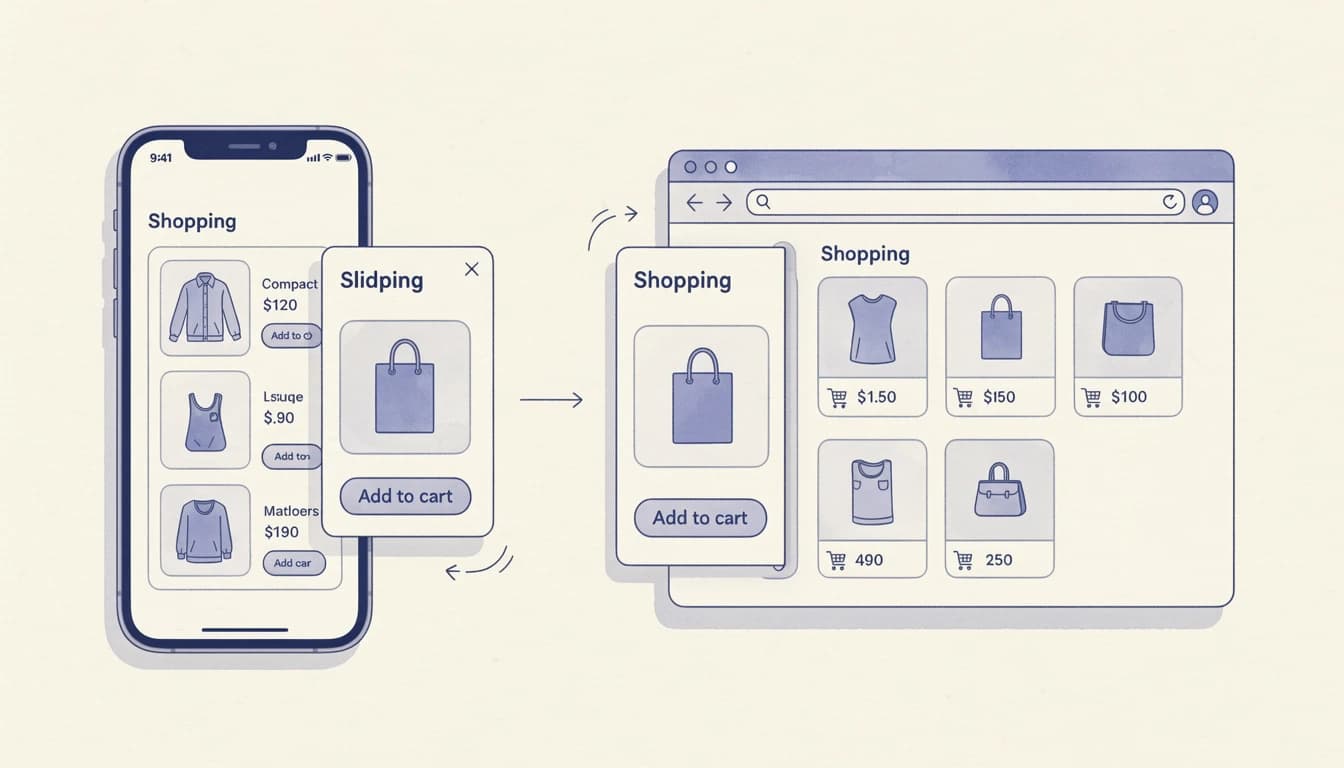
When a customer clicks "Add to Cart," what happens next can make or break the sale. The traditional approach redirects shoppers to a separate cart page, interrupting their browsing flow. A cart drawer, on the other hand, slides into view while keeping customers exactly where they are. This seemingly small difference has significant implications for your conversion rates.
With average cart abandonment rates hovering around 70% across e-commerce, every friction point matters. Our guide to 7 ways to increase cart-to-checkout conversion covers the broader optimization landscape, but let's focus specifically on why cart drawers have become the preferred choice for high-converting Shopify stores.
The Problem with Cart Page Redirects
Traditional cart pages create what UX researchers call "context switching." When customers are redirected away from a product page or collection, they lose their shopping momentum. This interruption causes several problems:
Navigation friction: Customers must wait for a new page to load, then navigate back to continue shopping. On mobile devices, where 80% of cart abandonment occurs, this friction compounds significantly.
Lost browsing context: Shoppers exploring multiple products often lose track of where they were. The back button doesn't always return them to their exact scroll position, creating frustration.
Psychological commitment pressure: A dedicated cart page feels like a bigger decision point. Some customers aren't ready for that level of commitment and abandon rather than proceed.
Research from Baymard Institute confirms that 18% of shoppers abandon carts due to overly long or complicated checkout processes. Unnecessary page redirects contribute directly to this problem.
How Cart Drawers Reduce Friction
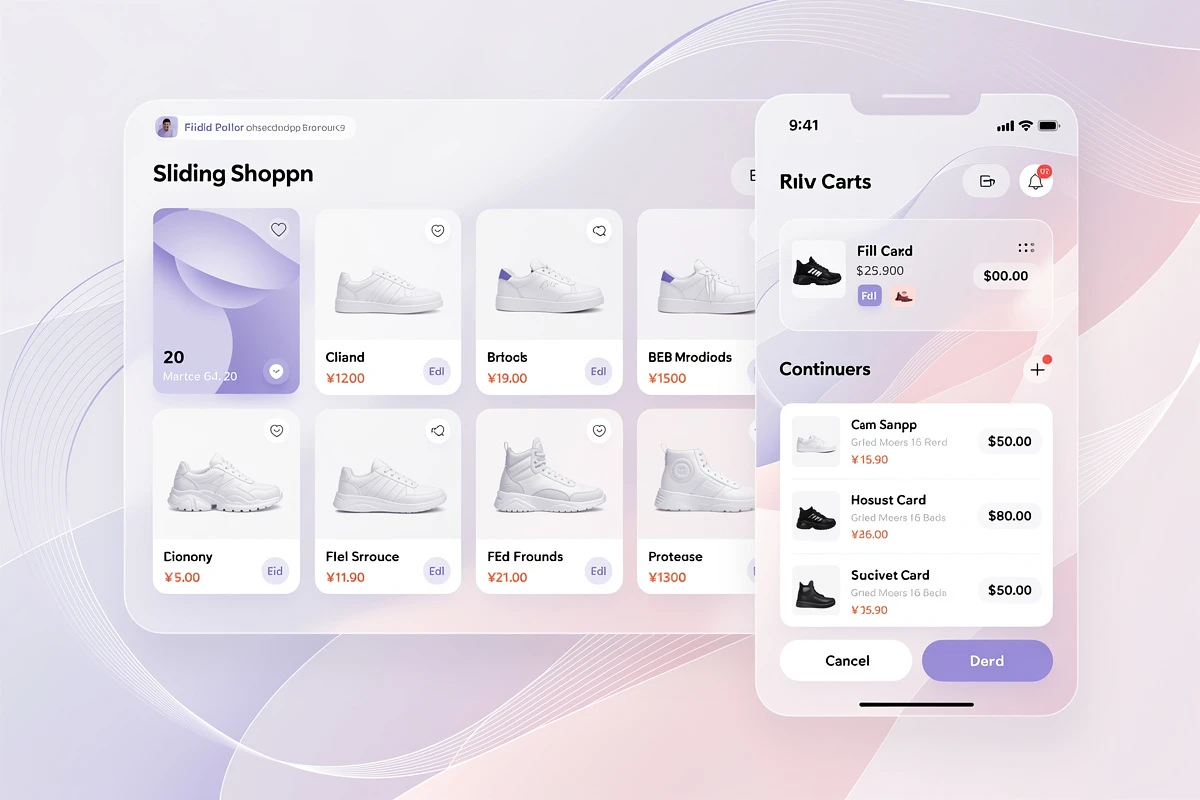
A cart drawer maintains the shopping context while providing full cart functionality. Here's why this matters:
Instant Feedback Without Interruption
When a product is added, the cart drawer slides open to confirm the action. Customers see their updated cart contents, current total, and any progress toward rewards - all without leaving the page they're browsing.
This immediate confirmation satisfies the need for feedback while keeping customers in their shopping flow. They can close the drawer with a single tap and continue browsing, or proceed directly to checkout if they're ready.
Reduced Page Loads Mean Faster Shopping
Every page load is an opportunity for abandonment. Studies show that 40% of visitors leave a site that takes more than 3 seconds to load. Cart drawers eliminate the cart page load entirely, removing one potential exit point from your checkout funnel.
For stores with heavy product images or complex themes, this performance advantage is substantial. The cart drawer renders instantly because it's already part of the page structure.
Mobile-First Experience
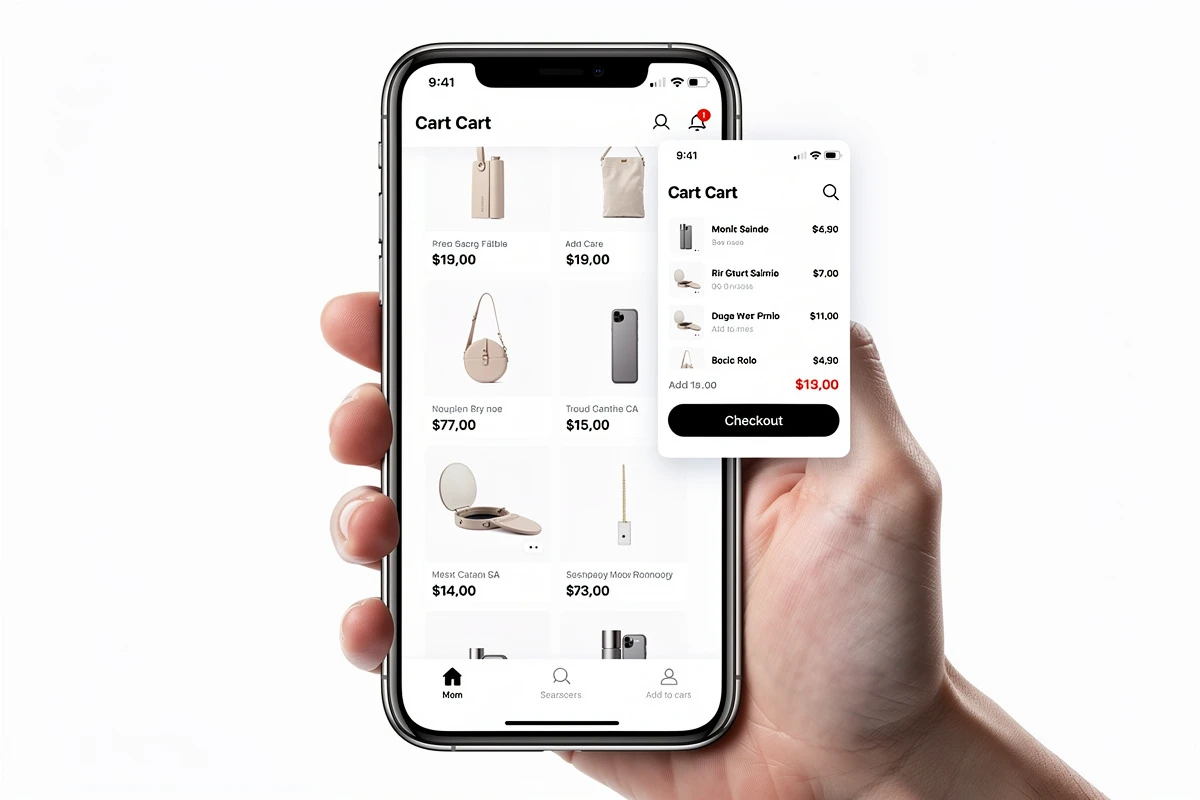
Mobile commerce now accounts for over 75% of e-commerce traffic, yet mobile devices have the highest cart abandonment rates at around 80%. Cart drawers are particularly effective on mobile because:
- They respect the thumb-friendly design patterns users expect
- They avoid the jarring experience of full-page redirects on smaller screens
- They maintain the single-page feel of native apps
A well-designed cart drawer feels like a natural extension of the shopping experience rather than a separate destination.
Maintaining Shopping Context for Higher Conversions
Context preservation is where cart drawers truly excel. When customers can see their cart without leaving a product page, several positive behaviors emerge:
Continued Browsing Leads to Larger Orders
Customers who add an item and immediately return to browsing often add more products. The cart drawer makes this flow natural - add, glance at cart, close, continue shopping. Each interaction reinforces the buying mindset without forcing a decision.
Compare this to the cart page experience: add item, wait for redirect, click back, wait for product page to reload, scroll to find your place. The friction discourages exploration.
Upsell Opportunities at Peak Interest
The moment after adding a product is when purchase intent is highest. Cart drawers can display relevant upsells and recommendations exactly when customers are most receptive. This timing advantage is difficult to replicate on a separate cart page.
With EliteCart, you can display product recommendations directly in the cart drawer using carousel, grid, or gallery layouts. The Upsells feature lets you configure which complementary products appear based on cart contents, encouraging customers to add items while their interest is fresh. You can also let AI-powered upsells outperform manual recommendations by automatically selecting products based on purchase patterns.
Progress Visualization Encourages Additions
Showing customers how close they are to free shipping or other rewards creates a compelling reason to add more items. A cart drawer displays this progress prominently without requiring navigation.
The Rewards & Free Shipping feature displays a dynamic progress bar showing exactly how much more customers need to spend to unlock benefits. Learn more about how a reward bar drives higher average order values. When customers can see they're just $15 away from free shipping, they're motivated to find one more item - and the drawer keeps them on a page where they can do exactly that.
When Cart Drawers Convert Better
Research suggests that cart drawers perform especially well in certain scenarios:
Impulse-friendly products: Fashion, accessories, beauty, and lifestyle products benefit from low-friction adding and browsing. Customers shop these categories more spontaneously, and cart drawers support that behavior.
Stores with active upselling: When you have complementary products to recommend, presenting them in the drawer catches customers at their moment of highest interest.
Mobile-heavy traffic: If your analytics show significant mobile traffic, cart drawers provide a substantially better experience than cart pages on those devices.
Repeat customers: Returning customers who know your products want a fast, frictionless experience. Cart drawers deliver exactly that.
Implementing an Effective Cart Drawer
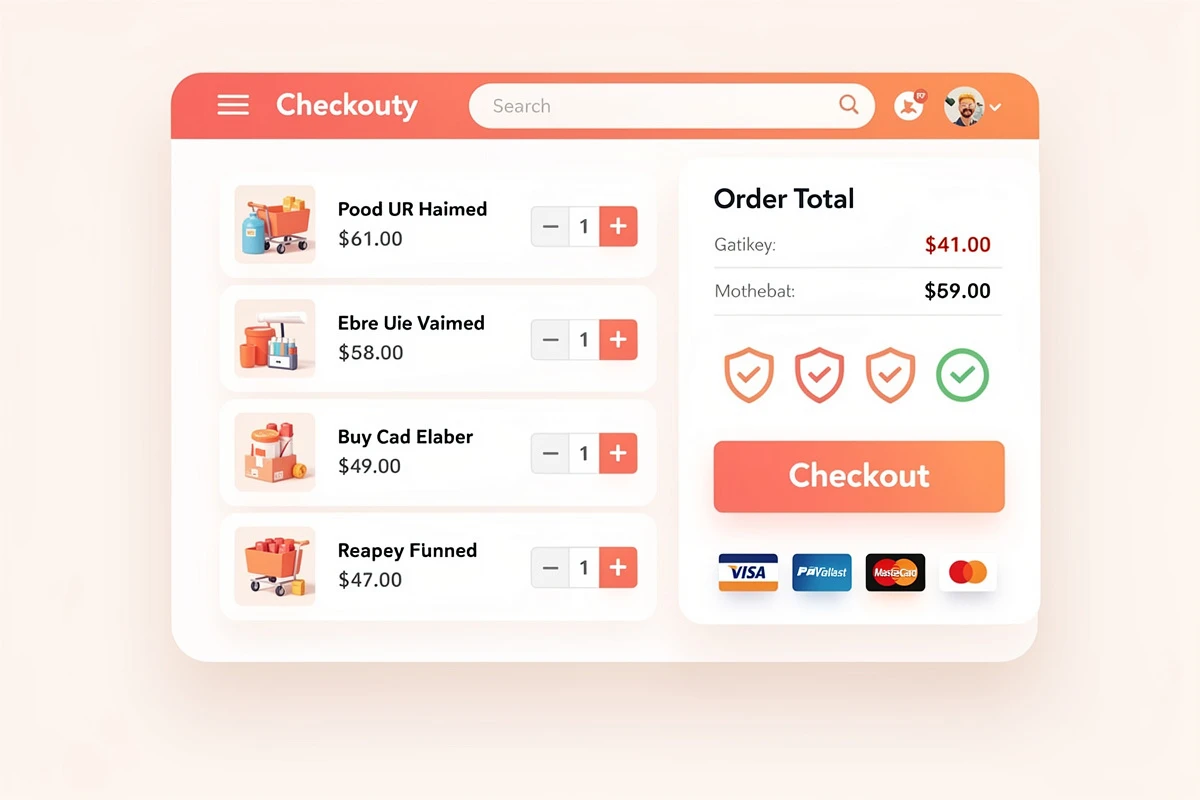
Not all cart drawers are created equal. The most effective implementations share these characteristics:
Clear Visual Hierarchy
The checkout button should be prominent and accessible without scrolling. Cart contents, totals, and any promotions should be easy to scan. EliteCart's Cart Designer provides control over colors, layout, and positioning to create a cart that matches your brand while maintaining usability.
Fast, Reliable Opening
The cart should open instantly when triggered - whether by clicking the cart icon, adding a product, or tapping a shortcut. Any delay breaks the seamless experience that makes cart drawers effective.
EliteCart's Open cart automatically when customer adds product setting ensures the drawer appears immediately after add-to-cart actions, providing instant confirmation and reducing the chance of customers wondering whether their action succeeded.
Mobile Responsiveness
The drawer should adapt gracefully to different screen sizes. On mobile, it might fill the screen or leave a small margin for context. On desktop, it should occupy appropriate width without overwhelming the page.
Configure the mobile experience with Mobile cart width options: full-width for maximum space or a gap on the left side to show customers they're viewing an overlay rather than a new page.
Trust Elements at the Decision Point
Since the cart drawer is where customers decide whether to proceed to checkout, trust elements become critical. Payment icons, security indicators, and social proof all help overcome last-minute hesitation.
The Trust Enhancers feature lets you display payment provider logos, custom trust badges, and reassuring text directly above the checkout button - exactly where they have the most impact. For a deeper dive into this topic, see our article on trust badges in the cart.
The Data on Drawer Carts
While results vary by store and industry, data points suggest cart drawers provide meaningful advantages:
- Some studies show cart engagement can increase by around 17% with drawer implementations compared to page redirects
- Mobile bounce rates decrease when customers aren't forced into page navigation
- Adding a sticky checkout button in the drawer can improve conversions by nearly 7%
These improvements compound with other optimization efforts. A cart drawer paired with effective upsells, a free shipping bar, and trust elements creates a conversion-optimized experience that far exceeds what a basic cart page can deliver.
Why Cart Drawers Beat Cart Pages for Direct Access
Some stores choose to disable the traditional cart page entirely, ensuring all cart interactions happen through the drawer. This creates a consistent experience and prevents customers from bookmarking or navigating directly to a less optimized cart page.
EliteCart's Block cart page setting automatically redirects any attempts to access /cart back to the previous page while opening the cart drawer. If there's no previous page, customers are redirected to the home page. This ensures every customer experiences your optimized cart regardless of how they try to access it.
For stores that want to maintain both options, EliteCart can also inject upsells and other features directly into your existing cart page, though the drawer experience typically converts better.
Making the Switch
Transitioning from a cart page to a cart drawer doesn't require abandoning your existing setup. Modern cart apps like EliteCart work alongside your theme, activating instantly when enabled and reverting cleanly if disabled. No permanent theme modifications are required.
The key steps are:
- Configure the appearance: Match colors, fonts, and styling to your brand
- Set up rewards and upsells: Configure incentives that encourage larger orders
- Add trust elements: Display payment icons and trust badges near checkout
- Test on mobile: Verify the experience works well on phones and tablets
- Consider blocking the cart page: Ensure all customers experience the optimized drawer
The cart drawer isn't just a design trend - it's a proven conversion optimization. By reducing friction, maintaining context, and presenting offers at the right moment, drawer carts help turn more browsers into buyers. For Shopify stores looking to improve cart-to-checkout conversion, implementing an effective cart drawer is one of the highest-impact changes you can make.