
Real-Time Product Data in the Cart: Why Static Carts Are Leaving Revenue Behind
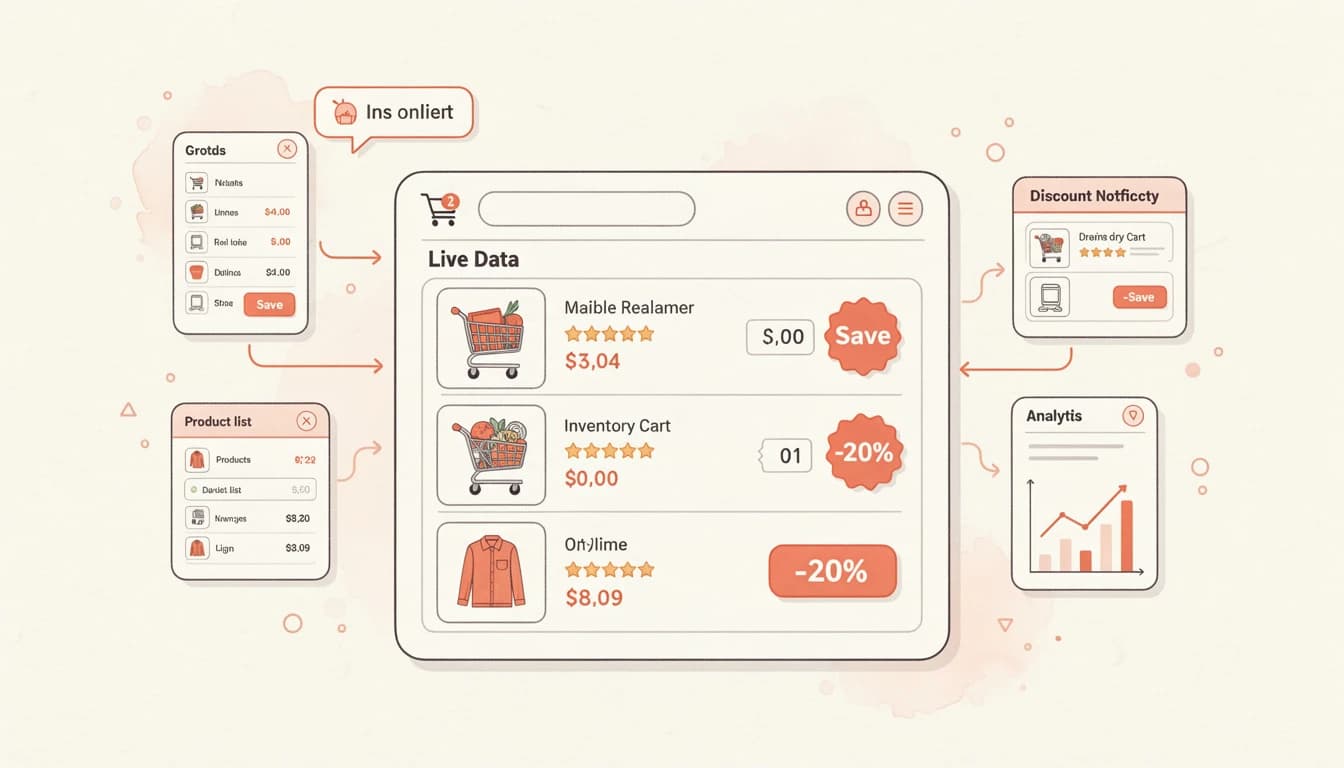
Most shopping carts show the same information they showed ten years ago: a product name, a thumbnail, a price, and a quantity selector. The customer adds an item, sees a total, and either checks out or leaves. The cart itself offers no new information to help them decide.
That's a missed opportunity. The cart is where purchase decisions finalize, but in most stores, it's also the least informative part of the shopping experience. Product pages show reviews, stock status, savings, and detailed descriptions. The cart strips all of that away - right when the customer needs reassurance most.
The Information Gap Between Product Pages and Cart
Customers invest time on product pages. They read descriptions, compare options, scroll through reviews, and check whether items are in stock. By the time they add something to the cart, they've built a mental model of why the product is worth buying.
Then they open the cart and that context disappears. The product becomes a line item - a name and a price. If the customer added items over multiple sessions or browsed for an extended period, some of that research has faded from memory.
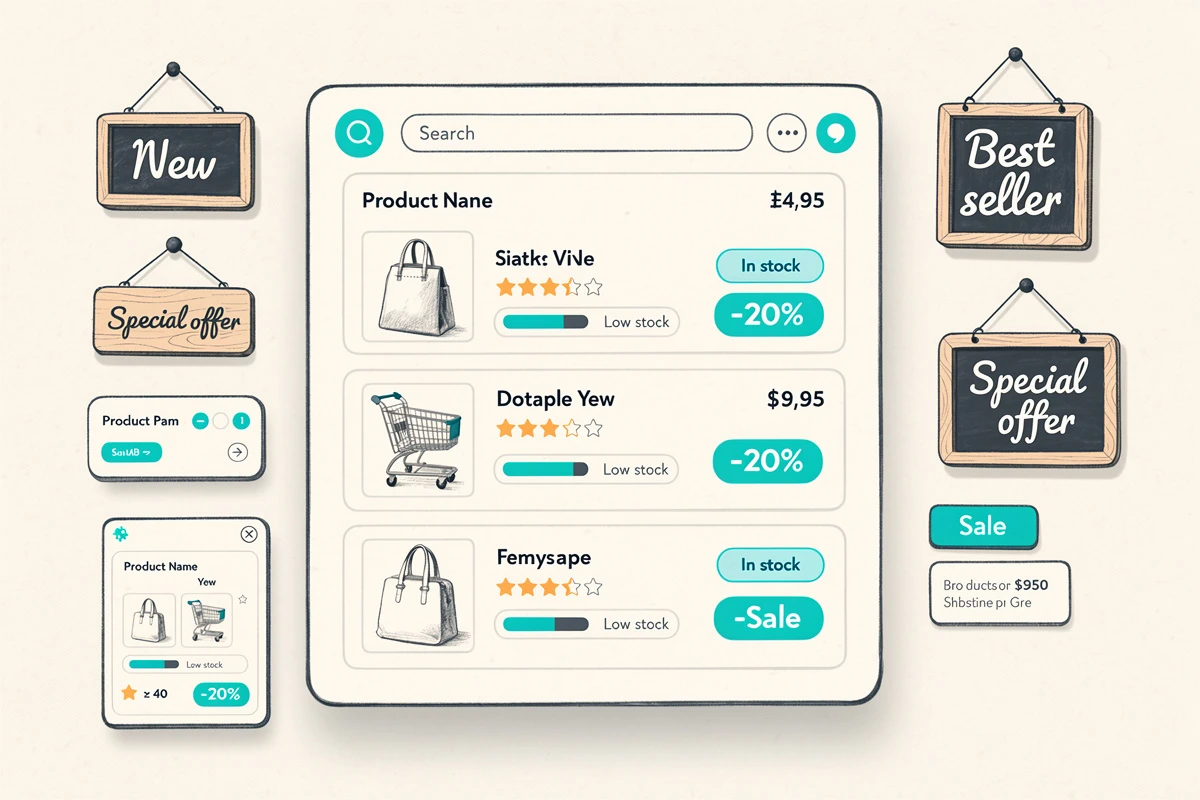
This is even more pronounced for upsell and cross-sell products. These appear in the cart without any of the product page context. A customer seeing a recommended product for the first time has nothing to evaluate it against - no reviews, no stock information, no sense of whether it's popular or worth the price.
What Real-Time Data Looks Like in the Cart
A dynamic cart pulls live product information and presents it alongside the items customers are about to purchase. The most impactful data points include:
Live inventory status
Showing actual stock levels - "Only 3 left" rather than just the product name - tells customers whether they can afford to wait. Research from ShipBob confirms that real-time inventory tracking reduces overselling and builds customer confidence. More importantly for conversion, it creates honest urgency when stock is genuinely low.
Star ratings and review counts
A 4.7-star rating with 200 reviews on a line item reinforces the purchase decision. On an upsell card, it provides the social proof that product page browsing would normally supply. Customers don't need to leave the cart to validate a recommendation - the validation is visible on the card itself.
Savings and discount information
When a product shows its original price crossed out alongside the discounted price, the customer can see the value of the deal at the point of purchase. A savings display like "You save $12.00" makes the discount concrete rather than abstract, which reduces second-guessing during checkout.
Why Static Carts Lose Customers
A static cart assumes customers remember everything they learned during browsing. That assumption breaks down in several common scenarios.
Multi-session shopping
Customers who add items on Monday and return on Thursday have forgotten much of their initial research. A static cart shows the same sparse information. A dynamic cart refreshes their memory - the product is still well-reviewed, it's running low, and the discount is still active.
Mobile shopping
Mobile shoppers often browse in short bursts - during commutes, breaks, or while watching TV. They add items quickly and revisit the cart later. On a smaller screen with less context visible, real-time data in the cart fills in the gaps that a cramped mobile product page couldn't fully convey.
Cart sharing and return visits
When a customer shares their cart link or returns to a saved cart, they need to re-establish why they wanted each product. Dynamic data - reviews, stock levels, active promotions - provides that context without requiring them to navigate back to each product page.
The Impact on Upsell Performance
Static upsell cards show a product image, name, and price. That's enough for customers who already know the product, but most upsell recommendations are products the customer hasn't researched.
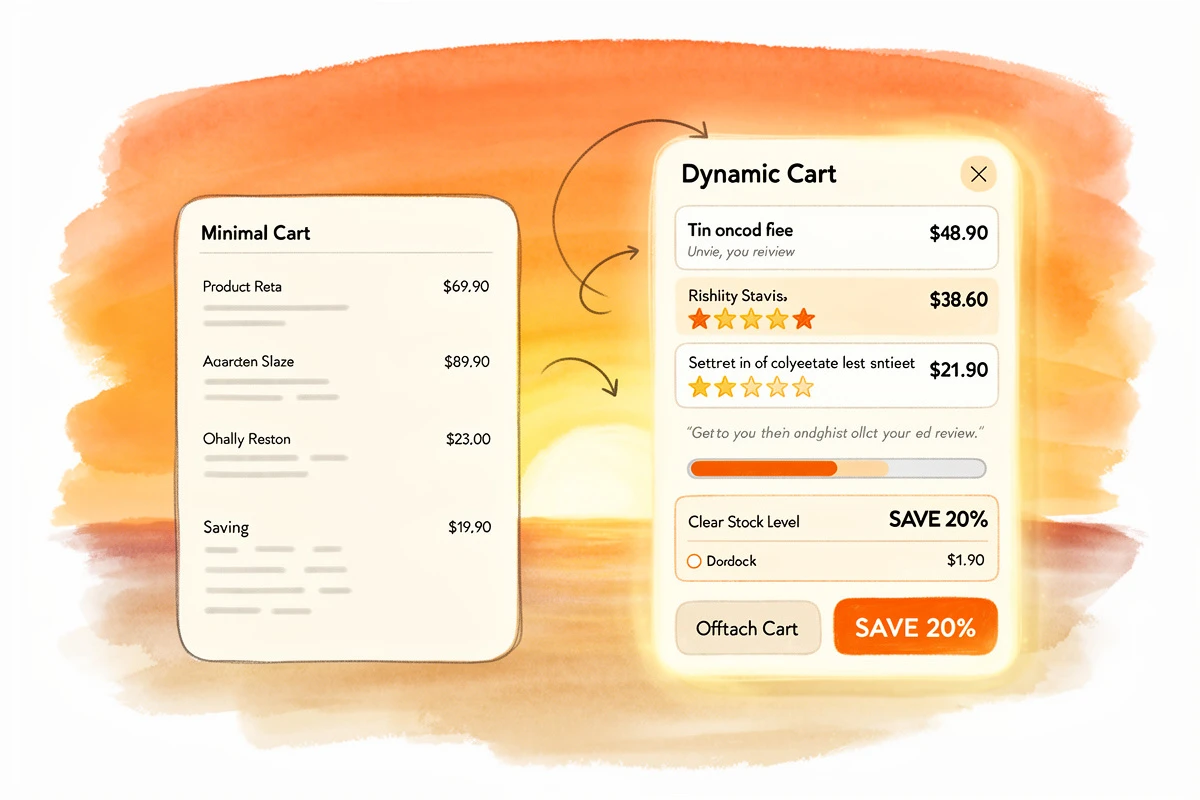
Adding real-time data to upsell cards transforms them from blind suggestions into informed recommendations:
- A product with no context: "Leather Phone Case - $29.99" - easy to skip
- The same product with data: "Leather Phone Case - $29.99 - 4.8 stars (312 reviews) - Only 5 left" - much harder to ignore
The additional data doesn't change the product, but it gives the customer enough information to make a quick decision. That's the difference between upsells that feel like guesses and upsells that feel like helpful suggestions.
Implementing Dynamic Cart Data
Modern cart implementations can pull real-time data through storefront APIs without affecting page load performance. The key considerations are:
What to show where
Not every data point belongs on every product. A practical approach:
- Line items: Star ratings (reinforces purchase confidence) + savings display (confirms value)
- Upsell cards: Star ratings (builds trust for unfamiliar products) + inventory notices (creates urgency on well-rated items)
- Both: Keep displays compact so the cart remains clean and focused on checkout
Performance and caching
Real-time data should be fetched efficiently - batch requests for all cart products rather than individual calls, with client-side caching to prevent redundant requests. Customers shouldn't notice any delay. The data should feel like it was always there.
Graceful handling of missing data
Not every product has reviews. Not every product is low in stock. The cart should handle these cases cleanly - if a product has no reviews, the rating simply doesn't appear. If stock is healthy, no inventory notice shows. This prevents the cart from looking cluttered with irrelevant information.
EliteCart pulls live product data through the Shopify Storefront API. Star ratings, review counts, and inventory levels update automatically based on your product catalog and review app data. Each data point - Product Reviews, Inventory Notice, and savings display - can be enabled independently and configured to show on line items, upsells, or both from Cart Designer.
From Static to Dynamic: The Shift
The trend in e-commerce is clear: every touchpoint is getting smarter. Product pages now show personalized recommendations. Email campaigns use behavioral data. Checkout flows adapt to customer segments. But for many stores, the cart remains a static list.
Bringing real-time product data into the cart isn't a radical redesign - it's giving customers the same information they already expect from the rest of the shopping experience, at the moment when it matters most. The products are the same. The prices are the same. The difference is that customers can see why each item is worth buying, without having to go back and check.
That's the gap between a cart that holds products and a cart that helps customers buy them.