
How Subscription Box Brands Can Maximize Cart Revenue
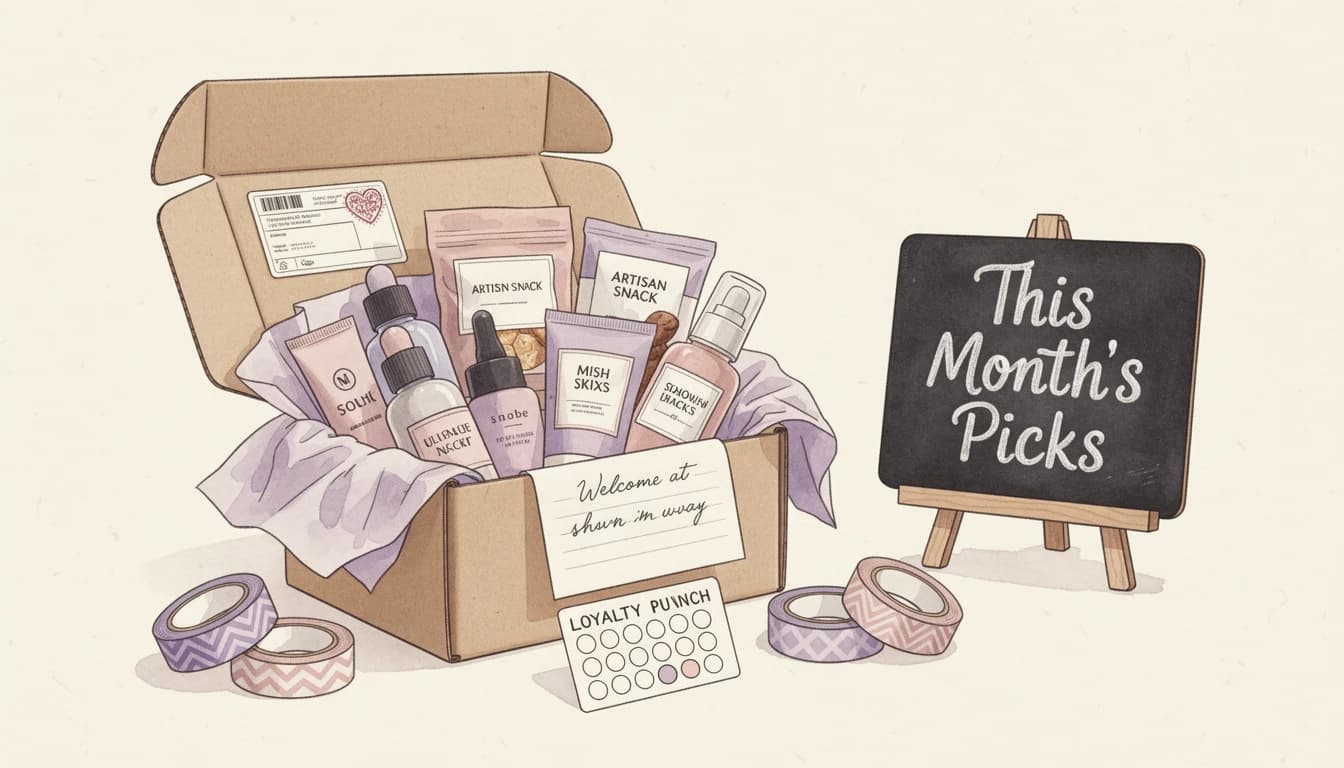
The subscription box market is projected to reach nearly $50 billion in 2026, growing at roughly 20% year over year. That growth means more competition for every subscriber - and more pressure to make each order profitable. Yet most subscription brands focus almost entirely on acquiring new subscribers while leaving significant cart revenue on the table.
Your recurring subscribers already trust your brand and visit your store regularly. The cart is where you can turn that trust into higher order values - without changing your box offering or raising prices. Here are four strategies subscription box brands can use to do exactly that.
Boost Cart Revenue with One-Time Addon Upsells
Subscribers come back monthly, but their needs aren't limited to what's in the box. A skincare subscription customer might want a full-size version of a sample they loved. A coffee box subscriber might need a new grinder. These one-time purchases are natural extensions of the subscription relationship.
The key is showing these products at the right moment. When a subscriber's recurring order lands in their cart, that's when they're most receptive to complementary suggestions. A well-timed upsell for a product that pairs with their upcoming box feels helpful rather than pushy.
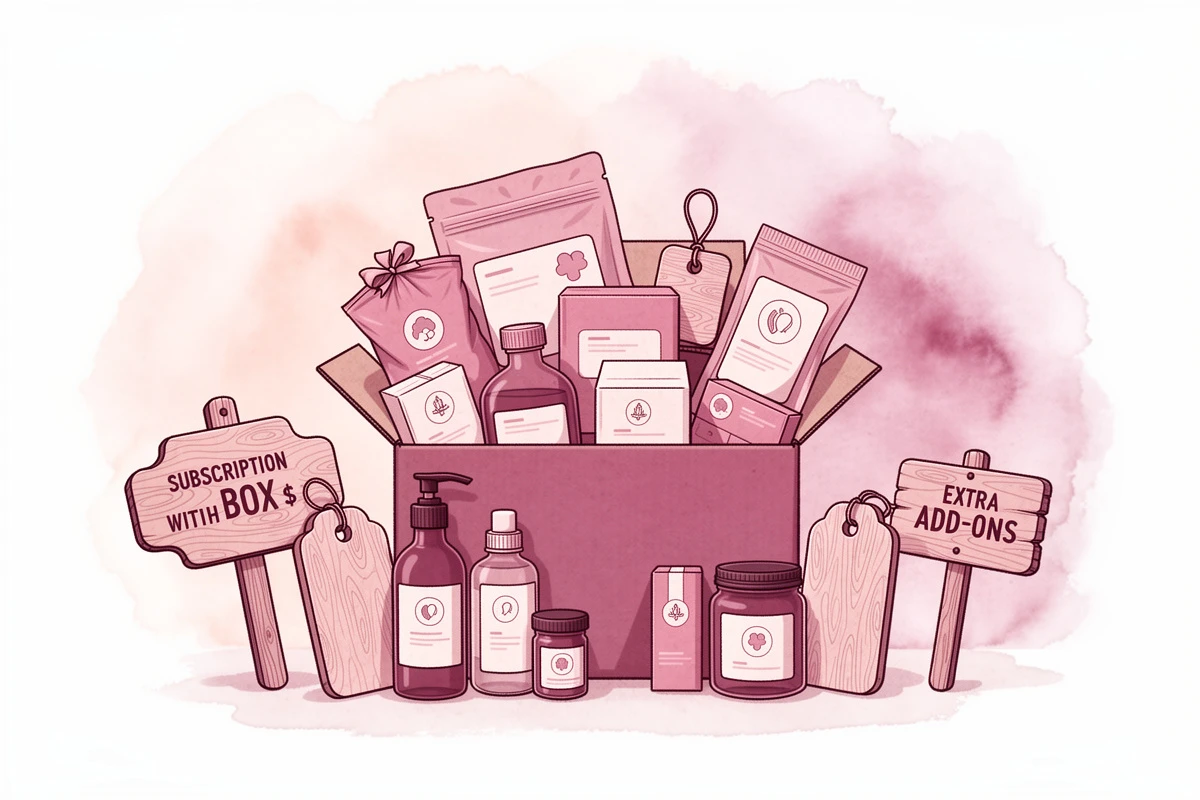
What works well for subscription box brands:
- Complementary consumables - A tea box subscriber sees a recommended honey or infuser alongside their monthly order
- Full-size upgrades - Show the full-size version of a sample included in the current or previous box
- Limited-edition extras - Offer exclusive products that aren't part of the standard box but appeal to the same audience
- Seasonal additions - Suggest seasonal items that complement the box theme (holiday flavors, summer accessories)
In EliteCart, you can set up dedicated upsell flows that trigger based on specific products or collections in the cart. Create a flow targeting your subscription products, then populate it with curated one-time addons. The upsells appear naturally in the cart drawer, giving subscribers a chance to add extras before checkout. For details on configuring flows, see the upsell flow setup guide.
Gift Subscription Prompts in the Cart
Subscribers who love your box are your best source of new customers. But most brands only promote gift subscriptions on dedicated landing pages or in email campaigns. The cart is an overlooked touchpoint.
When a subscriber checks out their monthly order, a prompt like "Know someone who'd love this? Add a gift box" introduces gifting as a low-friction impulse decision. The subscriber is already in buying mode and already convinced of the product's value - they just need a nudge.
There are two practical ways to approach this:
Gift wrapping and messaging as a 1-click addon. Even if you're not selling a separate gift subscription, offering gift wrapping or a personalized note transforms a regular order into a gift-ready package. This works particularly well during holidays, birthdays, and occasions like Mother's Day or Valentine's Day. A simple checkbox in the cart - "Add gift wrapping for $5" - takes seconds to set up and generates pure margin.
Gift products as upsells. If you sell standalone gift boxes or gift cards, show them as upsell recommendations when a subscriber is checking out. A one-time gift box at a lower price point than a full subscription is an easy impulse add.
EliteCart's 1-click addon feature lets you add gift wrapping or similar services directly in the cart with a single checkbox. You can also schedule addons to appear only during key gifting seasons, keeping the cart clean the rest of the year.
Referral Discount Codes in the Cart
Word-of-mouth drives subscription box growth more than almost any other channel. According to research from Chargebee, referral programs are among the most cost-effective acquisition channels for subscription businesses because referred customers tend to have higher lifetime value and lower churn.
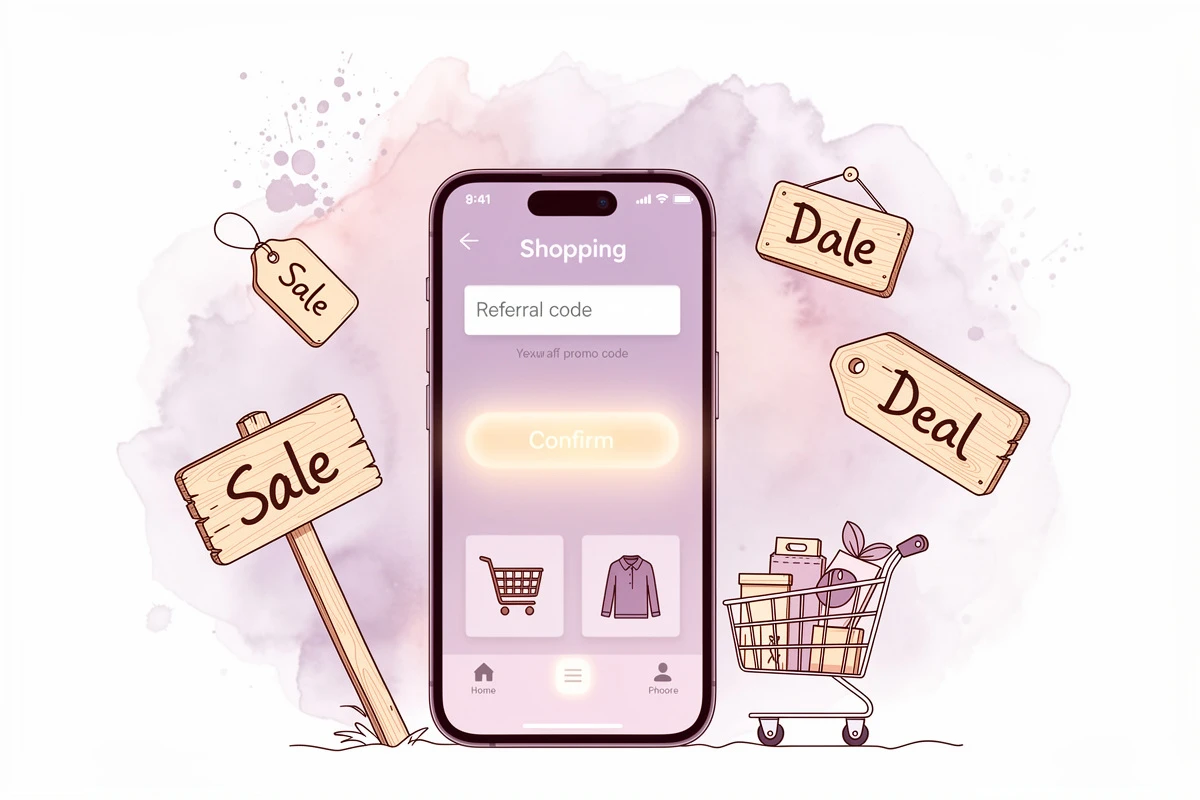
Most subscription brands run referral programs, but the discount code experience matters more than merchants realize. If a referred customer has to hunt for where to enter their code - or worse, can only apply it at checkout - friction increases and conversions drop.
Displaying a discount code field directly in the cart solves this. When a referred visitor adds a subscription to their cart and immediately sees where to enter their referral code, the discount is applied before they even reach checkout. They see the reduced price reflected in their cart total, which reinforces the value and reduces abandonment.
A few tips for making this work:
- Use the visible input mode rather than hiding the field behind a toggle. Referred visitors are actively looking for where to enter their code - make it obvious.
- Customize the placeholder text to say something like "Referral or promo code" so visitors know both types are accepted.
- Show the savings immediately. When a discount applies, the updated total should be visible in the cart summary without any page refresh.
In EliteCart, enable the discount code field through Cart Designer → Discounts. You can customize the display mode, button colors, and placeholder text to match your brand. See the discount code field setup guide for configuration details.
Tiered Reward Bars That Drive Subscription Box Revenue
A progress-based reward bar is effective for any e-commerce store, but subscription box brands can use it in a particularly powerful way: to incentivize box upgrades and higher-tier subscriptions.
Here's how a tiered reward bar might look for a subscription box brand:
- Tier 1 ($50): Free shipping on this order
- Tier 2 ($75): A bonus sample added to your box
- Tier 3 ($100): Upgrade to the premium box this month
Each tier gives the subscriber a reason to add more to their cart. The progress bar creates a visual incentive - "You're $12 away from a free bonus sample" - that motivates action in a way static messaging cannot.
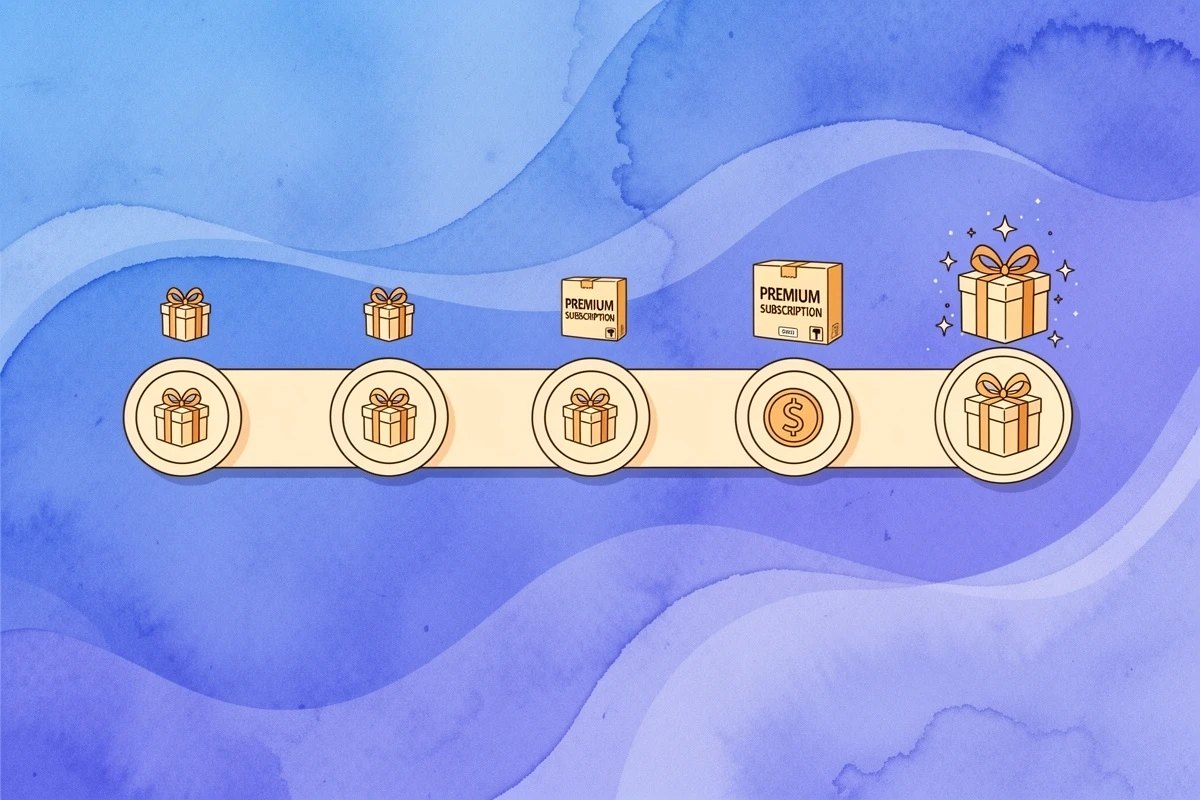
The goal-gradient effect explains why this works: people accelerate their efforts as they get closer to a goal. A subscriber who sees they're 80% of the way to a bonus sample will actively look for something else to add - especially when your upsell recommendations are right there in the cart.
For subscription box brands, the third tier is where it gets interesting. Instead of just offering a free gift, you can use it as an entry point to your premium tier. A customer who upgrades their box for one month and enjoys the premium experience is far more likely to stay at that tier long-term.
To set this up in EliteCart, navigate to Cart Designer → Rewards & free shipping and configure up to three reward tiers. Each tier can offer a different reward type - free shipping, a discount, or a free gift product. The reward bar setup guide walks through the full configuration process.
Putting It All Together
These four strategies work best in combination. A subscriber visits your store, sees their monthly box in the cart, and the experience unfolds:
- The reward bar shows they're $18 away from a free bonus sample
- An upsell suggestion recommends a $22 product that complements their box
- Adding that product pushes them past the reward threshold - bonus sample earned
- A gift wrapping addon offers to make it gift-ready for $5
- If they were referred, their discount code is already applied and reflected in the total
Each element adds value without adding friction. The subscriber spends more because every additional dollar feels worthwhile, not pressured.
Start with the strategy that fits your catalog best. If you sell products alongside subscriptions, begin with one-time addon upsells. If your brand thrives on word-of-mouth, prioritize the discount code field for referrals. Then layer in a tiered reward bar to tie everything together. The goal is simple: make every subscriber visit more valuable for both you and your customers.