
How Fitness and Sports Brands Can Use In-Cart Upsells
In-cart upsells for fitness and sports brands represent a significant revenue opportunity. The sports and recreation e-commerce market saw average order values increase by nearly 12% year-over-year in late 2025, reaching approximately £99 in the UK. With the US online sporting goods market approaching $40 billion and cart abandonment rates hovering around 70%, strategic in-cart upsells can capture additional revenue from customers already committed to buying.
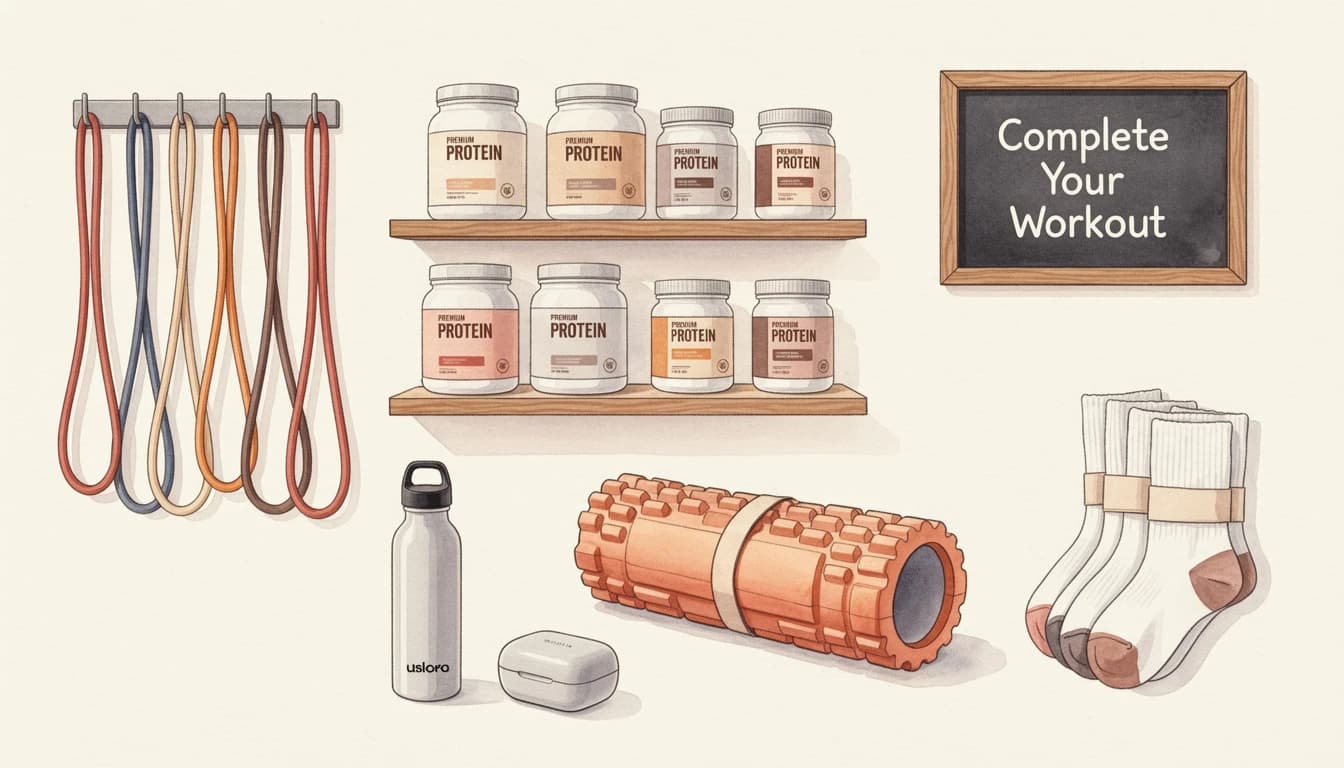
Fitness shoppers have distinct purchasing patterns. Someone buying running shoes likely needs performance socks. A customer purchasing dumbbells probably wants resistance bands or a workout mat. These natural product pairings make in-cart upselling particularly effective for sports and fitness brands.
Workout Accessory Upsells That Convert
The key to successful fitness upsells lies in relevance. Random product suggestions frustrate customers, but carefully matched accessories feel helpful rather than pushy. Research shows that low-value upsells - items priced around 10-25% of the original purchase - have significantly higher acceptance rates than expensive additions.
Footwear and Accessory Pairings
When a customer adds athletic shoes to their cart, display complementary accessories that enhance their purchase:
- Performance socks: Running shoes pair naturally with moisture-wicking socks
- Shoe care products: Cleaning kits and waterproofing sprays protect the investment
- Insoles: Comfort inserts appeal to serious athletes
- Lace locks: Small accessories that solve real problems
Configure these upsells by creating flows in Upsells that trigger based on specific product categories. Set the trigger to your footwear collection, then select 3-6 accessory products as upsell options. EliteCart automatically skips any products already in the cart and hides sold-out items.
Apparel Companion Products
Athletic apparel purchases open similar opportunities:
- Athletic socks when customers buy training shorts or leggings
- Headbands or wristbands with any workout apparel
- Sports bras paired with women's athletic tops
- Compression sleeves for leg or arm coverage
Position upsells below line items in your cart settings. This placement lets customers see their selections first, creating mental commitment before viewing additional suggestions. Studies show that customers are more receptive to additions after they've mentally processed their initial purchase.
Equipment Add-Ons
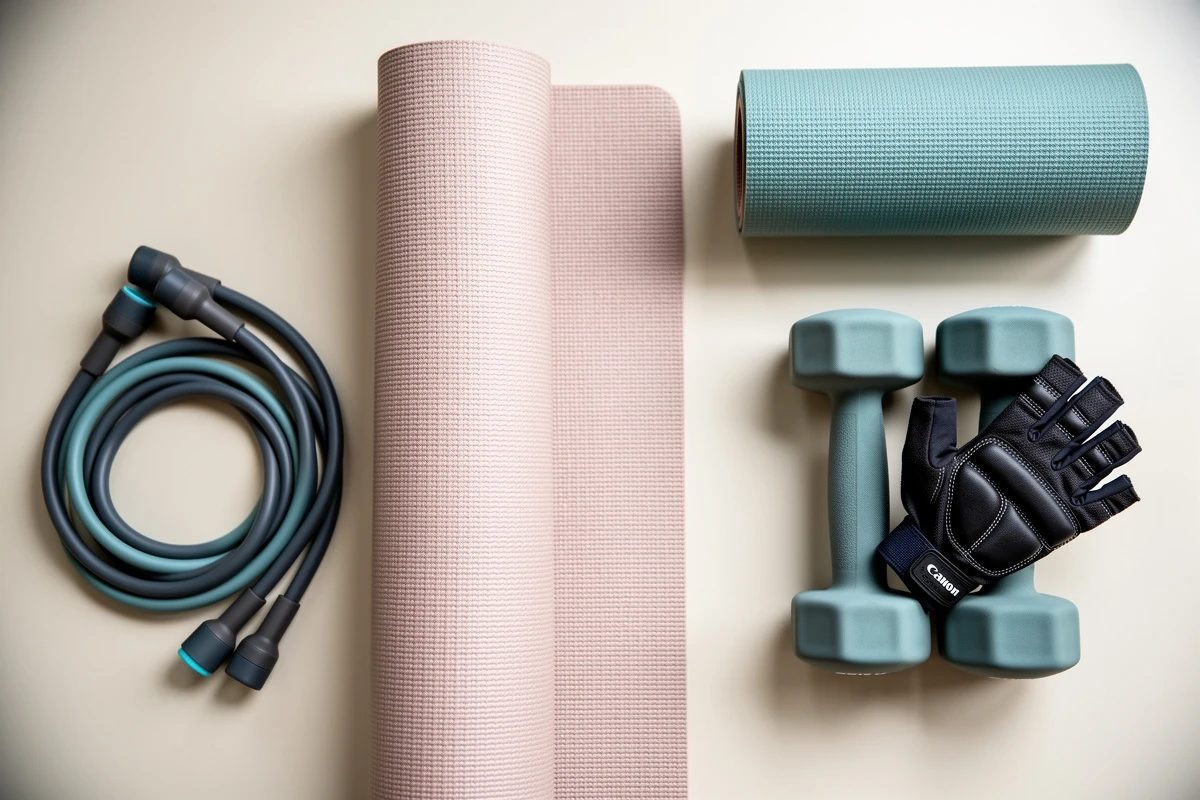
Fitness equipment purchases provide excellent upsell opportunities:
| Main Product | Effective Upsells |
|---|---|
| Yoga mat | Mat cleaner, carrying strap, blocks |
| Dumbbells | Weight gloves, storage rack, resistance bands |
| Jump rope | Timer, sweat towel, grip tape |
| Foam roller | Massage ball, stretch strap, muscle balm |
For equipment upsells, consider using the Gallery of 3 display type in Cart Designer → Upsells → Display. This layout shows product images prominently, which works well for visual products where customers benefit from seeing exactly what they're adding.
Supplement Addons for Fitness Stores
Sports nutrition represents a high-margin category where strategic addons can significantly boost order values. The supplement market continues to grow, and fitness customers often purchase multiple products to support their training goals.
Using 1-Click Addons for Supplements
1-Click Addons work exceptionally well for supplement stores. Unlike traditional upsells that display multiple products, addons appear as simple checkboxes - making them one of the most effective ways to generate high-margin revenue without inventory overhead. Customers can toggle these checkboxes with a single click.
Common supplement addon use cases:
- Sample packs of protein flavors with full-size purchases
- Single-serve packets for customers buying tubs
- Shaker bottles as an automatic suggestion
- Flavor enhancers for unflavored protein powders
Configure addons through Cart Designer → Addons & insurance. Select your addon product (like a shaker bottle or sample pack) and customize the display text. For example: "Add a premium shaker for just {price}" automatically inserts the product price.
Percentage-Based Shipping Insurance
High-value supplement orders - especially international shipments - benefit from shipping protection. EliteCart's insurance addon automatically calculates cost as a percentage of cart total, typically 2-5% depending on your margin goals.
This feature creates a win-win: customers gain peace of mind for their protein and supplement shipments, while you earn additional revenue with minimal fulfillment overhead. Learn more about why customers want shipping insurance and how it adds revenue. Set this up in Cart Designer → Addons & insurance by selecting the Insurance product type.
Strategic Supplement Bundling
Create upsell flows that bundle supplements logically:
- Pre-workout triggers post-workout recovery supplements
- Protein powder triggers creatine or BCAAs
- Vitamins trigger complementary supplements (D3 with K2, for example)
Use flow-specific headings to match the context. Instead of generic "You may also like" text, try "Complete your stack" or "Athletes also add" for supplement upsells. Configure custom headings when editing individual upsell flows.
Seasonal Promotional Banners for New Collections
Fitness buying patterns follow predictable seasonal cycles. US consumer data shows distinct peaks around New Year resolutions, summer fitness preparation, and back-to-school athletic purchases. Announcement banners help you capitalize on these seasonal trends directly in the cart. For broader guidance on effective cart messaging, see when and how to use announcement banners.
Configuring Seasonal Banners
Access banner settings through Cart Designer → Announcement banner and countdown. Set up seasonal messaging that creates urgency and highlights relevant promotions:
- January: "New Year Collection Now Live - Free Shipping Over $75"
- Spring: "Summer Training Starts Now - New Arrivals Inside"
- Fall: "Back to Training Season - Gear Up and Save"
Position the banner at Top of cart (sticky) for maximum visibility, or Above line items for a less intrusive approach. The sticky position keeps your message visible as customers scroll through their cart contents.
Countdown Timers for Flash Sales
Flash sales drive significant revenue for fitness brands, especially during competitive shopping periods like Black Friday when cart abandonment can spike above 80%. Add urgency with countdown timers:
- Enable the banner and set your primary text to include the
{countdown}placeholder - Example: "Flash Sale Ends in
{countdown}- Extra 20% Off Training Gear" - Set the countdown duration in the Countdown time field (format: "10:00" for 10 minutes)
The countdown starts when customers open the cart, creating immediate urgency without false scarcity. Be honest with your timing - customers quickly learn to ignore countdowns that reset endlessly.
Scheduling Promotional Banners
Use scheduling to automate banner changes without manual intervention:
- Weekend-only sales: Schedule banners to appear Friday through Sunday
- Morning motivation: Display "Early Bird Shipping" messages during morning hours
- Seasonal campaigns: Set specific date ranges for collection launches
Configure scheduling in Cart Designer → Announcement banner and countdown → Advanced → Schedule. Multiple schedule rules let you create complex promotional calendars that run automatically.
Reward Bars for Fitness Purchases
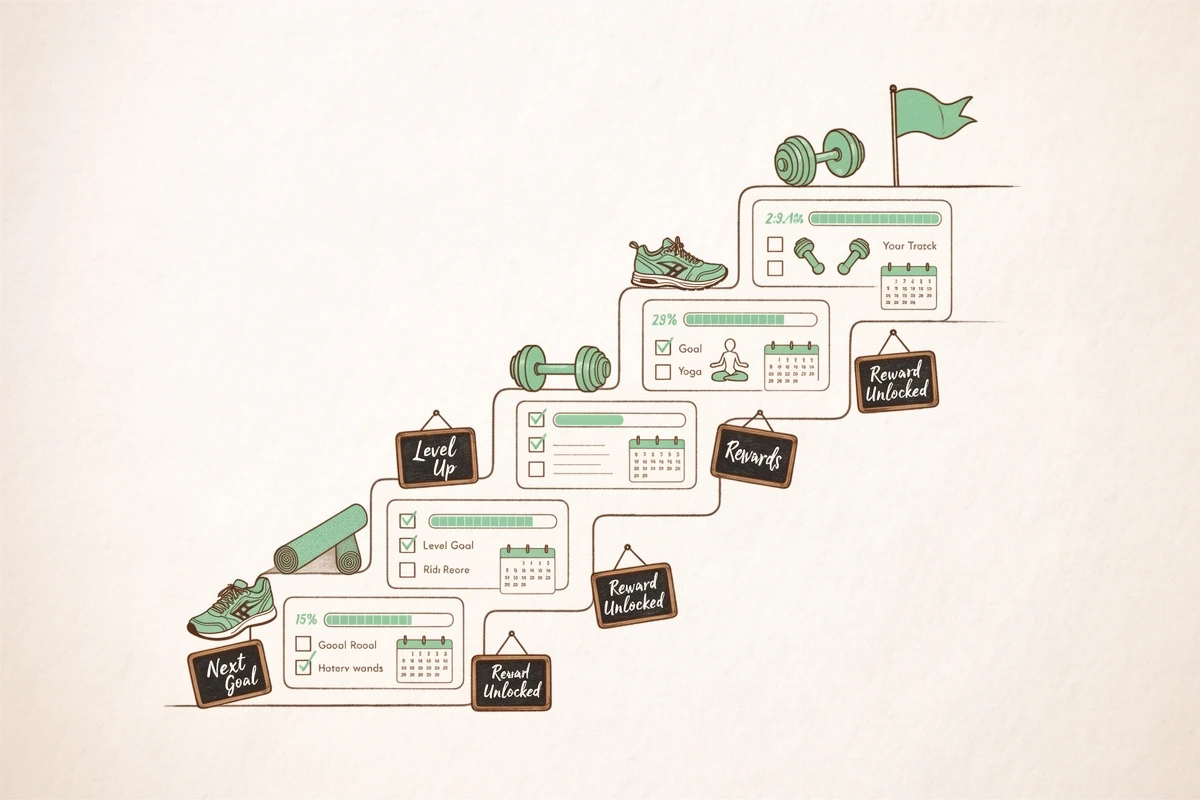
Progress-based rewards motivate fitness customers to reach higher order values. The psychology behind this is simple: showing progress toward a reward creates stronger motivation than static messaging. For a deep dive into why this works, see how reward bars drive higher average order values. Set thresholds slightly above your current average order value to encourage adding one more item.
Tiered Reward Structure for Sports Stores
A three-tier system works well for fitness brands:
- First tier ($50): Free branded accessory like a sweat towel or resistance band
- Second tier ($75): Free shipping
- Third tier ($100): Premium gift like a gym bag or water bottle
Configure rewards in Cart Designer → Rewards & free shipping. Enable up to three rewards, each with its own threshold and reward type (shipping, discount, or gift).
Free Gift Selection
For gift rewards, choose between single-variant gifts (automatically added) or multi-product selection (customer chooses). The multi-product option works well when you want to offer choices like "Pick your free accessory: wristband, headband, or water bottle."
Display reward progress using icons or custom images that match your brand aesthetic. Visual progress indicators create stronger motivation than text alone - customers can literally see how close they are to earning their reward.
Best Practices for Fitness Cart Optimization
Combining these strategies creates a cohesive cart experience that drives higher order values:
- Match upsells to purchase intent: Accessories for footwear, supplements for nutrition orders
- Keep addon offers simple: Single-click additions reduce friction
- Use seasonal messaging: Align promotions with fitness buying cycles
- Set achievable reward thresholds: Encourage adding one more item, not completely changing order size
- Test different displays: Gallery layouts may outperform simple cards for visual products
With mobile devices accounting for nearly 66% of sports and recreation e-commerce sales, ensure your upsells and banners display well on smaller screens. Preview your cart across devices before finalizing configurations.
Start optimizing your fitness store's cart by identifying your most common purchase patterns. Which products naturally pair together? What threshold would encourage your average customer to add one more item? These insights form the foundation for effective in-cart upselling.