
Cart Optimization for Print-on-Demand and Custom Product Stores
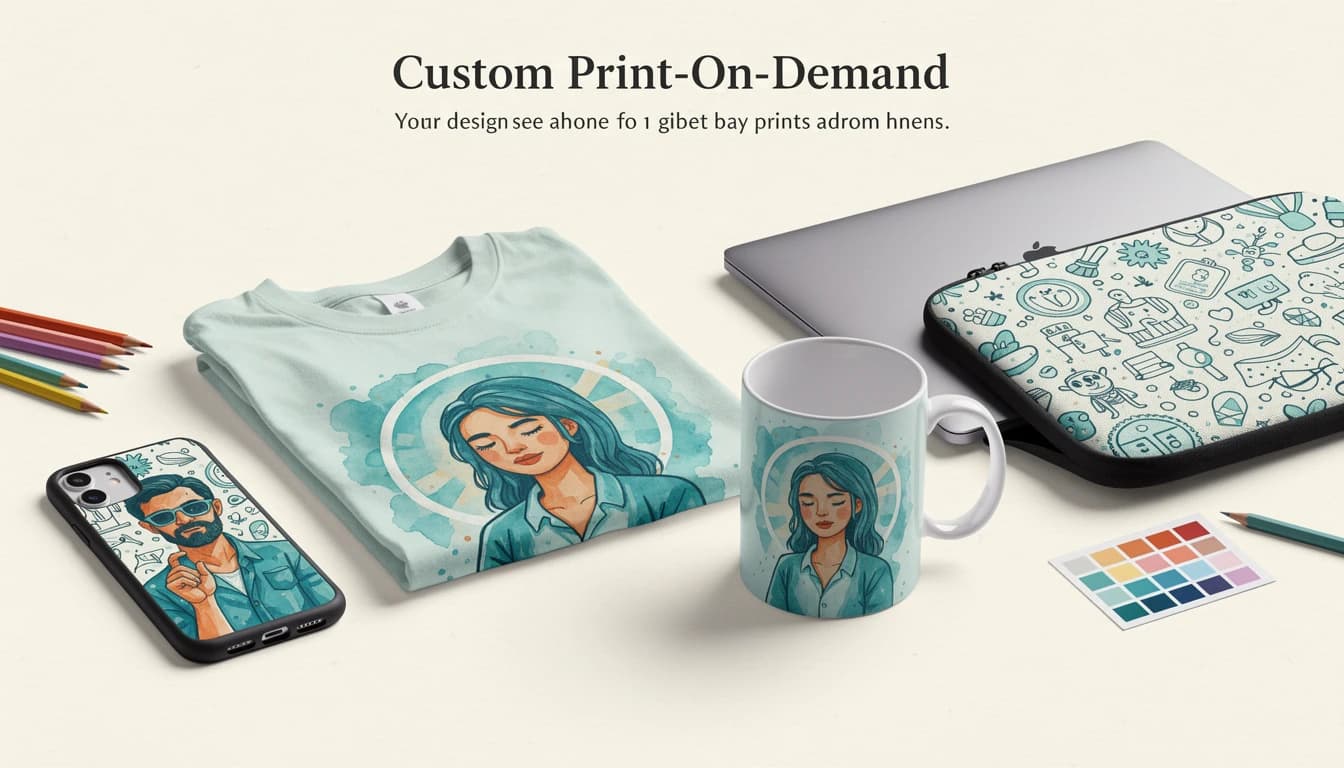
Cart optimization for print-on-demand and custom product stores requires a different approach than standard e-commerce. Longer production times, unique product combinations, and customers who are emotionally invested in personalized items all create a different dynamic at checkout. With the global POD market projected to exceed $100 billion by 2034, getting your cart experience right is worth the effort.
The good news: the same factors that make POD carts tricky also create opportunities. Customers ordering custom products are already engaged and willing to spend more for the right additions. Here's how to make your cart work harder for your store.
Addon Upsells for Premium Materials and Gift Packaging
POD customers care deeply about quality - they chose a custom product over a mass-produced alternative. That mindset makes them ideal candidates for material upgrades and packaging add-ons.
Premium Material Upgrades
If your fulfillment partner offers multiple material tiers, present them as one-click options in the cart. A customer ordering a custom phone case may gladly pay an extra $3-5 for a matte finish or impact-resistant shell. Someone buying a custom poster might upgrade to archival-quality paper or a canvas print.
The key is positioning these as enhancements to something the customer already values. They've invested time in choosing or creating a design - spending a bit more to get a better version of it feels natural, not pushy.
Gift Packaging
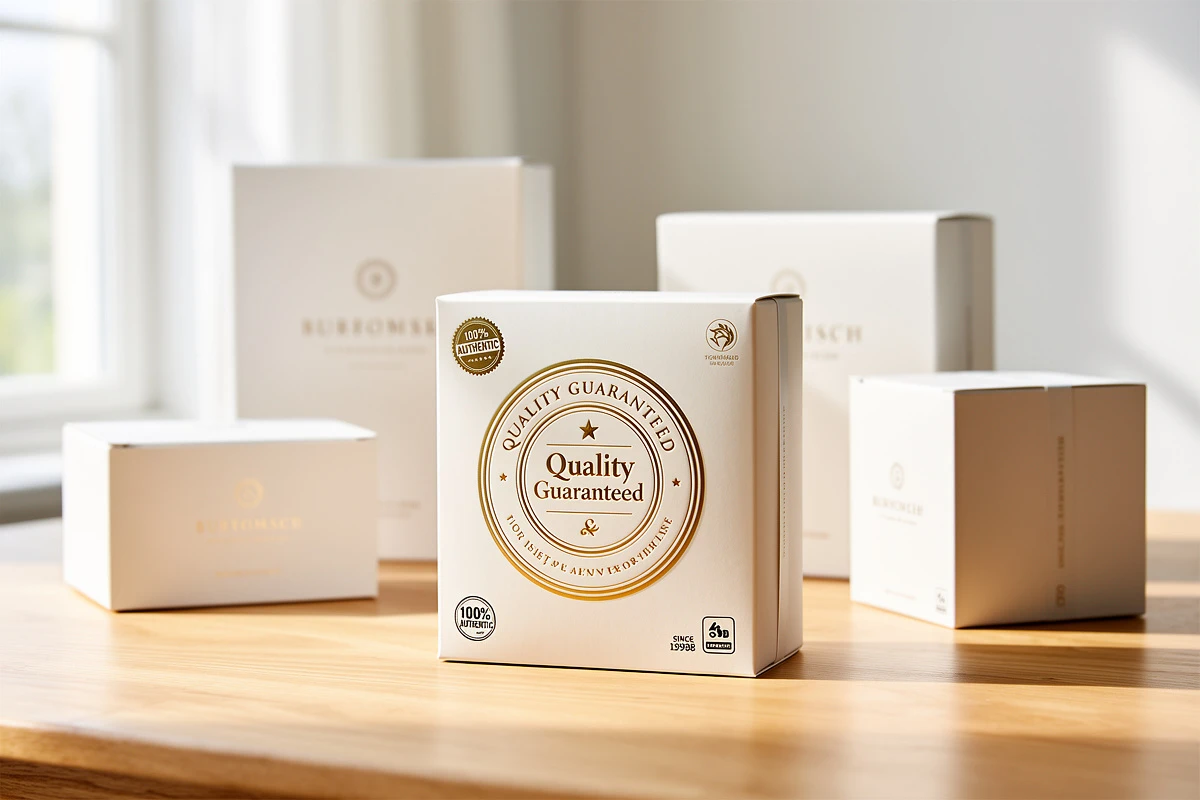
Custom products are frequently purchased as gifts. A Dotcom Distribution study found that 40% of online shoppers say premium packaging makes them more likely to recommend a brand. For POD stores, offering gift wrapping or premium packaging as a cart add-on serves double duty: it increases order value and improves the unboxing experience for gift recipients.
Practical options to offer:
- Gift wrapping with a personalized message card
- Premium packaging (branded boxes instead of standard mailers)
- Gift receipts that hide pricing
These work well as 1-click additions in the cart because the decision is simple and the price point is low. EliteCart's 1-Click Addons feature lets you add these options directly to the cart drawer, so customers can include gift wrapping or premium packaging with a single tap. For a deeper look at how addons drive revenue, see our article on why 1-click addons are an untapped revenue stream. You can also find setup instructions in our guide to setting up addons.
Production Timeline Banners That Set Expectations
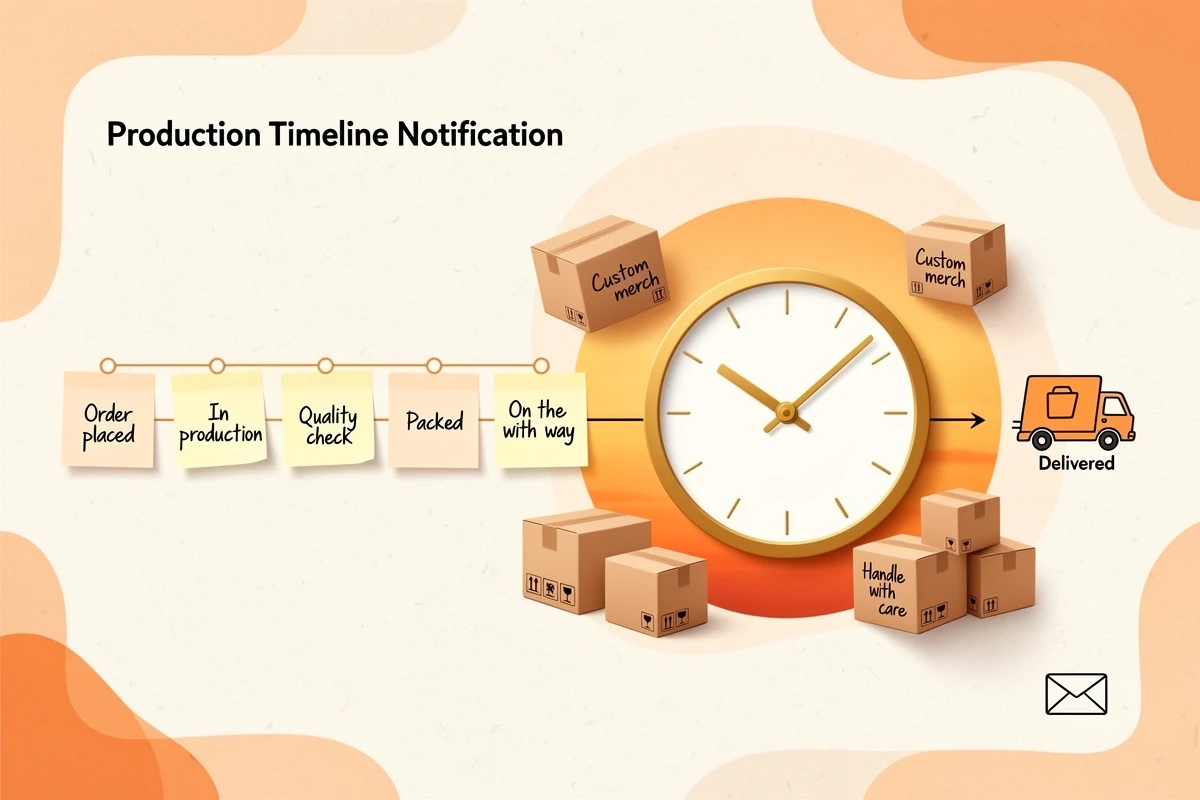
One of the biggest friction points for POD stores is shipping time. According to Baymard Institute, 21% of shoppers abandon carts because delivery was too slow. For custom products that require production before shipping, this concern is amplified.
The solution isn't to hide production timelines - it's to communicate them clearly and early. A cart announcement banner is the right place for this because the customer has already committed to the product. At this stage, transparency builds trust rather than discouraging the purchase. If you're new to this feature, our guide on when and how to use announcement banners covers the fundamentals.
What to Communicate
Your banner should answer the question every POD customer has: "When will I get this?"
For standard production: "Custom items are made to order. Expected delivery: 7-10 business days."
For holiday seasons: "Holiday orders placed by December 10th arrive by Christmas."
For rush periods: "Current production time: 3-5 days + shipping."
The announcement banner feature in EliteCart supports both primary and secondary text lines. Use the primary line for the key message and the secondary line for supporting detail. You can also add a countdown timer to create urgency - the timer starts when a customer opens the cart and counts down from a duration you set, which works well for encouraging faster checkout on custom orders.
Scheduling is equally important. Set your banners to appear only when relevant - holiday shipping cutoff messages should disappear after the deadline passes, not linger into January. EliteCart's scheduling handles this automatically.
Cross-Selling Complementary Custom Products
POD stores have a natural advantage when it comes to cross-selling: customers who buy one custom product with a specific design are predisposed to want matching items.
The Matching Product Strategy
Think in terms of product ecosystems built around the same design:
- Phone case + laptop sleeve with the same artwork
- T-shirt + tote bag featuring the same graphic
- Mug + coaster set with a complementary pattern
- Wall art + throw pillow using the same illustration
This works because the customer has already chosen the design. You're not asking them to make a new creative decision - you're offering the same design in a different format. That dramatically lowers the friction of adding another item.
Setting Up Effective Cross-Sell Flows
The most effective approach is creating upsell flows triggered by specific products or collections. When a customer adds a custom phone case to their cart, show them the matching laptop sleeve and AirPods case. When they add a graphic tee, suggest the matching hoodie or tote bag.

A gallery display works particularly well for POD cross-sells because these products are visual by nature. Customers need to see the design on the suggested item to feel confident adding it. EliteCart's gallery upsell display shows product images prominently, which is ideal for design-driven products. For guidance on building these flows, see our article on choosing upsell products.
Heading Text That Converts
Generic headings like "You may also like" underperform for POD stores. Instead, use headings that reference the design connection:
- "Complete your collection"
- "Get the matching set"
- "Same design, more products"
These reinforce the idea that the cross-sell items belong together, making the add-to-cart decision feel like completing a set rather than adding unrelated extras.
Building Cart Trust When Custom Orders Take Longer
Standard e-commerce has trained customers to expect 2-day delivery. POD stores can't match that timeline, and pretending otherwise leads to negative reviews. Instead, lean into trust-building elements that address shipping anxiety directly.
Payment Provider Icons
Displaying recognizable payment logos (Visa, Mastercard, PayPal, Apple Pay) near the checkout button reassures customers that your store is legitimate. Research from CXL found that the PayPal badge was perceived as the most trustworthy seal among online shoppers, outperforming every other payment and security badge tested.
For POD stores, this matters more than average. Customers are committing to a product that doesn't exist yet - they're paying upfront for something that will be created and shipped later. Seeing trusted payment brands signals that the transaction is safe even if the product hasn't been manufactured.
Trust Text and Guarantees
A simple line of trust text below your checkout button goes a long way. For POD stores, consider messages that address the unique concerns:
- "Satisfaction guaranteed or your money back"
- "Handcrafted with care - quality checked before shipping"
- "Trusted by 10,000+ customers worldwide"
These messages work because they counter the specific anxiety of ordering custom items: "What if it doesn't look like I expected?"
Custom Trust Badge Images
If your store has reviews on Trustpilot, Google, or another platform, displaying that badge in the cart creates social proof at the moment of decision. A review badge showing a 4.8-star average from hundreds of customers is especially persuasive for first-time buyers who are unfamiliar with your brand. For a broader look at how these elements reduce abandonment, read our guide to trust badges in the cart.
EliteCart lets you configure all three trust elements - payment icons, trust text, and trust badge images - through Cart Designer → Trust badges. For stores selling internationally, you can set different trust text and badge images per language to show region-appropriate certifications. See the full setup guide in our Trust Enhancers article.
Your Print-on-Demand Cart Optimization Checklist
The most effective POD cart experience layers these strategies:
- Acknowledge the timeline with a clear announcement banner
- Offer premium upgrades through 1-click addons
- Suggest matching products with visual cross-sell flows
- Build confidence with trust badges and guarantees
Each element addresses a specific concern that POD customers face. Together, they turn the cart from a simple transaction page into an experience that reassures customers, increases average order value, and reduces abandonment.
Running a print-on-demand store on Shopify? EliteCart gives you the tools to build a cart experience designed for custom products - from 1-click addons and visual upsell galleries to announcement banners and trust badges. Configure everything through the Cart Designer with no code required.