
Black Friday and Holiday Cart Optimization: A Complete Playbook
The average cart abandonment rate hovers around 70% year-round, but Black Friday and the holiday season flip the script. Shoppers arrive with high intent, shorter decision windows, and a willingness to spend more per order. That makes Black Friday cart optimization one of the highest-ROI projects you can take on, and the stores that win are the ones that start weeks in advance, not the morning of.
This playbook walks you through a complete timeline for optimizing your cart before, during, and after the holiday rush. Every tactic maps to a specific phase so you can plan ahead and execute with confidence.
Phase 1: Pre-Season Cart Optimization (4-6 Weeks Before Black Friday)
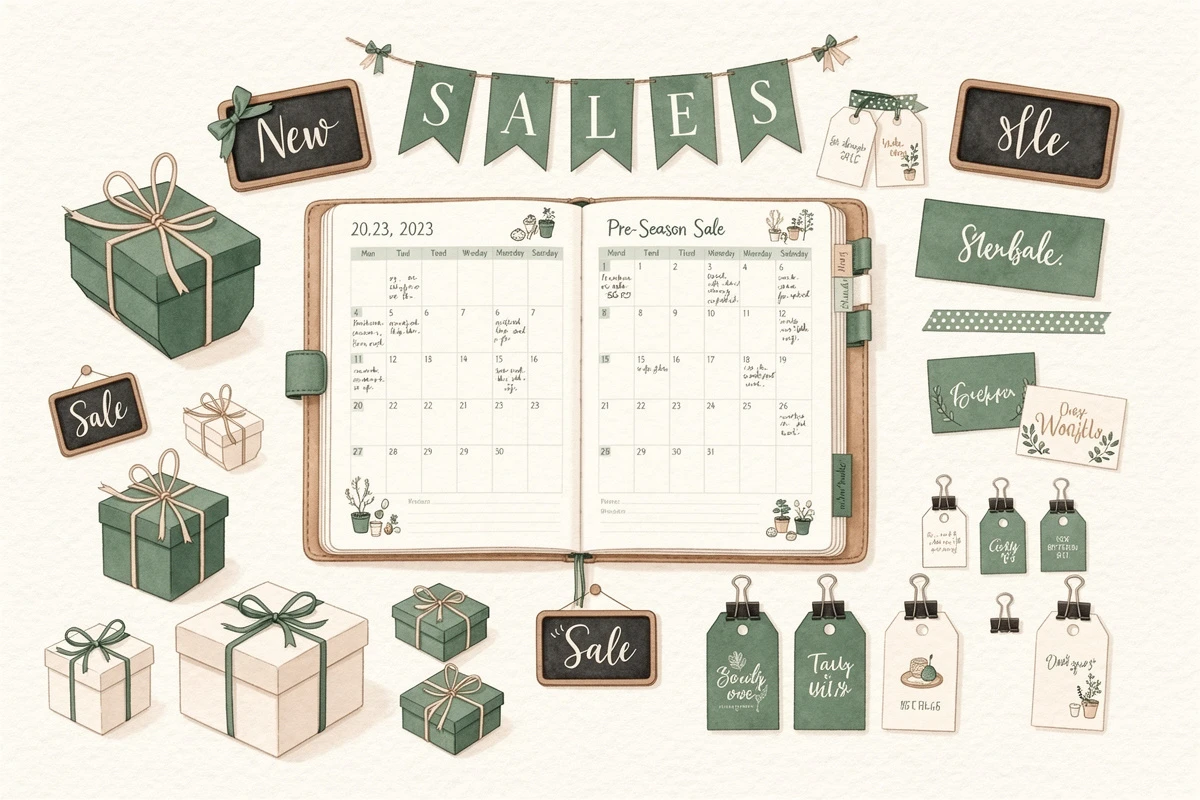
The work that matters most happens long before any sale goes live. Use this window to build the infrastructure your holiday campaigns will run on.
Schedule Your Banners in Advance
Manually toggling a "Black Friday Sale" banner at midnight is a recipe for mistakes. Set up your announcement banners with start and end dates so they go live and expire automatically.
Plan banners for each phase of the season:
- Early access teaser (1 week before Black Friday): "Black Friday starts in 7 days. Save your favorites."
- Black Friday/Cyber Monday window: "Black Friday: Free shipping on all orders"
- Holiday shipping cutoff: "Order by Dec 18 for guaranteed Christmas delivery"
- Post-holiday clearance: "Winter Clearance: Up to 50% off"
If you use EliteCart, the Schedule feature under Cart Designer → Announcement Banner → Advanced lets you set day-of-week rules, time windows, and date ranges for each banner. You can prepare your entire holiday messaging calendar weeks ahead. See the scheduling guide for step-by-step instructions.
Set Up Flash-Sale Reward Thresholds
Holiday shoppers respond to goals. A reward bar showing progress toward free shipping or a free gift gives customers a reason to add one more item.
Consider adjusting your reward thresholds for the season:
- Lower your free shipping threshold slightly during Black Friday to reduce friction on high-volume days
- Add a second or third reward tier to encourage larger carts (e.g., Tier 1: free shipping at $50, Tier 2: free gift at $100, Tier 3: premium gift at $150)
- Update your reward bar messaging to match the seasonal tone ("You're
{amount}away from a free holiday gift!")
A well-configured reward bar consistently lifts average order value. During the holidays, when shoppers are already primed to spend, the effect compounds.
Prepare Your Upsell Flows
Review your upsell product recommendations before traffic spikes. Create holiday-specific upsell flows that pair seasonal products with popular items:
- Gift bundles triggered when a customer adds a best-seller
- Stocking stuffers under $20 shown as low-friction add-ons
- Gift card upsells for shoppers buying for others
If you're new to upsell flows, the setup guide covers the basics. Have flows ready before traffic arrives, not scrambling during the sale.
Phase 2: Black Friday Cart Tactics (Day-Of Through Cyber Monday)
When shoppers land on your store during peak hours, every element of your cart should reinforce urgency and reduce hesitation.
Add a Countdown Timer
A countdown timer in your cart creates genuine urgency. Studies show that campaigns using countdown timers can see conversion increases of 30-50%, and the effect is even stronger during Black Friday when shoppers already expect limited-time deals.
Use your announcement banner with a countdown to communicate time pressure:
- Primary text: "BLACK FRIDAY ENDS TONIGHT"
- Secondary text: "Your cart is reserved for
{countdown}minutes"
Set the countdown to persist across page navigations so the timer keeps ticking as customers browse. This prevents shoppers from "resetting" their urgency by navigating away.
Layer Urgency Messaging
Beyond timers, reinforce scarcity through your cart messaging:
- Banner text that references real deadlines: "4 hours left at these prices"
- Reward bar messaging tied to the sale: "Spend $25 more for free express shipping, today only"
- Trust badges reassuring shoppers about returns and secure checkout, which matters more during impulse-heavy periods
The goal is reducing the 48% of shoppers who abandon because of unexpected costs, and the 25% who don't trust the site with their payment details. Clear shipping thresholds and visible trust elements address both.
Activate Gift Wrapping and Holiday Addons
Gift wrapping is an easy revenue add during the holidays. As a 1-click addon, it takes zero extra browsing time and adds $3-8 per order.
Schedule gift wrapping to appear automatically from late November through December 24, then disappear on Christmas Day. No manual intervention required. The addon scheduling guide walks through the setup.
Other holiday addons worth considering:
- Priority handling for last-minute shoppers
- Gift messaging or custom notes
- Shipping insurance for high-value orders during the busiest shipping week of the year
Phase 3: Holiday Season (December 1-24)
The gap between Cyber Monday and Christmas is where many stores lose momentum. Keep your cart working hard during this period.
Shift to Shipping Deadline Messaging
Replace Black Friday urgency with shipping deadline urgency. Customers need clear answers to "Will this arrive by Christmas?"
Update your announcement banner on a rolling schedule:
- Dec 1-14: "Order by Dec 18 for standard shipping by Christmas"
- Dec 15-18: "Last chance for standard shipping. Upgrade to express for Christmas delivery."
- Dec 19-23: "Standard shipping won't arrive by Christmas. Express still available."
- Dec 24: "Gift cards delivered instantly. The perfect last-minute gift."
Each transition can be pre-scheduled so the messaging updates automatically as deadlines pass.
Push Gift Card Upsells
As shipping cutoffs pass, gift cards become the hero product. Add gift card upsells to your cart flows and position them prominently. A shopper who just missed the shipping deadline is highly motivated to buy a gift card instead of leaving empty-handed.
Adjust Reward Thresholds for Gifting
During gifting season, shoppers often buy for multiple people. Consider raising your reward thresholds slightly to match higher average cart values, and make the top-tier reward something compelling like a free premium gift or significant discount. The reward bar setup guide covers configuring multiple tiers.
Phase 4: Post-Holiday Strategies (December 26 - January)

The holiday season doesn't end on December 25. Post-holiday shoppers have gift cards to spend, returns to make, and clearance deals to find.
Set Clearance Reward Thresholds
Lower your reward bar thresholds for the clearance period. Gift card holders spending $50 in store credit are more likely to add items if the free shipping threshold is $40 instead of $75. Meet them where they are.
Promote Gift Card Spending
Shoppers who received gift cards are high-intent buyers. Use your announcement banner to welcome them back: "Gift card? Browse our picks for you." Pair this with upsell flows that highlight popular and new-arrival products.
Capture New-Year Momentum
January shoppers often have "new year, new me" energy. Adjust your cart messaging and upsell flows to match:
- Health and wellness stores: "Start the year right" bundles
- Fashion stores: "New season, new wardrobe" upsells
- Home goods: "Fresh start" collections
Your Holiday Cart Optimization Timeline
Here's the condensed week-by-week checklist:
6 weeks out (mid-October)
- Audit current cart settings and reward thresholds
- Plan your banner messaging calendar
- Review and update upsell product selections
4 weeks out (early November)
- Schedule all Black Friday/Cyber Monday banners with start and end dates
- Configure holiday reward bar thresholds and messaging
- Set up gift wrapping addon with scheduling
- Create holiday-specific upsell flows
1 week out (week before Black Friday)
- Test all scheduled banners by setting temporary future dates
- Verify countdown timer behavior and persistence
- Confirm addon scheduling works as expected
- Check cart experience on mobile, where abandonment rates are highest
Black Friday through Cyber Monday
- Monitor cart-to-checkout conversion in real time
- Adjust reward thresholds if average order value shifts
- Ensure countdown timers and banners transition on schedule
December 1-24
- Transition banners to shipping deadline messaging
- Activate gift card upsells as shipping cutoffs approach
- Keep gift wrapping addon active through December 24
December 26 - January
- Switch to clearance banners and lowered reward thresholds
- Update upsell flows for gift card holders and new-year shoppers
- Deactivate holiday-specific addons and messaging
Start Now, Not the Night Before
The merchants who win during Black Friday aren't doing anything complicated. They're doing the same things everyone knows they should do, but weeks in advance with automated scheduling instead of manual toggles at midnight.
Pick one thing from this playbook and set it up today. Schedule your first banner. Adjust a reward threshold. Create a holiday upsell flow. The infrastructure you build now runs itself when it matters most.
Ready to prepare your cart for the holidays? Start with the scheduling guide to automate your banner and addon timing, then work through each phase of this playbook at your own pace.