NEW: Payment icons per country
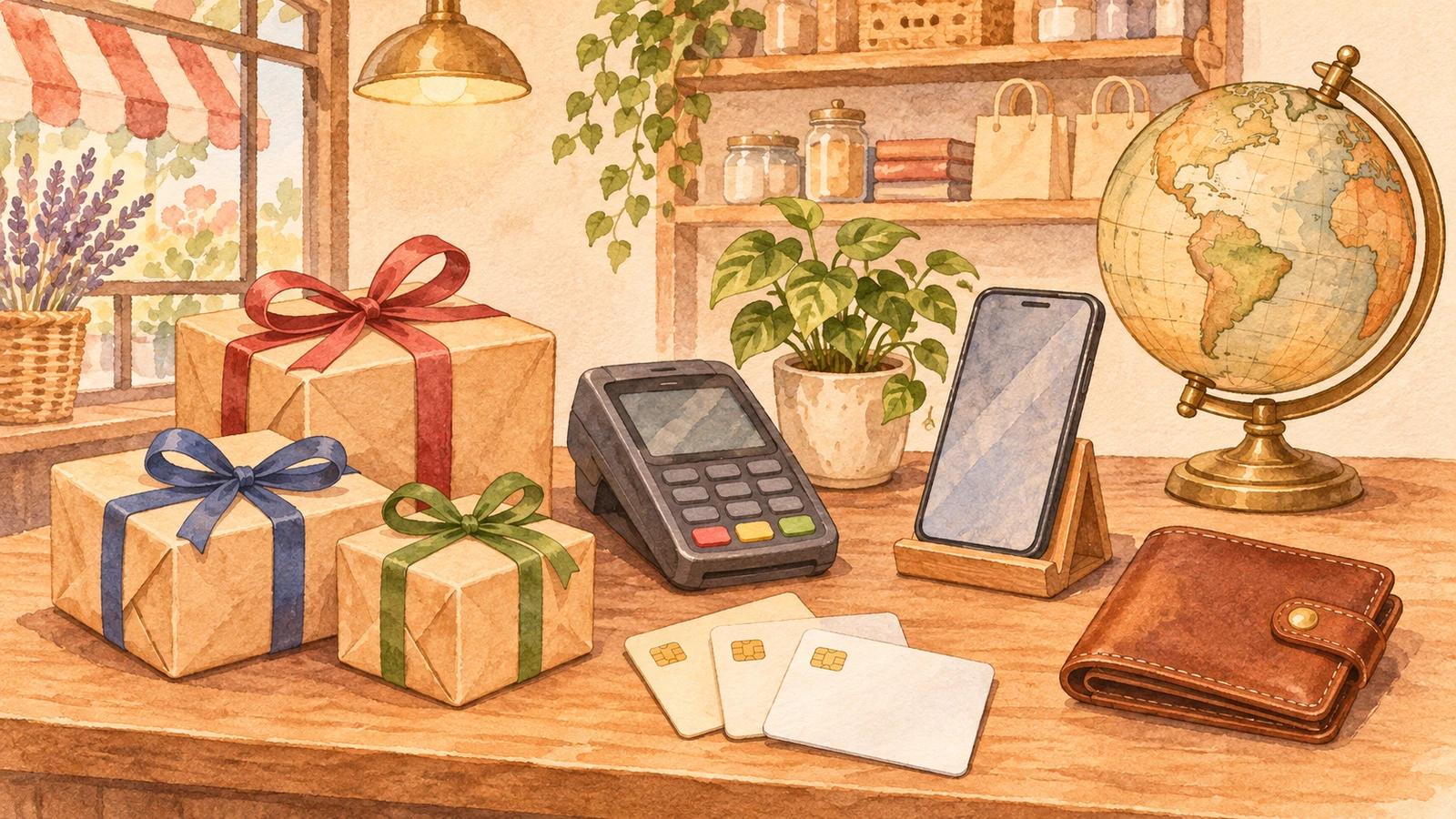
With payment icons per country, you choose which payment icons shoppers in each country see right below your checkout button: Swish in Sweden, Vipps in Norway, iDEAL in the Netherlands.
The Update
Payment icons reassure shoppers at the moment they decide whether to buy. But the right icons depend on where the shopper lives. A row that feels familiar in Germany can leave out the one method a shopper in Norway is looking for.
Until now, all countries shared one row of icons. You can now give any country, or group of countries, its own row. Everyone else keeps the icons you already have.
What's New
Your own icons for each country: Add an entry, pick its countries, and choose up to 8 icons in the order you want.
Whole regions at once: Add all the countries you ship to in a group, such as EU countries, DACH, or Nordic, with the list icon next to Countries.
Works with your current setup: It doesn't matter whether your normal icons are set to Automatic or Manual. Countries without an entry keep showing them.
Preview as you edit: Click an entry to see its icons in the cart preview before you save.
Example: payment icons for different markets
| Countries | Icons |
|---|---|
| Sweden | Swish, Klarna, Visa, Mastercard |
| Norway | Vipps, Klarna, Visa, Mastercard |
| Netherlands | iDEAL, Klarna, Visa, Mastercard |
| Germany, Austria | PayPal, Klarna, Visa, Mastercard |
Impact on Your Store
- Show local payment methods where they matter and leave them out where nobody uses them.
- Keep the row short and relevant instead of squeezing every market's favorites into one line.
- Run one store for many countries, without custom code.
Configuration
Cart designer → Trust badges → Payment providers → Different icons per country. Click Add entry, pick the countries, drag in the icons, and save. The Payment providers toggle needs to be on.
Good to know
- Available on all plans.
- The cart uses the country the shopper has selected in your store.
- Pick icons for payment methods your store offers in these countries.
- An entry applies once it has at least one country and one icon.
- If a country is in several entries, the first one with icons counts.
- The icon size is the same for all countries.
Why This Matters
Selling abroad means looking local at every step. Familiar payment icons make your store feel local before shoppers even reach checkout.
For step-by-step setup, see Trust badges.