
NEW: Gift Eligibility Enforcement at Checkout
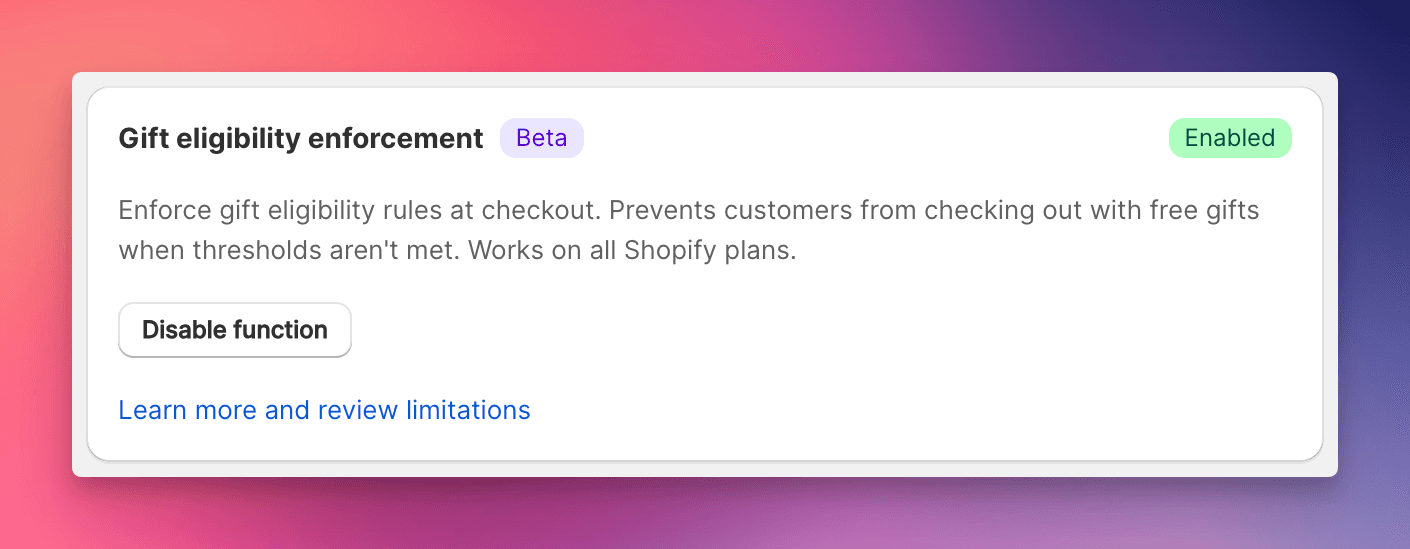
Server-side validation prevents customers from checking out with unqualified free gifts, available on all Shopify plans.
The Update
Until now, gift-with-purchase enforcement relied on cart-level controls. Determined customers could occasionally bypass these rules and check out with unqualified gifts. Now, EliteCart provides a Shopify Function that validates gift eligibility at checkout itself, where circumvention is impossible. Learn more about how free gifts drive e-commerce success.
This feature works on all Shopify plans, not just Plus. Every merchant can now enforce gift thresholds with server-side validation.
What's New
Server-Side Enforcement: A Shopify Function runs at checkout and blocks completion if the cart contains gifts the customer hasn't qualified for. Clear error messages tell customers exactly what threshold they need to meet.
Smart Threshold Calculation: The function intelligently excludes gifts, addons, and gift cards from threshold calculations. Only real purchases count toward qualifying for rewards.
Multi-Currency & Market Support: Thresholds automatically adjust for customer location and currency. A €100 threshold evaluates correctly whether the customer shops in Euros, Dollars, or any other currency.
Localized Error Messages: Customers see checkout errors in their language. Nine languages supported out of the box: English, French, German, Italian, Japanese, Portuguese, Spanish, Swedish, and Dutch.
Impact on Your Store
Gift abuse costs money. When customers find ways to get free gifts without meeting thresholds, you lose both the gift product and the intended cart value increase. Server-side enforcement closes this gap entirely.
What changes for customers:
- Checkout proceeds normally when gifts are properly qualified
- Clear error message appears if threshold isn't met
- Message explains exactly what's needed (e.g., "Add $15 more to qualify for your free gift")
- Customers can remove the gift or add more items to proceed
What changes for you:
- No more orders with unqualified free gifts
- Gift-with-purchase programs work as intended
- Higher average order values from threshold-driven purchases
Configuration
- Tag your gift products with
_elite_giftin Shopify Admin - Navigate to Cart Designer in EliteCart
- Find the Gift eligibility enforcement card
- Click Enable function
- Save your configuration
The function deploys automatically. No code changes or theme modifications required.
Why This Matters
Gift-with-purchase programs drive average order value, but only when thresholds are actually enforced. Cart-level controls do the job most of the time, but checkout-level validation makes the rules absolute. Your gift products stay protected, your margins stay intact, and customers get a clear, fair experience.
For detailed configuration and troubleshooting, see our help article.