
Two-Step Cart: How a Second Step Before Checkout Increases Conversions
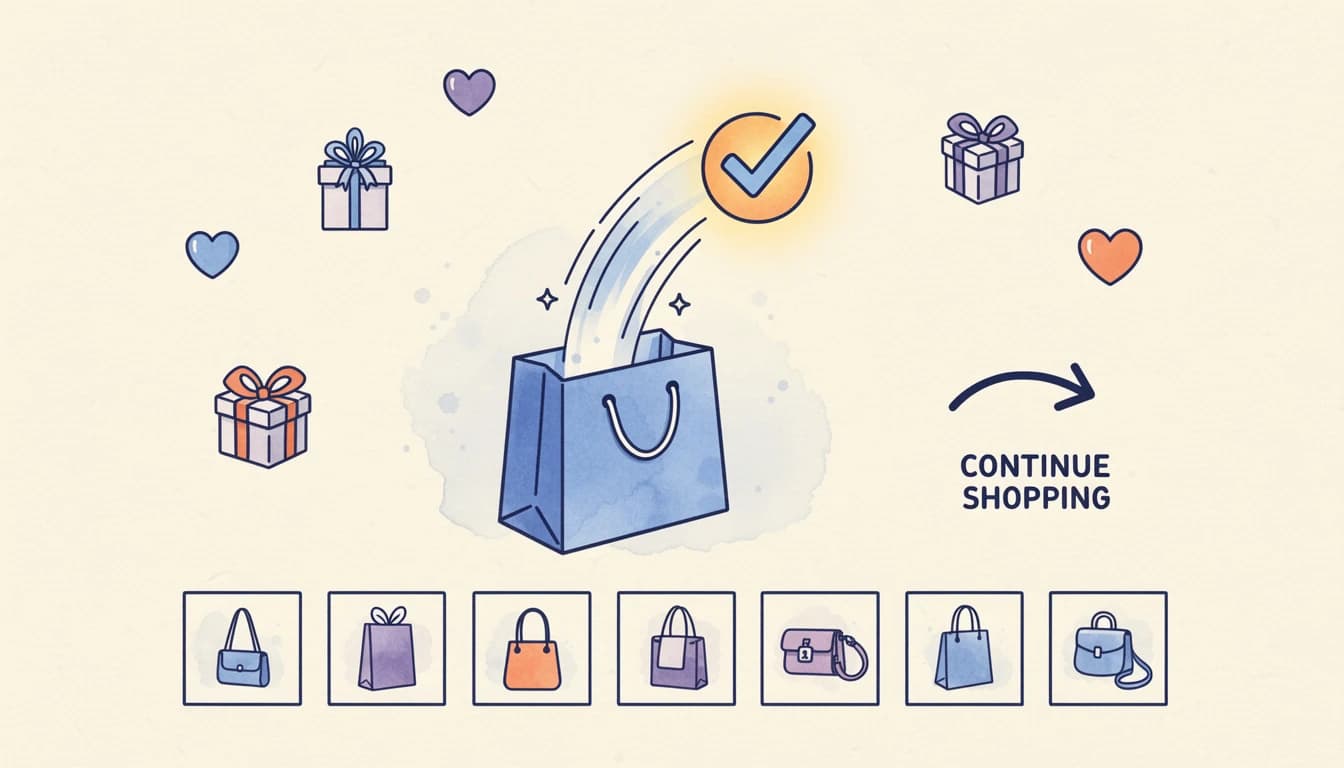
When a customer clicks "Add to Cart," most stores immediately show the full cart drawer or redirect to the cart page. But there's a missed opportunity in that moment - a brief window where the customer has confirmed their intent to buy but hasn't started thinking about checkout yet. A two-step cart captures that window.
Instead of showing the complete cart immediately, it presents a confirmation step: "Your item was added." From there, customers can view relevant upsells, continue shopping, or proceed to their cart. This intermediate step creates space for additional purchases without disrupting the checkout flow.
Why the Moment After Adding to Cart Matters
The psychology is straightforward: a customer who just added something to their cart is in buying mode. They've made a decision and acted on it. Their mental barriers to purchasing are lower than at any other point in the shopping journey.
Research from McKinsey shows that upselling and cross-selling can increase sales by 20% and profits by 30%. The challenge is presenting offers at the right moment with minimal friction. The two-step cart does exactly that - it catches customers at peak purchase intent while their attention is focused on a single action.
Compare this to showing upsells in a full cart view. The customer's attention is split between reviewing items, calculating totals, and deciding whether to proceed. In the two-step confirmation, there's one clear context: you just added this product. Here's what pairs well with it.
How a Two-Step Cart Increases Average Order Value
Traditional upselling happens in two places: product pages (before the cart) or the cart page (before checkout). Both have limitations.
Product page upsells compete with the primary product. Customers are still deciding whether to buy the main item - they're not ready to consider additions. Cart page upsells come late. By then, customers are mentally calculating their total and often hesitant to add more.
The two-step cart creates a third opportunity: immediately after the purchase decision but before cart review. This timing matters for several reasons:
Confirmation creates receptivity. The "Added to Cart" message validates the customer's choice. They feel good about their decision. Psychologically, this is the worst moment to show buyer's remorse triggers (like a cart total) and the best moment to show complementary products.
Context is narrow. The customer isn't thinking about their entire purchase - just the item they added. Upsells related to that specific product feel natural and relevant. "You added running shoes. Here's a matching water bottle" is more compelling than showing the same water bottle among five unrelated suggestions in a cluttered cart.
Friction is low. Adding an upsell from a two-step cart takes one click. The customer is already engaged with the cart interface. They don't need to navigate anywhere or re-orient themselves.
Top-performing Shopify brands using strategic upselling can achieve AOV increases of 10-20%. The two-step format specifically optimizes for this moment by giving upsells dedicated screen space and customer attention.
The Structure of an Effective Two-Step Cart
A well-designed two-step cart includes several elements:
Clear Confirmation
The primary message confirms the action: "Added to cart" or "Your item was added successfully." This reassurance matters. Customers shouldn't wonder whether their click registered. A checkmark icon reinforces the message visually.
Product Context
Show the item that was just added - a thumbnail, title, and selected variant. This serves two purposes: it confirms what the customer selected and establishes context for any upsells shown alongside it.
Relevant Upsells
The upsell display should relate to the just-added product. If a customer adds a laptop, show a laptop sleeve or wireless mouse - not unrelated bestsellers. This relevance is what makes two-step cart upsells outperform generic cart page suggestions.
Display options vary. Some stores show a simple single product. Others use a carousel for multiple options or a gallery grid for visual products like apparel. The right choice depends on your catalog and typical cart contents.
Clear Navigation Options
Give customers three clear paths:
- Continue shopping - Return to browsing without viewing the cart
- View cart - Open the full cart to review everything
- Add the upsell - One-click to include the suggested product
The order and emphasis of these options matters. If you want to encourage upsell consideration, make the upsell prominent but ensure customers never feel trapped. "Continue Shopping" should always be visible as an escape route.
Two-Step Cart vs. Immediate Cart Opening
Some merchants worry that adding a step slows down checkout. Won't an extra click cost conversions?
The data suggests otherwise. The two-step cart doesn't add friction to the checkout process - it adds friction only to immediate checkout behavior. And that friction is precisely the point.
Consider what happens when a cart opens immediately after "Add to Cart":
- Customer sees full cart with running total
- Customer starts mentally calculating whether the total is acceptable
- Customer may proceed to checkout immediately or feel the total is "enough"
With a two-step cart:
- Customer sees confirmation of just-added item
- Customer considers a relevant complementary product
- Customer either adds it (AOV increase) or proceeds (no harm done)
The second scenario extends the shopping session by a few seconds and creates an opportunity for incremental revenue. Customers who don't want the upsell click "View Cart" or "Continue Shopping" and experience nearly identical checkout friction to before.
Studies show that 17% of customers abandon checkout when it's too long or complicated. A two-step cart happens before checkout begins - it doesn't complicate the checkout itself. The confirmation step feels like part of the shopping experience, not part of the purchasing process.
Combining Two-Step Cart with Other Cart Features
A two-step cart works well alongside other conversion tools - particularly incentives like free gifts that drive spending behavior.
Reward Bars
If you're using a reward bar to drive higher order values, the two-step cart gives customers another moment to see their progress. After adding an item, they might notice they're now $15 away from free shipping - and the displayed upsell happens to cost $18.
Smart Upsell Matching
The most effective two-step carts show upsells relevant to the just-added product. AI-powered recommendation engines can analyze which products frequently purchase together and surface the highest-converting options automatically.
1-Click Addons
Some stores use the two-step moment to offer service addons like shipping protection or gift wrapping. The logic is similar to product upsells: catch the customer at a moment of high receptivity.
Implementing a Two-Step Cart
If you're using EliteCart, setting up a two-step cart takes just a few minutes:
- Open the Cart Designer and go to the Two-Step Cart section
- Enable the feature and choose your display type (drawer or popup)
- Customize the confirmation message and banner colors
- Configure which elements to show and their order
- Enable upsell display and configure your upsell products
The drawer format slides in from the side, matching the style of your regular cart. The popup format opens in the center of the screen for maximum visibility - useful if you want upsells to get full attention.
You can reorder elements to match your strategy. Some merchants prioritize "Continue Shopping" to encourage more browsing. Others emphasize upsells by placing them prominently. EliteCart lets you drag elements to set your preferred hierarchy.
For more detailed setup instructions, see the help article on setting up your two-step cart.
Measuring Two-Step Cart Performance
Track these metrics to evaluate impact:
Add-to-Cart to View-Cart Rate
What percentage of add-to-cart actions result in viewing the full cart? A two-step cart may slightly reduce this rate (because customers continue shopping more often), but that's often a positive signal - it means extended browsing.
Upsell Attachment Rate
How often do customers add the upsell product shown in the two-step confirmation? This is the core metric for evaluating whether your upsell selection is relevant and compelling.
Average Order Value
The primary goal. Compare AOV before and after implementing the two-step cart. Also track items per order - if customers are adding more products, your two-step strategy is working.
Time to Checkout
Measure whether the two-step cart extends time-to-purchase significantly. A modest increase (30-60 seconds) often correlates with higher AOV. A large increase might indicate confusion or friction.
When a Two-Step Cart Works Best
The two-step format is most effective for stores with:
Strong upsell opportunities. If your products have natural complements (shoes and socks, cameras and memory cards, skincare routines), the two-step cart surfaces them at the perfect moment.
Multiple products in a typical order. Stores where customers usually buy several items benefit from extended shopping sessions. A two-step cart discourages single-item checkout behavior.
Visual products. If your upsells look compelling in product images, the two-step cart's focused display lets them shine. Fashion, home goods, and beauty brands often see strong results.
The format may be less impactful for:
Single-product purchases. If most customers buy exactly one high-value item (jewelry, electronics), they're unlikely to add anything regardless of when you show upsells.
Impulse buys. For very low-ticket items where customers want fast checkout, any additional step may reduce conversions. Test before committing.
The opportunity is in the moment. Every add-to-cart action represents a customer who decided to buy. A two-step cart extends that decision into a conversation: here's what you chose, here's what goes with it, here's where to go next. Used well, it converts single-product orders into multi-item purchases - without adding friction to the customers who just want to check out.