
Social Proof and Scarcity in the Cart: A Conversion Optimization Guide
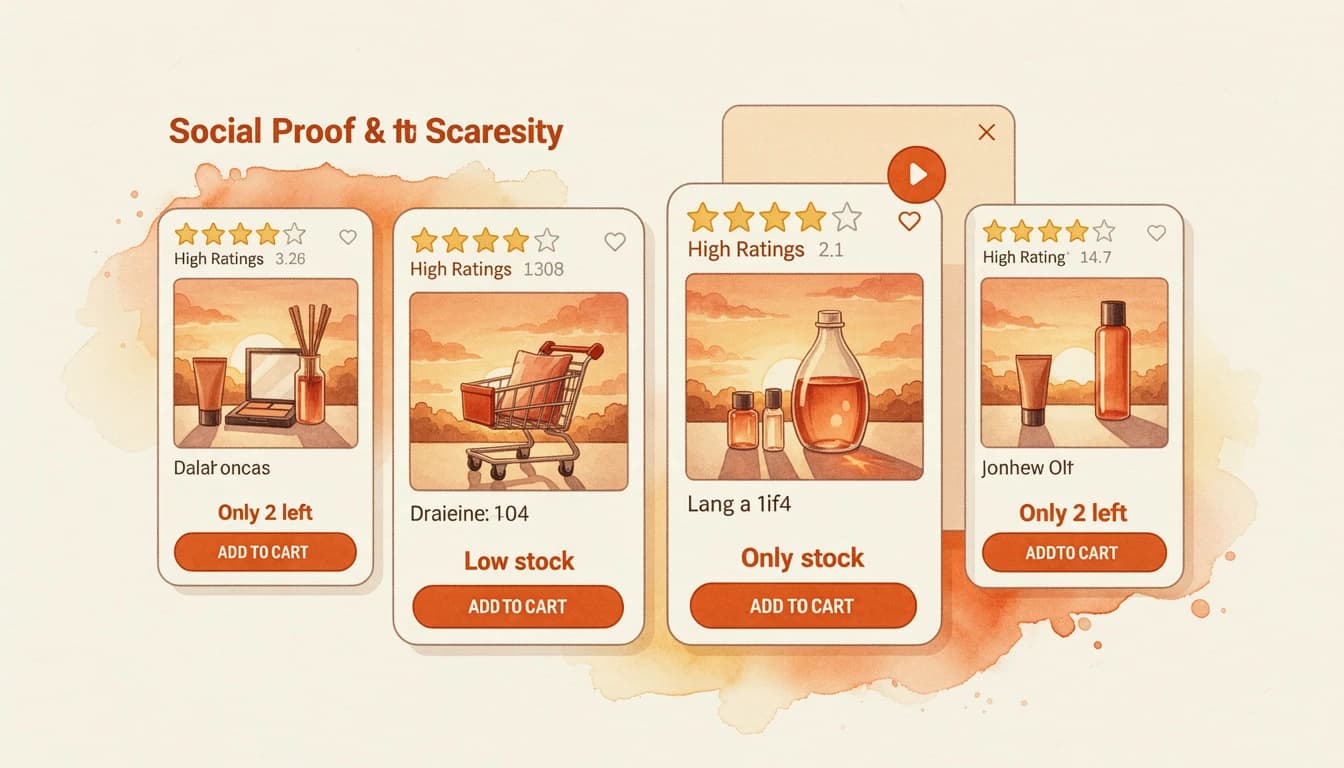
Social proof and scarcity are two of the most studied principles in consumer psychology. Robert Cialdini identified both as core drivers of persuasion decades ago, and e-commerce has since proven their effectiveness with real conversion data. But what makes them particularly powerful isn't either signal alone - it's the way they complement each other when used together in the cart.
Star ratings answer the question "Is this product worth buying?" Low inventory notices answer "Should I buy it now?" Together, they address both doubt and delay - the two biggest reasons customers abandon their carts.
How These Signals Work Together
Each signal solves a different psychological barrier, and that's what makes the combination more effective than either one individually.
Social proof reduces perceived risk
When a customer sees a 4.6-star rating with 180 reviews on a product, they don't need to validate the product themselves. Other buyers have already done that. This is especially important for upsell products that the customer didn't seek out - the rating answers the immediate question of whether the recommendation is worth considering.
Scarcity creates a decision deadline
A low-stock notice like "Only 4 left" introduces time pressure. The customer can't defer the decision indefinitely because the product might not be available later. This pushes the purchase timeline from "maybe later" to "now or never."
The combined effect
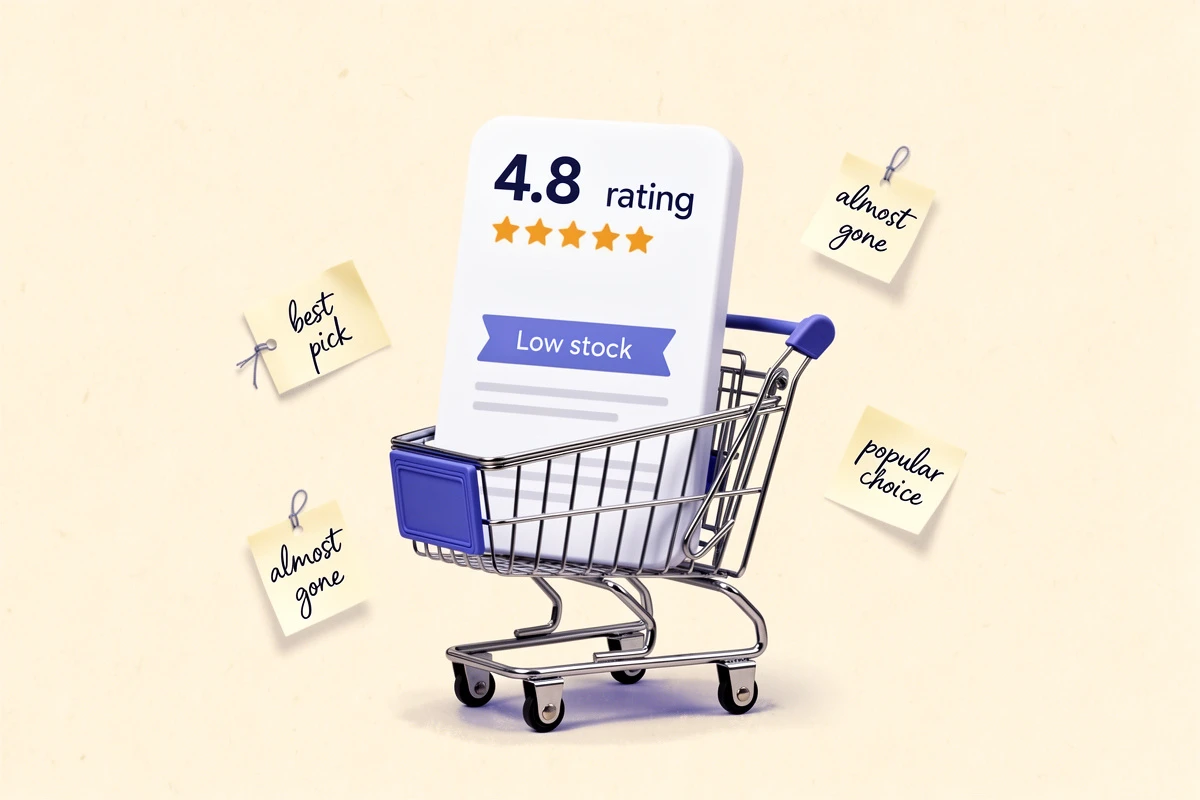
Without either signal, a customer might think: "Interesting recommendation, but I'll think about it." With ratings alone: "Looks like a good product, I'll come back for it." With scarcity alone: "It's running low, but I'm not sure it's good." With both: "It's highly rated and almost sold out - I should add it now."
The combination works because each signal compensates for the other's weakness. Scarcity without proof of quality feels like pressure. Quality without urgency lacks a reason to act immediately. Together, they create a complete picture: the product is good, and the window to buy it is closing.
Where to Deploy Each Signal
Not every product in the cart needs both signals at all times. Strategic placement matters.
Upsell and cross-sell products
This is where the combination delivers the most value. Upsell recommendations already face a trust deficit - the customer didn't search for these products. Star ratings overcome that deficit, and a low-stock notice on a well-rated item creates a compelling reason to add it.
A 4.8-star upsell product showing "Only 3 left" is significantly more persuasive than the same product with no additional context. The customer gets both validation and urgency in a single glance.
Line items already in the cart
For products the customer has already committed to, the purpose shifts. Star ratings here reinforce the purchase decision ("You chose well - others agree"), while low-stock notices discourage the "I'll buy it next week" mindset.
This combination is particularly effective for reducing cart abandonment. When a customer returns to a saved cart and sees that their items are running low, the ratings reassure them the products are worth buying while the stock counts create urgency to complete the order.
High-ticket items vs. impulse purchases
For expensive products, social proof matters more than scarcity. Customers need validation before committing to a large purchase, and rushing them with urgency alone can backfire.
For lower-priced impulse items, scarcity carries more weight. The purchase risk is low enough that a simple "Only 2 left" can be sufficient - but adding a rating still removes the last bit of hesitation.
Practical Implementation Without Overwhelming Customers
The biggest risk with combining multiple cart signals is creating visual clutter. A cart full of star ratings, stock warnings, discounts, and badges can feel overwhelming - and when everything demands attention, nothing gets it.
Keep the visual footprint small
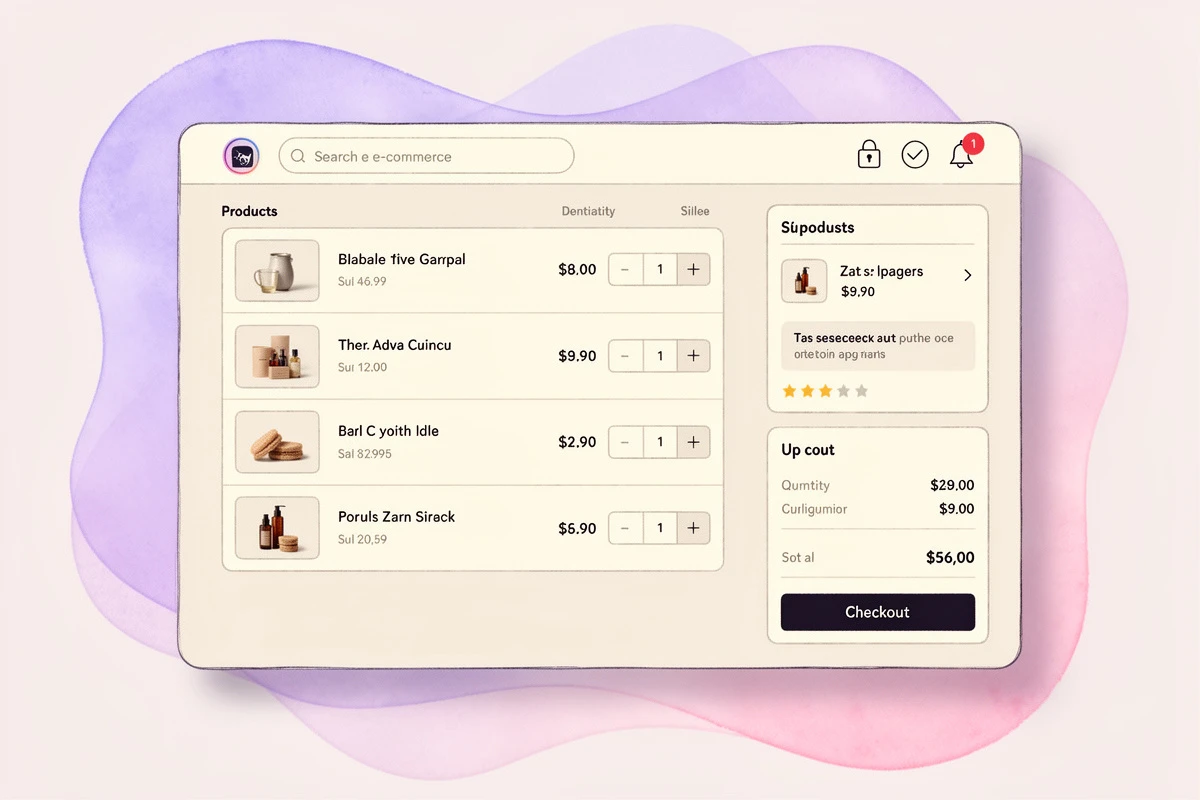
Both star ratings and inventory notices should be compact elements, not prominent banners. A small row of stars with a review count, and a single line of text showing remaining stock, provide the information without competing with the product details and checkout button.
Let the data filter naturally
Not every product will trigger both signals simultaneously, and that's a good thing. A product with high inventory won't show a low-stock notice. A product without reviews won't show stars. This natural filtering means the signals only appear when they're genuinely informative.
Choose display locations thoughtfully
You don't have to show both signals everywhere. A common approach:
- Upsell products: Show both star ratings and inventory notices - these need the most persuasion
- Line items: Show star ratings for reassurance, inventory notices only if you want to discourage cart abandonment from delayed checkout
EliteCart lets you configure the display location for each feature independently - line items only, upsells only, or both - from Cart Designer. This means you can show ratings on everything while limiting inventory notices to upsells, or any other combination that fits your strategy.
What to Avoid
Combining persuasion signals responsibly means knowing where the line is.
Don't fabricate either signal
Both social proof and scarcity only build trust if they're real. Fake review counts erode credibility. Artificial stock limitations - like always showing "Only 2 left" regardless of actual inventory - train customers to ignore the signal or distrust your store entirely. Use real data from your review app and real inventory counts from your warehouse.
Don't stack every signal on every product
If a product shows a star rating, review count, low-stock notice, discount badge, and savings amount all at once, the customer's attention fractures. Prioritize the signals most relevant to the product's situation. A discounted product might benefit from savings display and ratings. A scarce product benefits from stock count and ratings. Not everything needs everything.
Don't use urgency on products that aren't actually scarce
If your inventory threshold is set to 100 and most products carry 500+ units, the low-stock notice appears on nearly everything and means nothing. Set thresholds that reflect genuine scarcity for your product velocity.
Measuring the Impact
If you're adding both signals to your cart, measure the effect on specific metrics:
- Add-to-cart rate on upsells: Track whether customers accept more recommendations after adding ratings and inventory notices
- Cart abandonment rate: Monitor whether fewer customers leave without completing checkout
- Average order value: Measure whether the additional upsell conversions increase overall order size
- Cart analytics: Use your analytics to identify which products benefit most from each signal
The most informative test is to enable one signal at a time. Start with star ratings on upsells for a week, measure the change, then add inventory notices and measure again. This tells you the contribution of each signal rather than just the combined effect.
Getting Started
If your store already has product reviews through any standard Shopify review app, you have the social proof data ready. Inventory data is already part of your product catalog. Displaying both in the cart is configuration, not development:
- Enable Product Reviews in Cart Designer to show star ratings on upsells and line items
- Enable Inventory Notice in Cart Designer with a threshold that matches your product velocity
- Choose display locations for each - start with both on upsells, ratings only on line items
- Monitor your cart analytics for changes in upsell acceptance and abandonment rates
For detailed setup instructions, see our help articles on Product Reviews and Inventory Notice.
The goal is a cart experience that gives customers the information they need to make confident, timely decisions. Social proof provides the confidence. Scarcity provides the timing. Used together and honestly, they help customers buy the things they actually want - before those things are gone.