
NEW: Stacked upsell cards
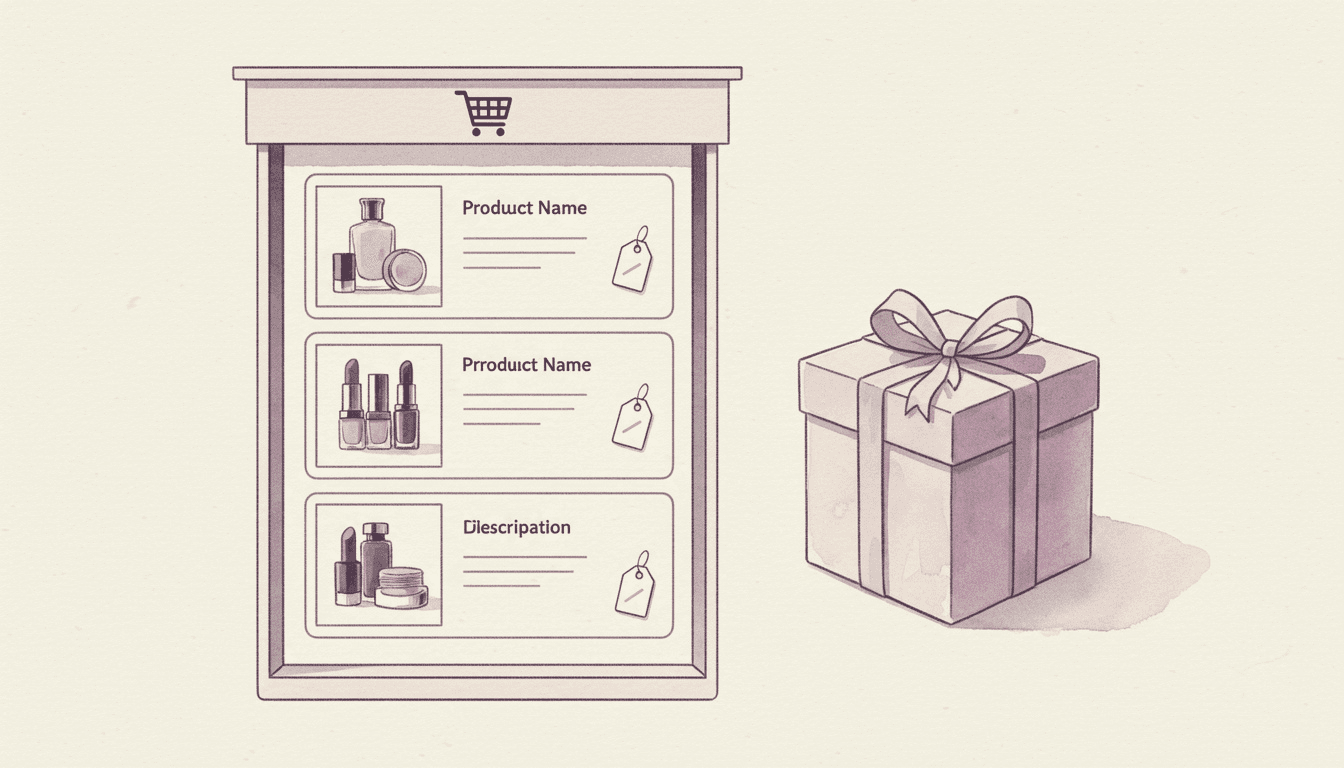
There is now a new way to present recommendations in your cart: stacked upsell cards that show up to three products in a tidy vertical column.
The Update
Until now your upsell display type was a choice between a single Simple card and the larger gallery grids. The new Vertical stack of 3 layout fills the gap. It shows up to three products one above the other, each as an image-led card with the product details beside it, so you can surface more than one recommendation without the footprint of a full gallery.
It is a good fit for narrow cart drawers and for stores that want a couple of focused suggestions rather than a wall of products.
What's New
Three recommendations, compact layout: The first three available products from a flow appear stacked vertically, each with its image alongside the title, price, and variant details.
Smart fallback: Only available products are shown. If one sells out, the next product in the flow takes its place, so the stack stays full.
Works everywhere display type does: Set it as your global default in Cart Designer, or pick it per flow, the same way you already choose Simple, Carousel, or a gallery.
Impact on Your Store
More than one recommendation gets seen at a glance, which gives shoppers a real choice without making them scroll or swipe. Because each card keeps its image, the layout stays visual while taking up less room than a gallery, useful when your cart drawer is short on space.
Configuration
Open Cart Designer → Upsells → Display type and choose Vertical stack of 3 to set it as your default, or set it on an individual flow under Upsells → [your flow]. No other setup is required, and existing flows keep their current display type until you change them.
Why This Matters
The best upsell layout depends on your products and your theme. Stacked cards give you a middle option between a single suggestion and a full gallery, so you can match the presentation to how much space your cart has and how many products you want shoppers to weigh.
Available on all plans. Choose your layout in the Upsells section of Cart Designer.