
NEW: Skip Upsells When Product Already in Cart
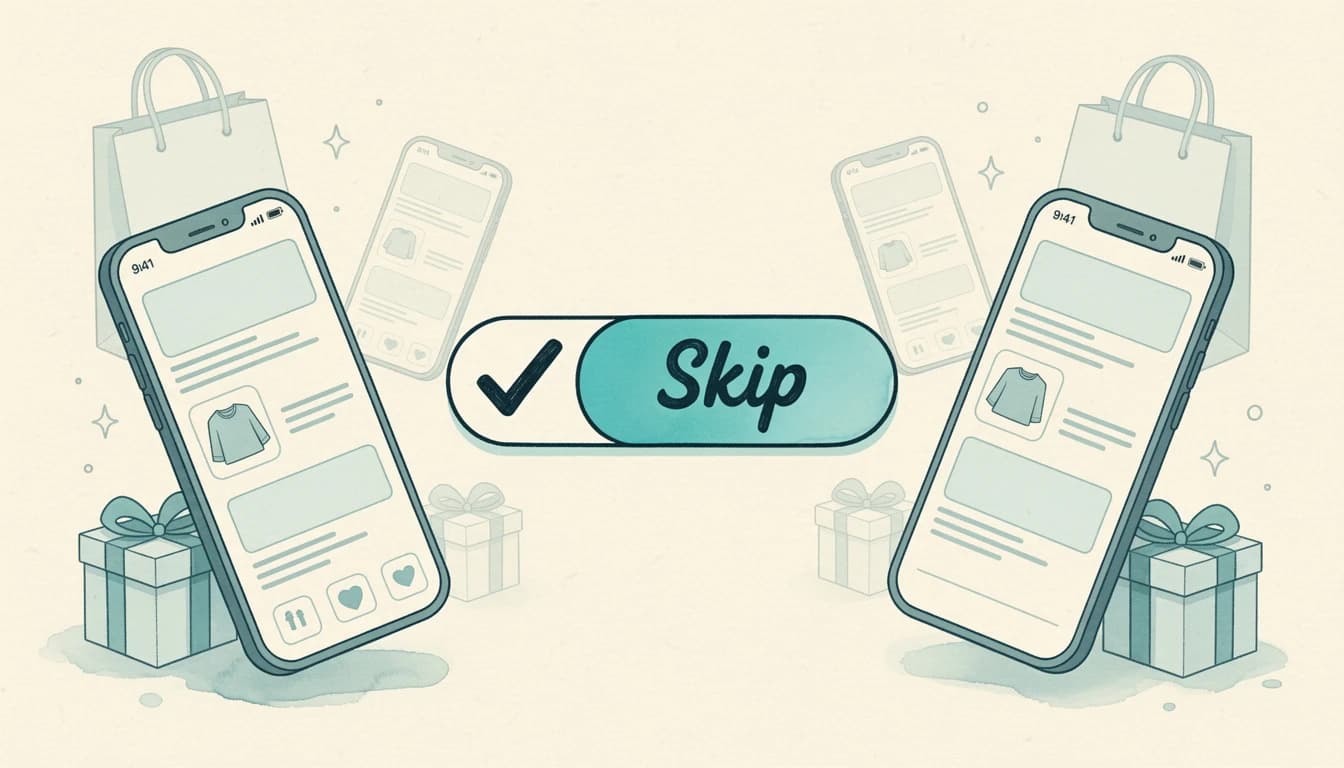
Show customers what they actually need - not what they already have.
The Update
A new toggle in your upsell flow settings lets you skip the entire flow the moment any one of its upsell products is already in the customer's cart. By default, EliteCart already hides an individual product that's in the cart and shows the next one instead - this new option goes further and suppresses the whole flow, including the products the shopper hasn't added yet. It's ideal for flows that pitch alternatives to each other, like three phone-case styles for the same model.
This keeps your recommendations relevant and your cart experience clean.
What's New
Smart Detection: The flow checks each product in your upsell against the current cart contents. If any match is found, the entire flow stays hidden.
Per-Flow Control: Enable this setting on individual flows where it makes sense. Some flows benefit from repeat visibility (consumables, multi-packs), while others should disappear once the product is added.
Instant Response: The check happens client-side, so there's no delay or flicker - flows simply don't appear when they shouldn't.
Why This Matters
Irrelevant upsells erode trust. When customers see products they've already added being pushed again, it signals that your store isn't paying attention. This creates friction and can reduce confidence in your other recommendations.
With skip-if-in-cart enabled:
- Better user experience - Customers see only relevant suggestions
- Higher conversion rates - Remaining upsells carry more weight when they're clearly curated
- Cleaner cart flow - No redundant product cards cluttering the interface
How to Enable
- Navigate to Upsells → Upsell Flows in your sidebar
- Select the flow you want to modify
- Scroll to the flow settings section
- Toggle on "Skip this flow if any of its upsell products is already in cart"
- Save your changes
The setting takes effect immediately for new cart sessions.
When to Use It
This works best for:
- Accessory upsells - Once the phone case is in cart, hide that flow
- Upgrade suggestions - Don't show the premium version if it's already selected
- Complementary products - Hide the matching belt once it's added
Consider leaving it off for:
- Consumable refills - Customers might want multiple
- Gift suggestions - They may be buying for different people
- Bundle builders - Where quantity matters
Available on all plans. For setup details, visit your upsell flow settings in the EliteCart dashboard.