
NEW: Rich Text Formatting
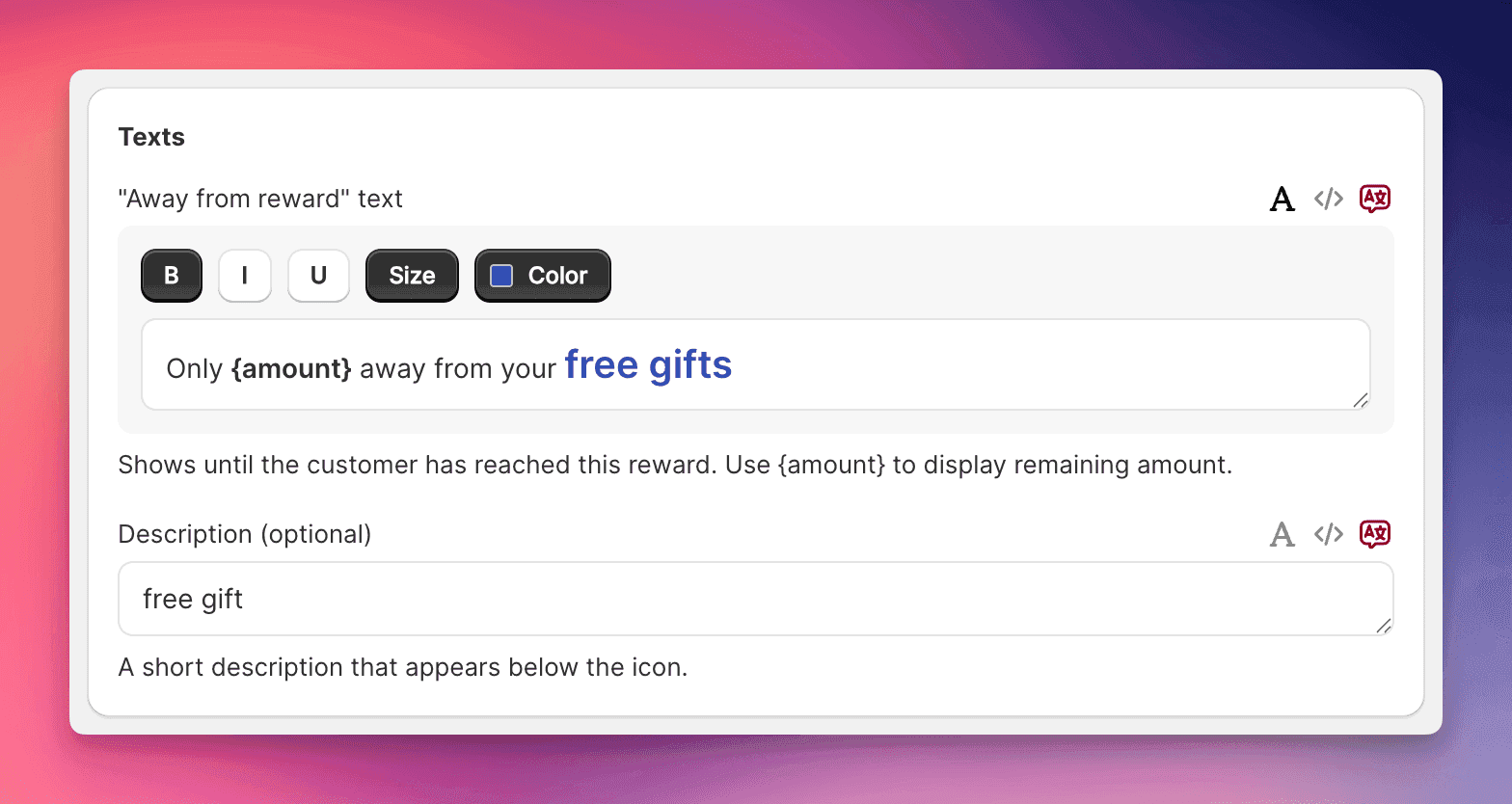
Transform plain cart text into conversion-focused messaging with bold, italic, colored, and sized text that captures attention and drives action.
The Update
Your cart text now supports full HTML formatting. Every text field that matters - from upsell headlines to shipping messages - can now be styled with bold emphasis, brand colors, and custom sizing. No code required.
What's New
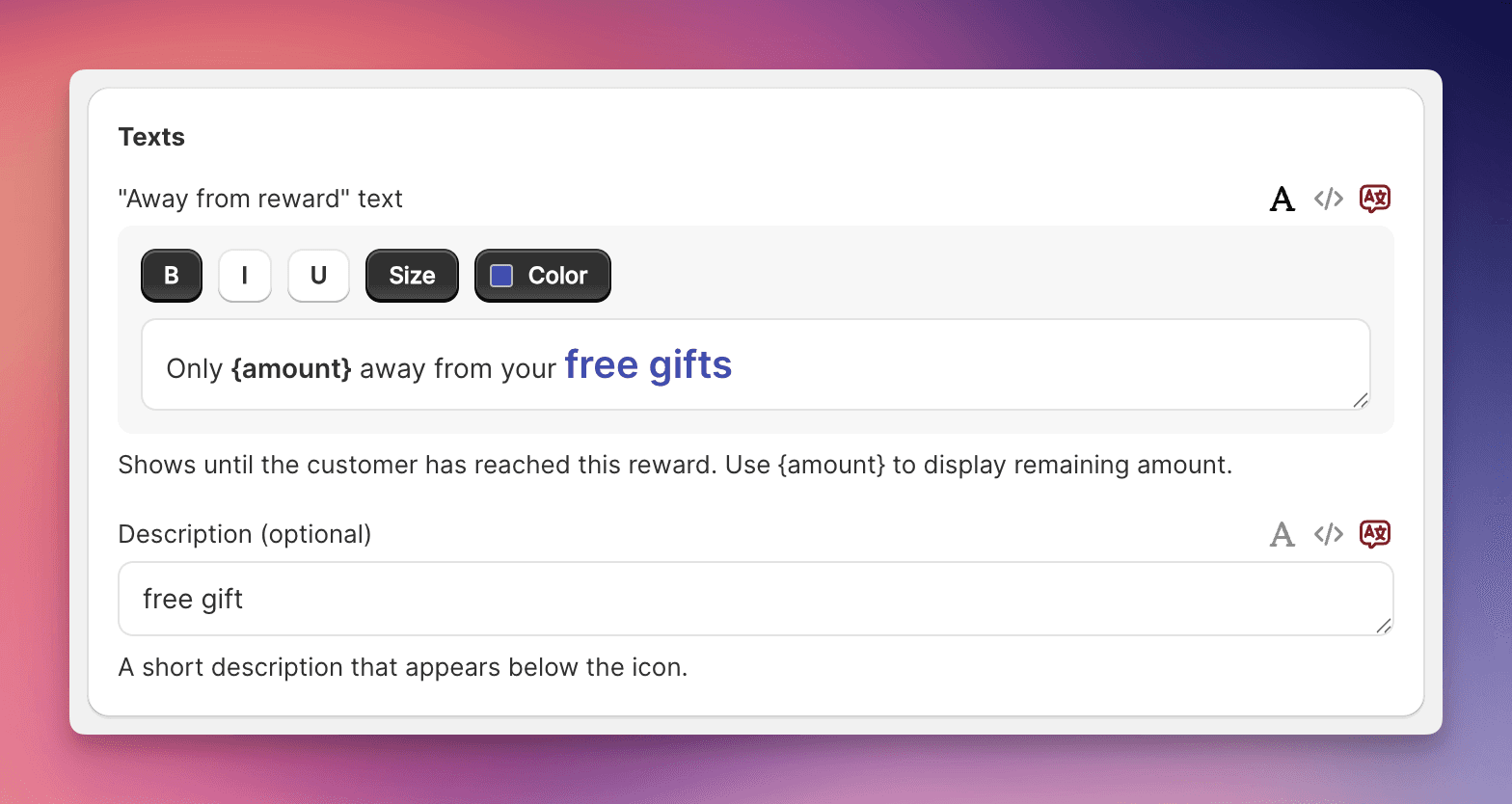
Visual Text Editor Click the formatting icon on any supported field to reveal a toolbar with:
- Bold, italic, and underline formatting
- Custom font sizes in pixels
- Full color picker with theme color suggestions
- HTML mode for advanced customization
Smart Theme Integration The color picker automatically suggests your cart's theme colors. One click applies your brand palette to any text, maintaining visual consistency while adding emphasis where it counts.
Key Capabilities
Formatting Options:
- Bold - Make "FREE" and "SAVE" impossible to ignore
- Italic - Add subtle emphasis to descriptions
- Underline - Draw attention to key terms
- Size Control - Scale text from subtle to statement
- Color Picker - Any hex color plus instant theme colors
Supported Text Fields:
- Banner messages (primary and secondary)
- Addon titles and descriptions
- Upsell headings and subheadings
- Trust badge text
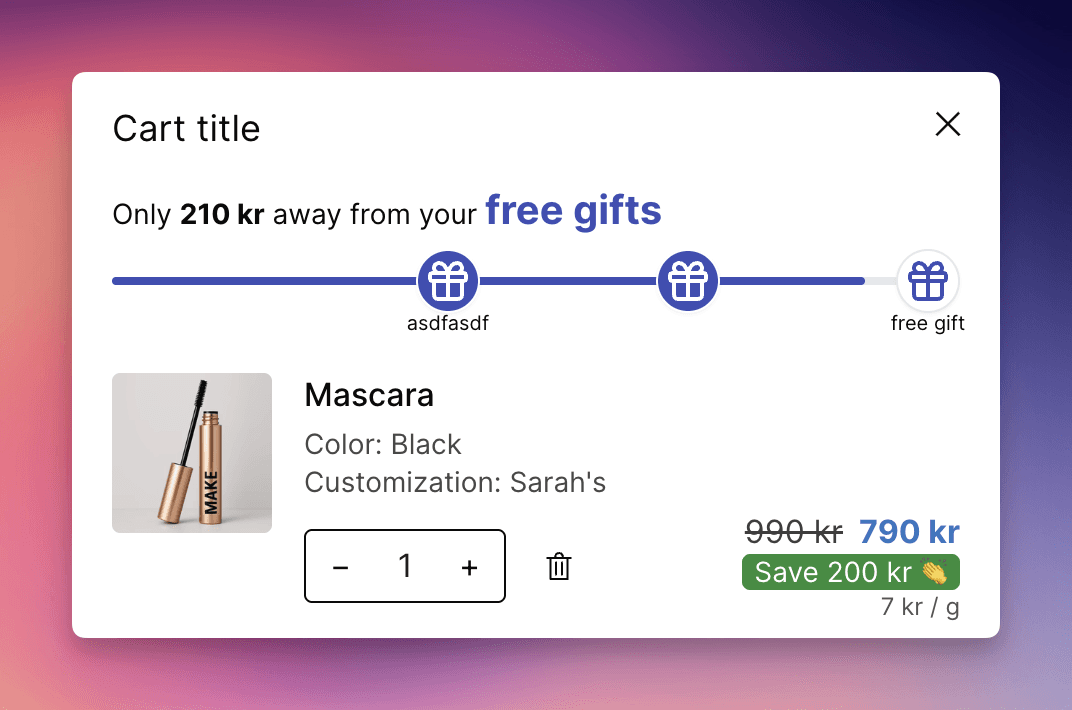
- Shipping bar messages and reward descriptions
Why This Matters
Plain text gets skimmed. Formatted text gets read. When "FREE SHIPPING" is bold and green instead of plain gray, conversion rates respond. When your upsell headline is 18px instead of 14px, more customers notice it. When reward values pop in your brand color, the progress bar works harder.
Amazon trained customers to scan for emphasis. Now you can deliver it.
Getting Started
- Navigate to Language & Translations
- Find any text field with the formatting icon
- Click the text icon to open the editor toolbar
- Select text and apply formatting
- Use theme colors for brand consistency
- Toggle HTML mode for advanced control
- Save and watch engagement improve
The editor remembers your formatting. Edit anytime without losing styles.
Examples in Action
Shipping Bar Power Move: "Spend {amount} more for FREE SHIPPING" - Make "FREE SHIPPING" bold and green
Upsell Headline That Converts: Increase "You might also like" to 18px bold - impossible to miss
Trust Badge Reinforcement: Color "100% Secure" in reassuring blue, leave "Checkout" normal
Addon Value Emphasis: "Add Gift Wrapping for only $2.99" - Bold the service and price
Banner Urgency: "SALE ENDS TODAY - Save 20%" - Bold red for the deadline, normal for the discount
The Technical Edge
Behind the scenes, we're using TipTap - the same rich text engine powering modern content platforms. Your formatting is stored as clean HTML, renders instantly on storefronts, and works across all themes. The formatting travels with translations, so every language gets the same visual impact.
Pro Tips for Maximum Impact
Color Psychology:
- Green for savings and free offers
- Red for urgency and deadlines
- Blue for trust and security
- Brand colors for consistency
Size Hierarchy:
- 18-20px for primary headlines
- 16px for important subheadings
- 14px for standard text
- 12px for supporting details
Emphasis Balance:
- Bold 1-3 key words, not entire sentences
- Use color sparingly for maximum pop
- Combine size and bold for critical CTAs
Zero Setup Required
Rich text formatting is live now for all EliteCart accounts. No configuration needed. Just click the formatting icon on any supported field and start converting more carts. Your existing text remains unchanged until you choose to enhance it.