
NEW: Promotion titles in the shopper's language
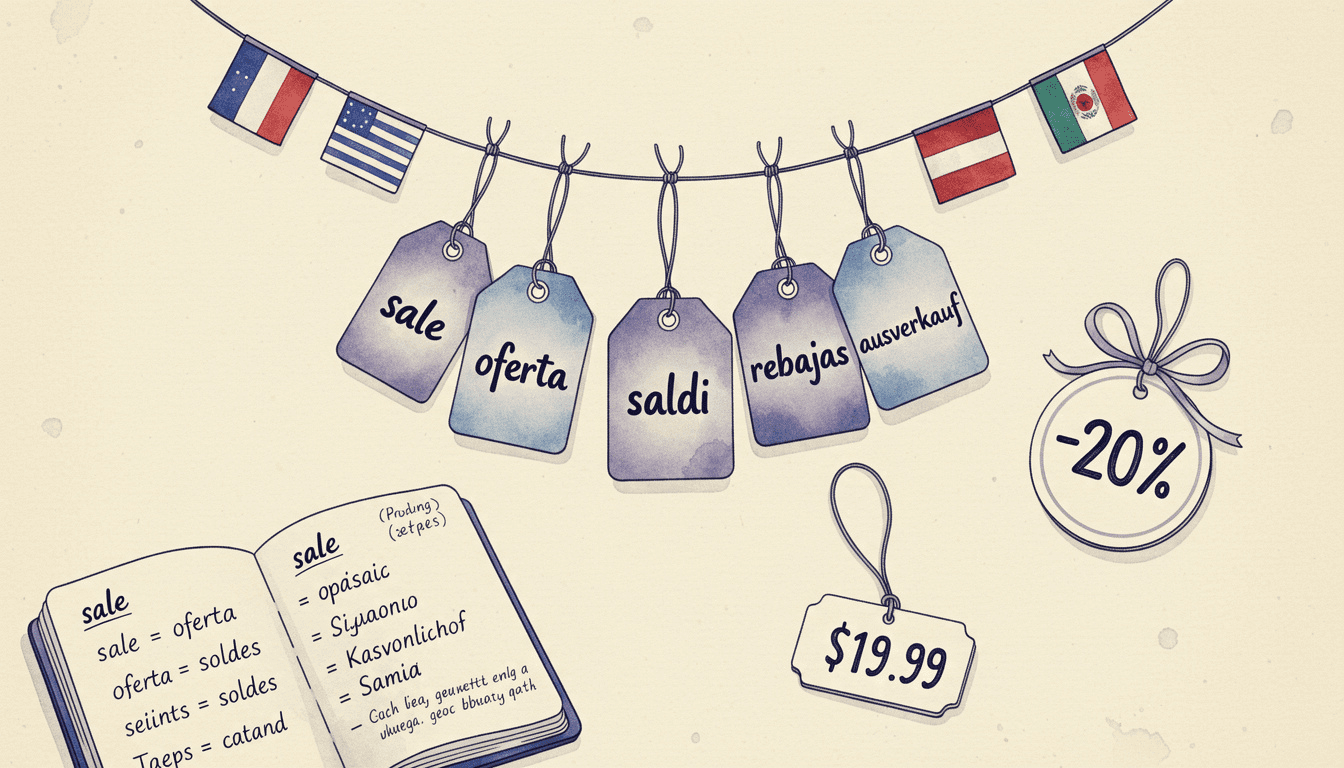
When you run a discount on an upsell flow, the promotion title that shoppers see at checkout can now be set per language, so international customers read it in their own language.
The Update
Upsell flows with promotional pricing show a short promotion title next to the discount at checkout. Until now that title was a single piece of text shown to everyone, regardless of the language they were shopping in. A German shopper saw the same English wording as everyone else.
Now you can give the promotion title a translation for each of your store languages. EliteCart shows each shopper the title that matches their storefront language and falls back to your default wording when a translation is not set.
What's New
Per-language titles: Set a separate promotion title for each language your store supports, right in the flow editor using the language tabs.
Automatic matching: Each shopper sees the title for their own language at checkout, with no extra setup on the storefront.
Safe fallback: Any flow without a translation keeps showing your default promotion title, so nothing breaks and existing flows carry on as before.
Impact on Your Store
A discount that reads in the shopper's language looks intentional and trustworthy at the moment it matters most, just before checkout. For stores selling across several markets, it removes a small but visible piece of mixed-language copy from the buying flow.
Configuration
Open the flow under Upsells → [your flow] and find the Promotion title in its promotional pricing settings. Use the language tabs to enter a title for each language. Leave a language blank to use your default title for those shoppers.
Why This Matters
Selling internationally works best when every part of the experience speaks the customer's language. Localizing the promotion title closes one of the last gaps where a single fixed string used to show through.
Available on all plans for flows using promotional pricing. Set your titles in the flow editor under Upsells.