
NEW: Per-surface upsell recommendations
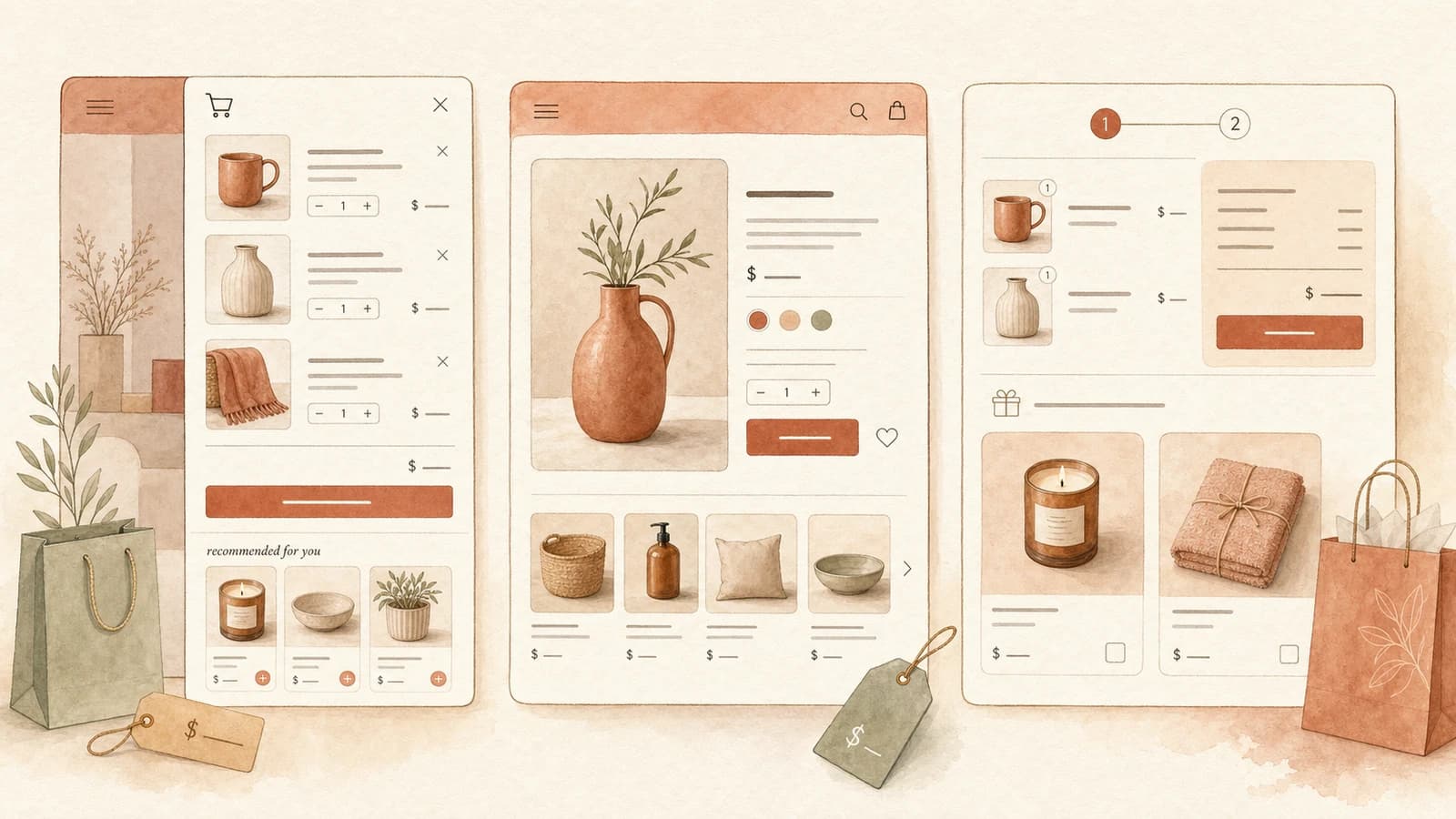
Your storefront upsells no longer have to behave the same everywhere. With per-surface recommendations, you control which flows show on each surface and which EliteAI source fills the gaps - independently for the cart, the product page, and the two-step cart.
The Update
Until now, a flow either ran on the storefront or it didn't, and EliteAI fallback was a single shop-wide switch. That made it hard to treat each surface differently - a product page and a cart drawer are very different moments in the journey, but they shared one upsell setup.
Per-surface recommendations splits that into two clear controls. Each flow decides where it is allowed to appear, and each surface decides whether EliteAI steps in when no flow matches - and what kind of recommendations it draws from.
What's New
Pick which surfaces a flow shows on
Every flow now has a Display location card. Under Show only on, check any combination of Cart, Two-step cart, and Product page. Leave them all unchecked and the flow shows on every storefront surface, exactly as before - so existing flows keep working untouched.
Set EliteAI per surface
On the AI upsells tab, the new Customize by display location section gives the cart, product page, and two-step cart their own card. Toggle Enable EliteAI to decide whether AI recommends products on that surface when no flow matches, and pick the Recommendation source for each one.
A source for every surface
Choose EliteAI Ultra Original (frequently bought together), EliteAI Ultra CrossCategoryBoost (cross-category pairings), or Bestsellers (your most popular products) - and mix them. Frequently-bought-together on the cart, bestsellers on the product page, cross-category on the two-step cart: whatever fits each moment.
Impact on Your Store
- Run a focused "complete the look" flow on the product page while keeping a broader "you might also like" flow on the cart.
- Let bestsellers carry product pages that have no hand-picked flow yet, without changing your cart behavior.
- Turn off AI fallback on a single surface for a cleaner layout, while leaving it on everywhere else.
Your Smart enhancements - Smart Insert, Smart Boost, Smart Extend, and Smart Size Matching - continue to refine your matching flows across every surface, just as they do today.
Configuration
Set sources at Upsells → AI upsells → Customize by display location, and scope each flow at Upsells → Manual upsells → your flow → Display location. Already on EliteAI Ultra? The Customize EliteAI™ per display location banner lets you upgrade in one click, and your current settings carry over.
Why This Matters
The best upsell on a product page is rarely the best upsell in the cart. Per-surface recommendations lets you stop compromising on one setup for every context and tune each surface to how shoppers actually behave there.
For detailed setup instructions, see our help article on combining EliteAI and manual upsell flows.