
NEW: Countdown Persistence Across Pages
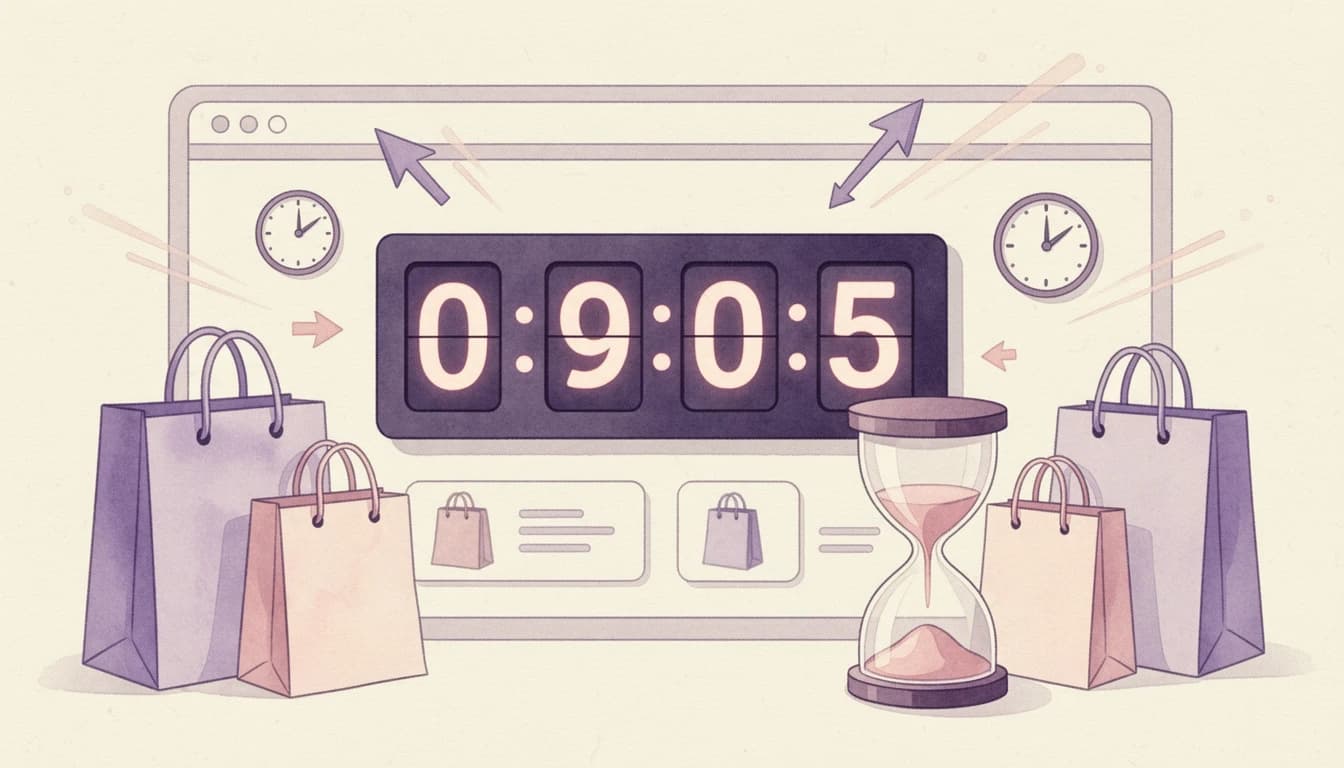
Your announcement banner countdown just got smarter - it now remembers where it left off as customers navigate your store.
The Update
Previously, countdown timers in your announcement banner would reset every time a customer navigated to a new page. That meant a 10-minute urgency countdown could effectively last forever, undermining the scarcity you were trying to create.
Now, with Remember countdown across pages enabled, the countdown continues seamlessly as customers browse. When time runs out, the text line containing the countdown automatically disappears - and if all text lines are hidden, the entire banner fades away.
What's New
Persistent Countdown: The timer picks up right where it left off when a customer moves between pages. A 5-minute countdown means 5 real minutes of urgency, not an endlessly resetting clock.
Auto-Hide on Expiry: When the countdown reaches zero, the text line containing it is automatically hidden. If your banner only has countdown text, the entire banner disappears - no stale "00:00:00" sitting on your storefront.
Session-Scoped: The countdown is tied to the current browser session. Once a customer closes the tab, the timer resets for their next visit. This keeps the urgency fresh for returning visitors.
Configuration
Navigate to Cart Designer → Features → Announcement banner and countdown → Text and countdown and enable Remember countdown across pages. This option only appears when you have a countdown duration set.
For detailed setup instructions, see our Announcement Banner and Countdown help article.